Read a chapter's keywords, notes and summary, with its formulas and exam preparation
Keywords one kind at a time, notes with their equations, and a summary with key points, formulas, a quick review and exam preparation.
Every screen in the films is the real product, shown on a demo school made for them.
Revising a chapter before class, or picking what to share with students, is quicker when the material is already laid out. A chapter's study material has three parts: keywords that say what each term means in this chapter, notes section by section, and a summary that starts short and goes deeper in its tabs.
The film opens Class 10 Science, Electricity, and goes through the keywords, the notes with their equations, and the summary.
Step by step
Open the chapter
On the teacher dashboard, press Library, then the subject, here Class 10 Science, then the chapter, Electricity.
Watch from 0:00Read the keywords
Under Study material, press Keywords. Each keyword says what the term means in this particular chapter.
Watch from 0:19See one kind of keyword
To see one kind at a time, pick it, for example Process. The list then shows only keywords of that kind.
Watch from 0:19Read the notes
Back on the chapter, press Notes. They go section by section; press a section to read it, with its equations written out.
Watch from 0:39Start with the summary in short
Back on the chapter, press Summary. It opens with the whole chapter in short, then the key points and the formulas.
Watch from 0:51Go deeper with the tabs
The tabs above the summary hold a detailed summary, a quick review, and exam preparation, so one chapter serves first teaching and revision alike.
Watch from 0:51
Good to know
Ready to share
This is the chapter's own study material, there for every teacher. Notes can be shared with a class from the chapter, as the tour of the school shows.
The summary's tabs
The summary has more than one view: in short with key points and formulas first, then a detailed summary, a quick review and exam preparation.
Nothing changed on camera
The film reads the library's own study material for Class 10 Science on a demo school made for these videos.
Questions
- Where are a chapter's notes and keywords?
- Under Library, open the subject and the chapter. Keywords, Notes and Summary are under Study material.
- Does the chapter summary include the formulas?
- Yes. After the chapter in short come the key points and the formulas. The tabs add a detailed summary, a quick review and exam preparation.
- Can I see only one kind of keyword?
- Yes. Pick a kind, such as Process, and the list shows only those keywords.
What the film saysThe narration, scene by scene.
A chapter's study material. This is the teacher dashboard. Here is how to read a chapter's keywords, notes and summary.
The chapter. On the left, press Library. Press Class 10 Science, then Electricity.
Keywords. Under Study material, press Keywords. Each one says what the term means in this chapter.
One kind of keyword. To see one kind, pick it, like Process. The list shows only that kind.
Notes. Go back to the chapter, and press Notes. They go section by section. Press one to read it, with its equations.
Summary. Back on the chapter, press Summary. It starts with the chapter in short.
Key points and formulas. Below it are the key points and the formulas.
The other tabs. The tabs above give a detailed summary, a quick review, and exam preparation.
Coming up. Next: Concept maps: open one, or make a new one.
Watch next
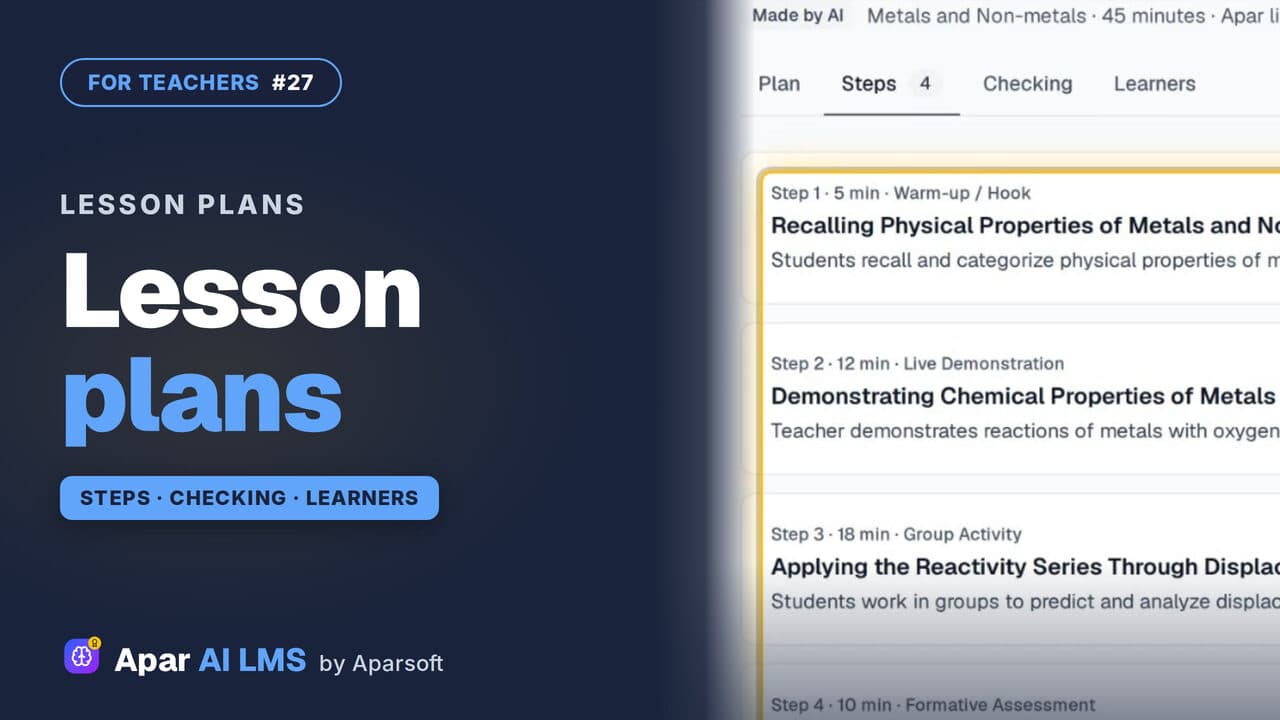 Length1:48#27 · Teachers
Lesson Plans for a Chapter, Ready to Teach
Each chapter has lesson plans that teach it different ways. Read one: aims, what you need, timed steps, checks, homework and help for every learner.
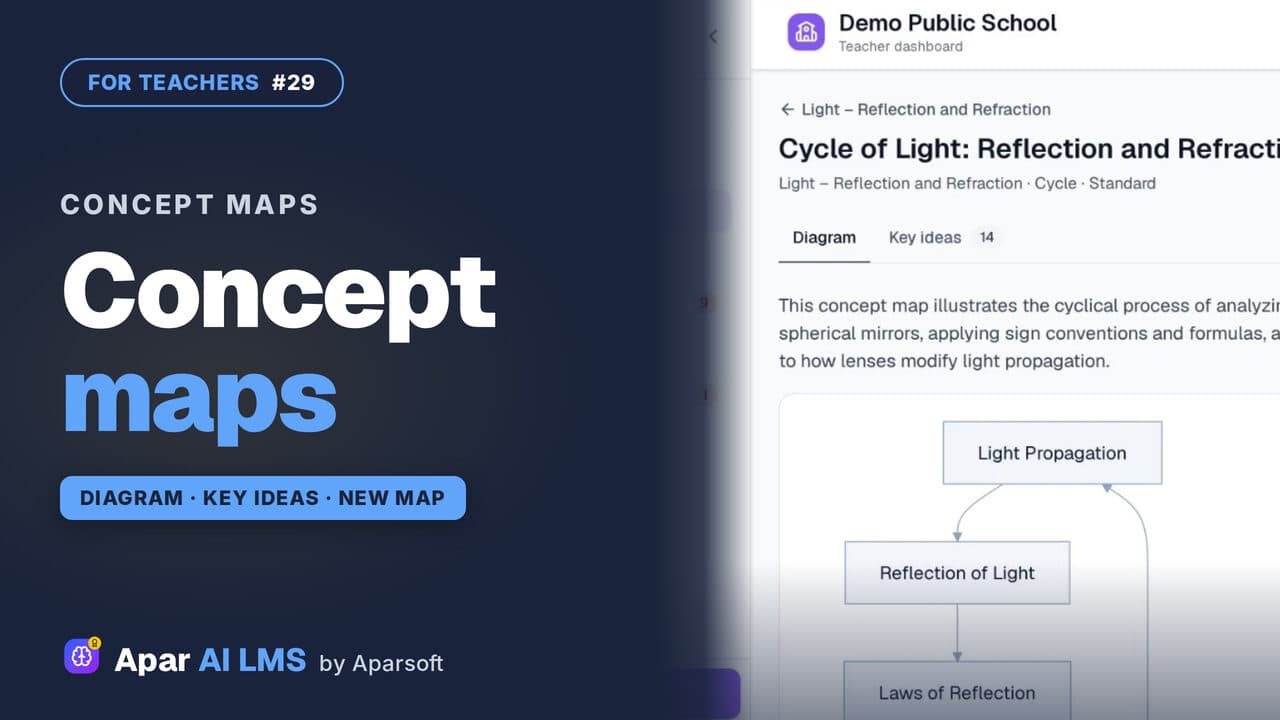 Length1:24#29 · Teachers
Concept Maps: Open One or Make Your Own
Each chapter has a concept map of how its ideas connect. Make your own for a topic: pick the detail and the shape, and AI draws it.
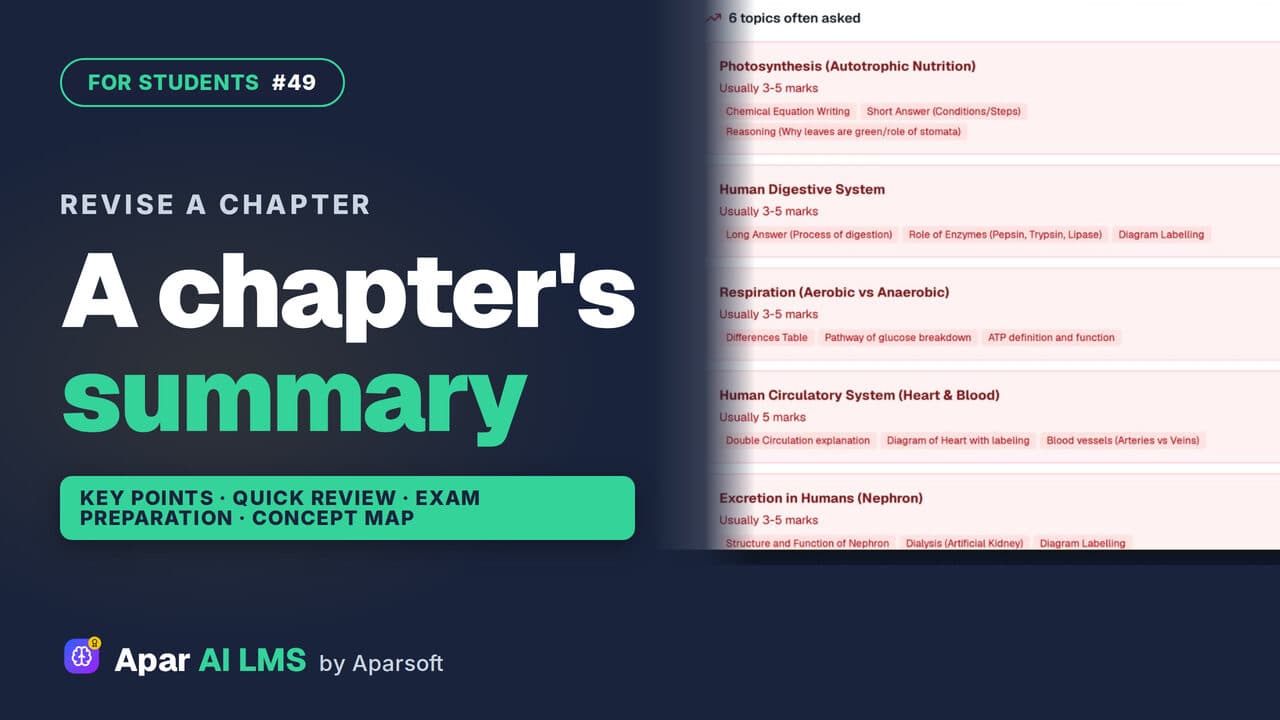 Length1:25#49 · Students
Chapter Summary and Concept Map for Revision
Revise a chapter kind by kind: key points, a quick review, exam preparation, the main concepts, and a concept map of how its ideas connect.
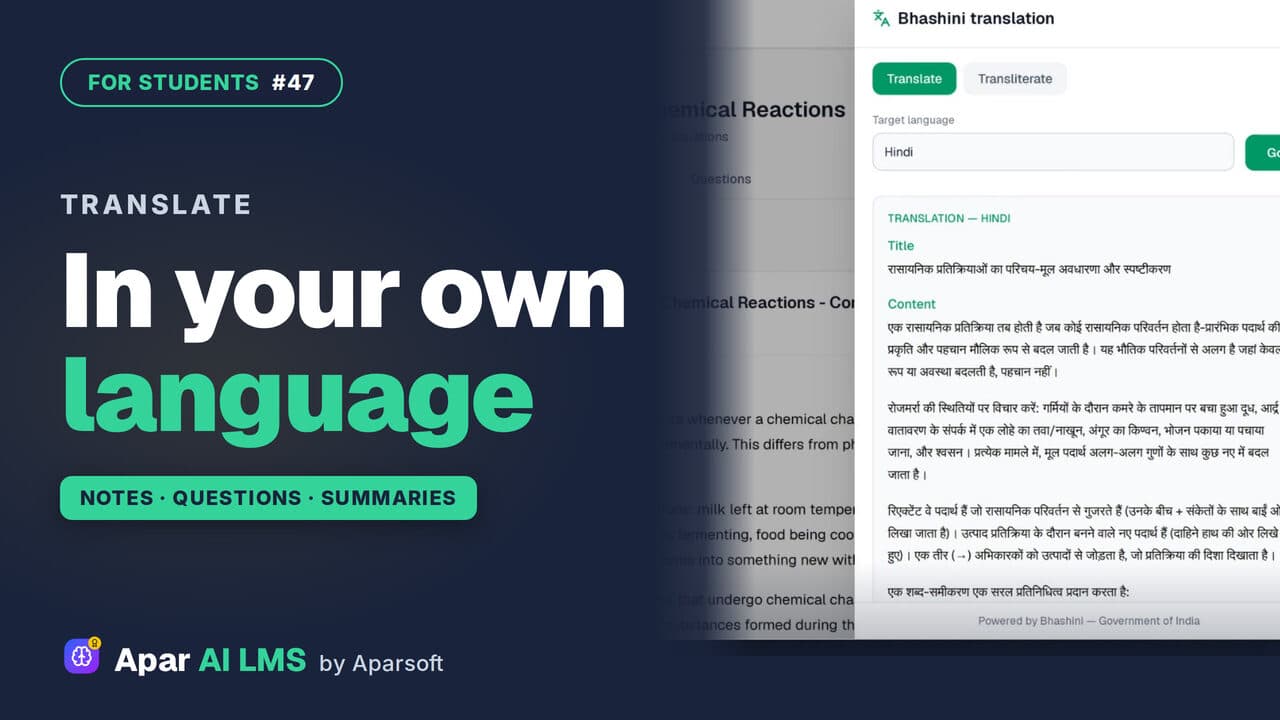 Length1:30#47 · Students
Translate Notes Into Hindi and Your Language
Notes, practice questions and chapter summaries each have Translate. Pick your language and read it there, through Bhashini, the Government of India's language service.
Try it on your own school
Start the 2-month free trial. No payment.
- No payment
- No commitment
- Onboarding included