Video guides
How Apar AI LMS works, one job at a time
A short film and a written guide for each job: setting up a school, teaching a chapter, marking, and studying with AI help.
Tours of the whole product
Start with one of these to see a school run on Apar AI LMS from end to end.
2 guides
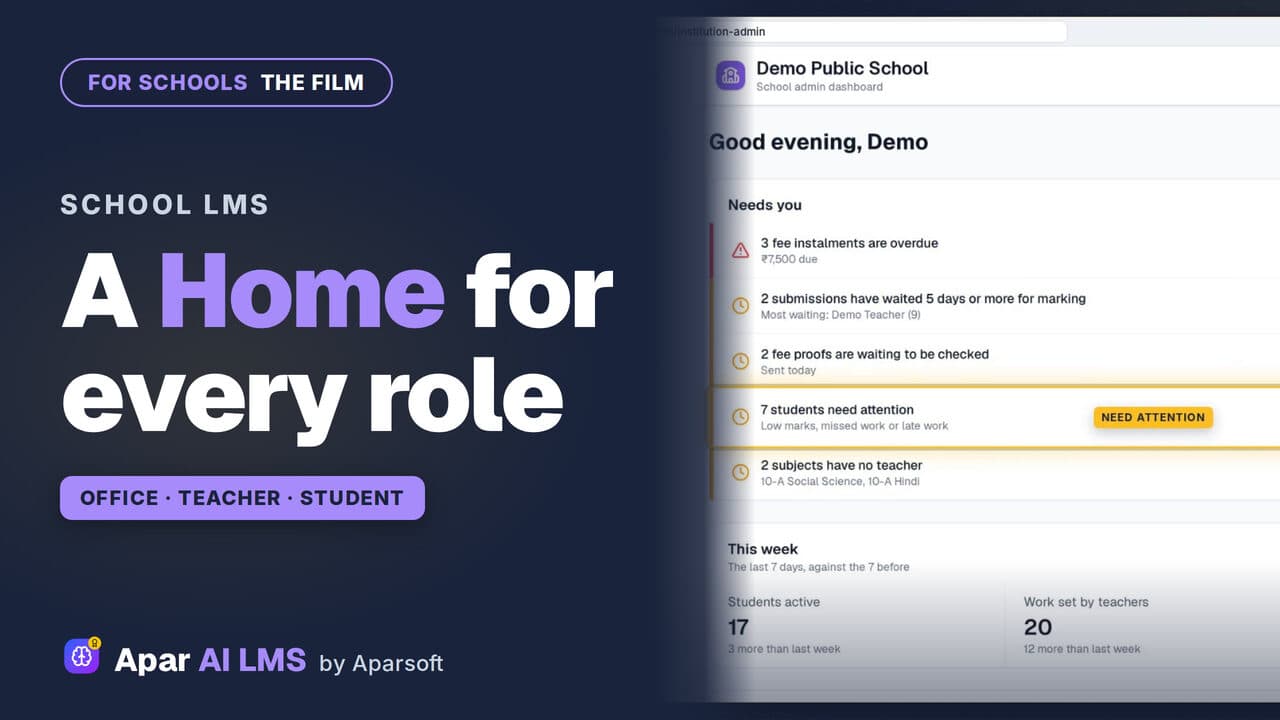 Length2:41Tour
Apar AI LMS Overview: One Home for Each Role
The whole product in under three minutes: the office's Home, a full chapter, a test paper, AI help for students and marking.
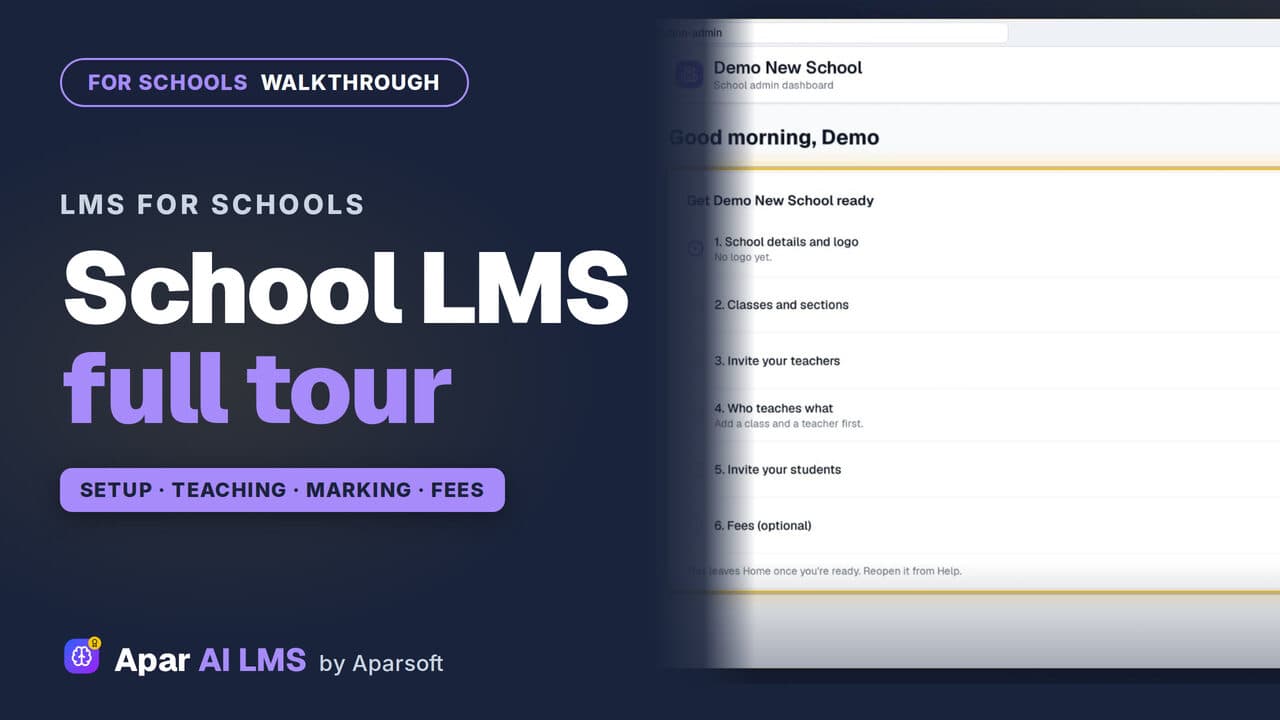 Length2:56Tour
Apar AI LMS Walkthrough: A School's Year
From the first sign-in to the fees: the order a school actually uses Apar AI LMS in, in under three minutes.
Start here
Each role's Home, a ready chapter, setting work, tests, exam papers, marking and AI help for students.
12 guides
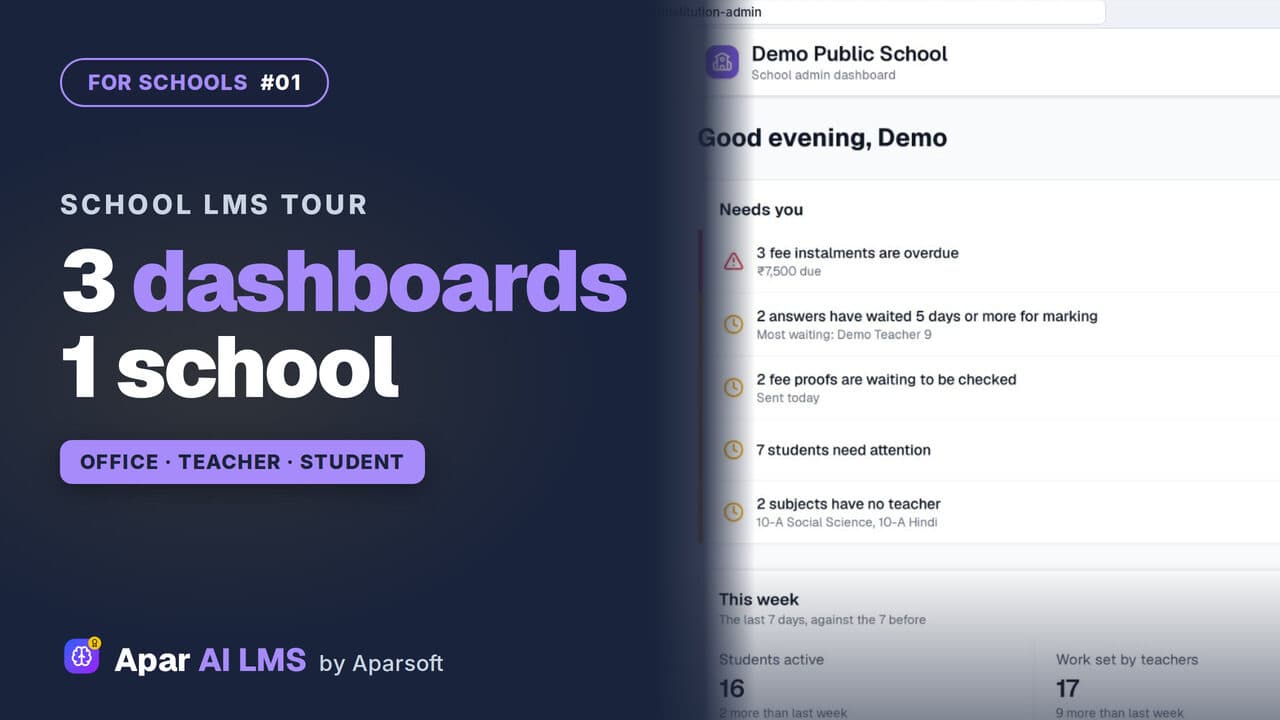 Length3:44#01 · School office
School LMS Tour: Office, Teacher and Student
One school, three roles. Follow a chapter from the teacher who shares it to the student who studies it, then the marking and the reports.
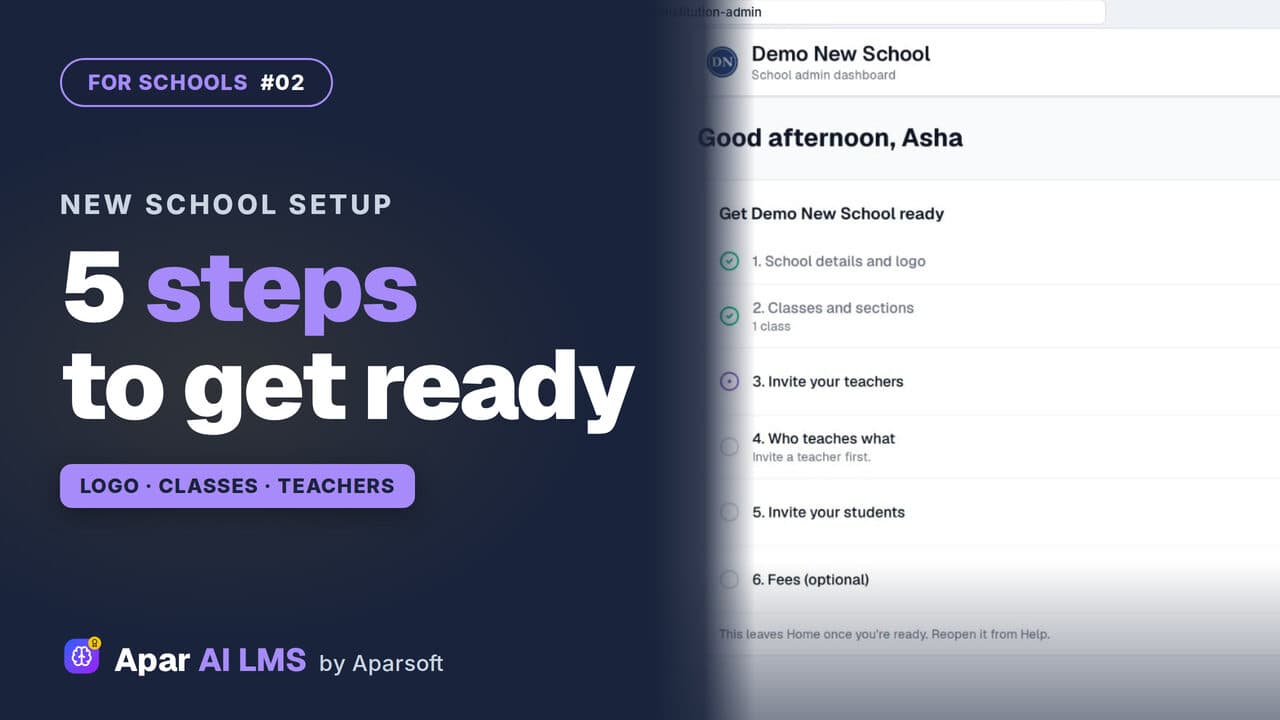 Length2:55#02 · School office
New School Setup Checklist in Apar AI LMS
A new school's first sign-in opens on one checklist. Add the logo and a class, invite a teacher and a student, and watch the list move on by itself.
 Length2:05#03 · School office
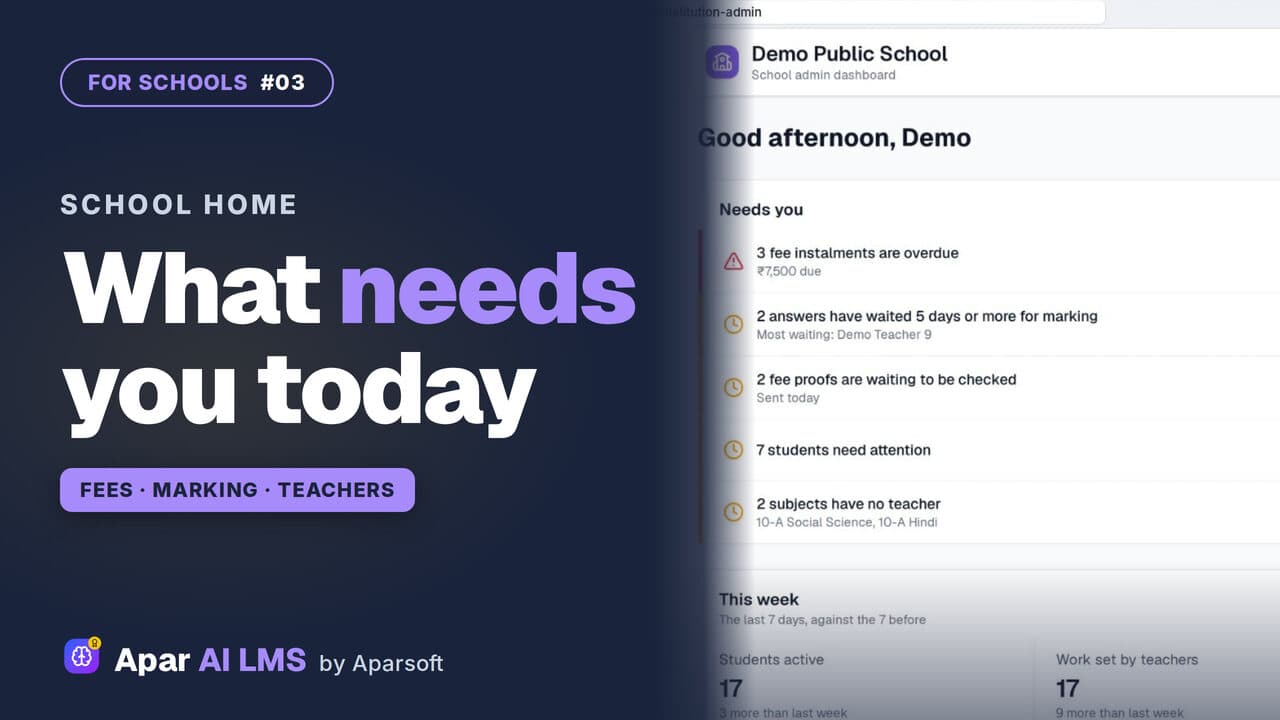
School Admin Dashboard: What Needs You Today
School Home answers one question for the office: what needs you today? Only what is waiting, most urgent first, each row with its own button.
 Length2:35#04 · Teachers
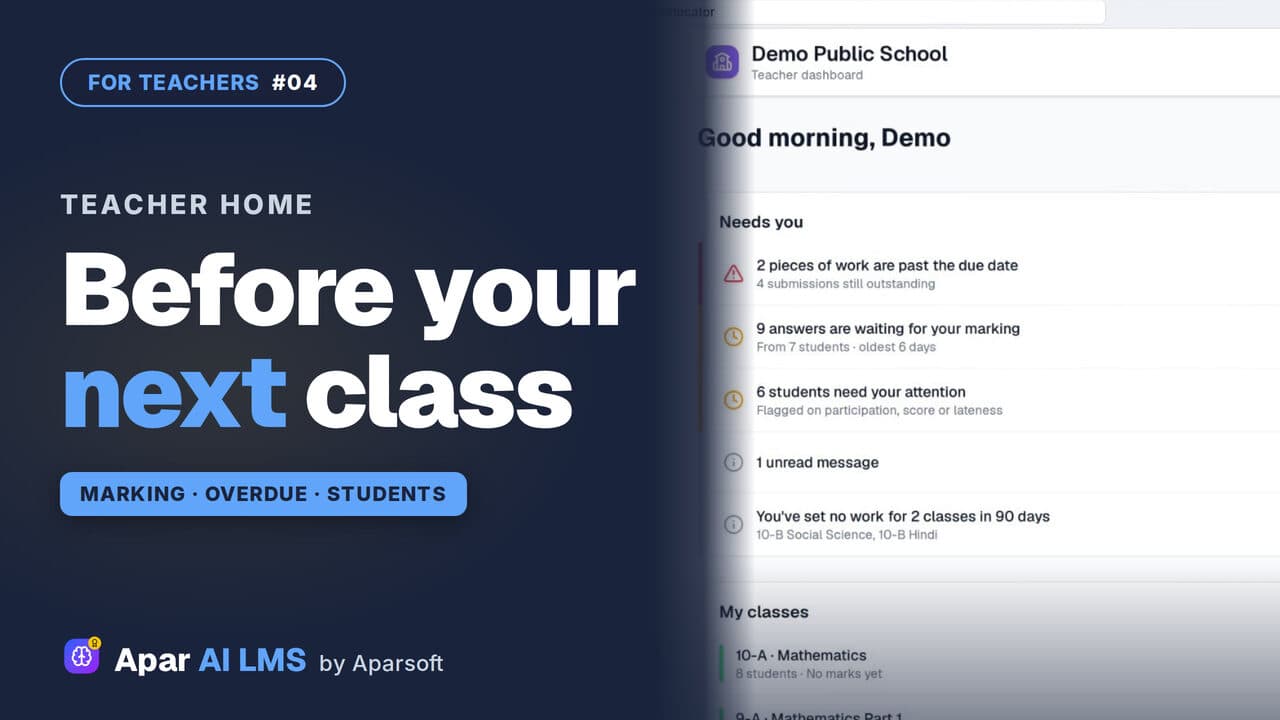
Teacher Dashboard: Home, Menu and Set Work
Teacher Home answers one question: what needs you before your next class? Then Set work, and where everything lives in the menu.
 Length2:03#05 · Teachers
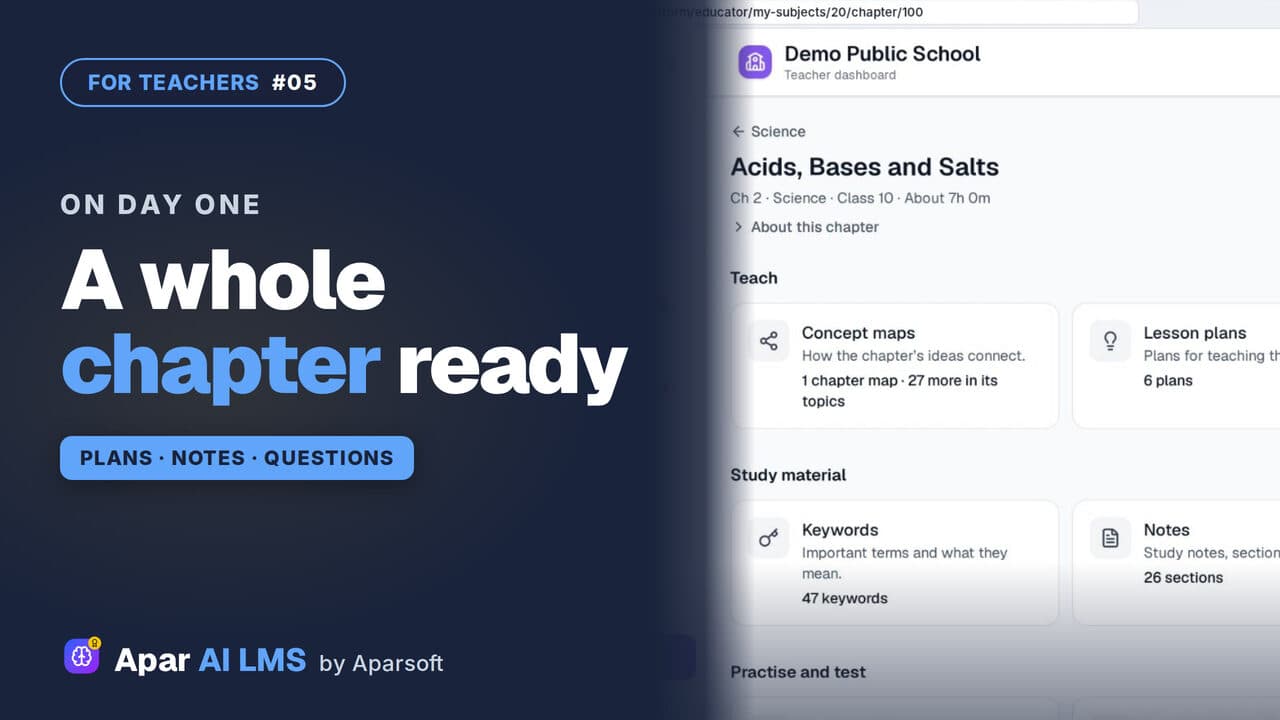
NCERT Chapter Ready to Teach on Day One
Open one chapter and see everything that is ready for you: maps, plans and summaries to teach, notes to study, and questions to practise and test.
 Length2:59#06 · Teachers
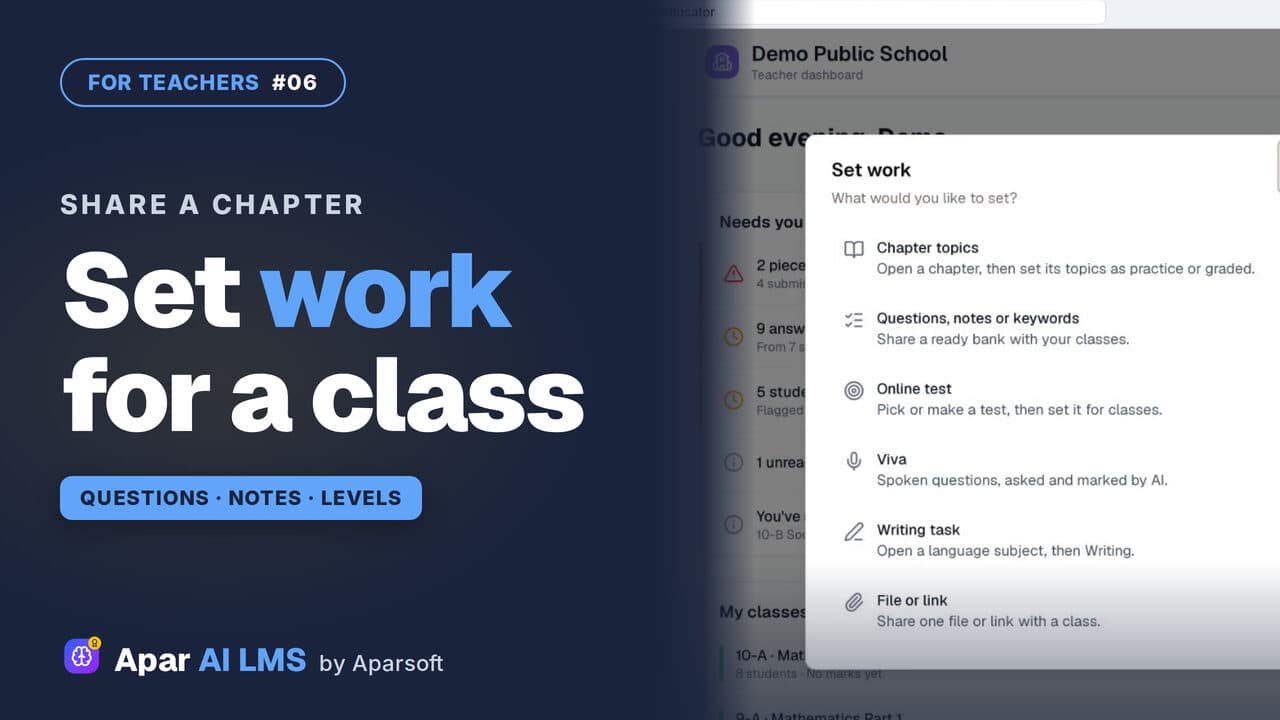
Share Questions and Notes with Your Class
Press Set work, share a chapter's questions without the hard ones, then its notes, and see exactly what the class can open.
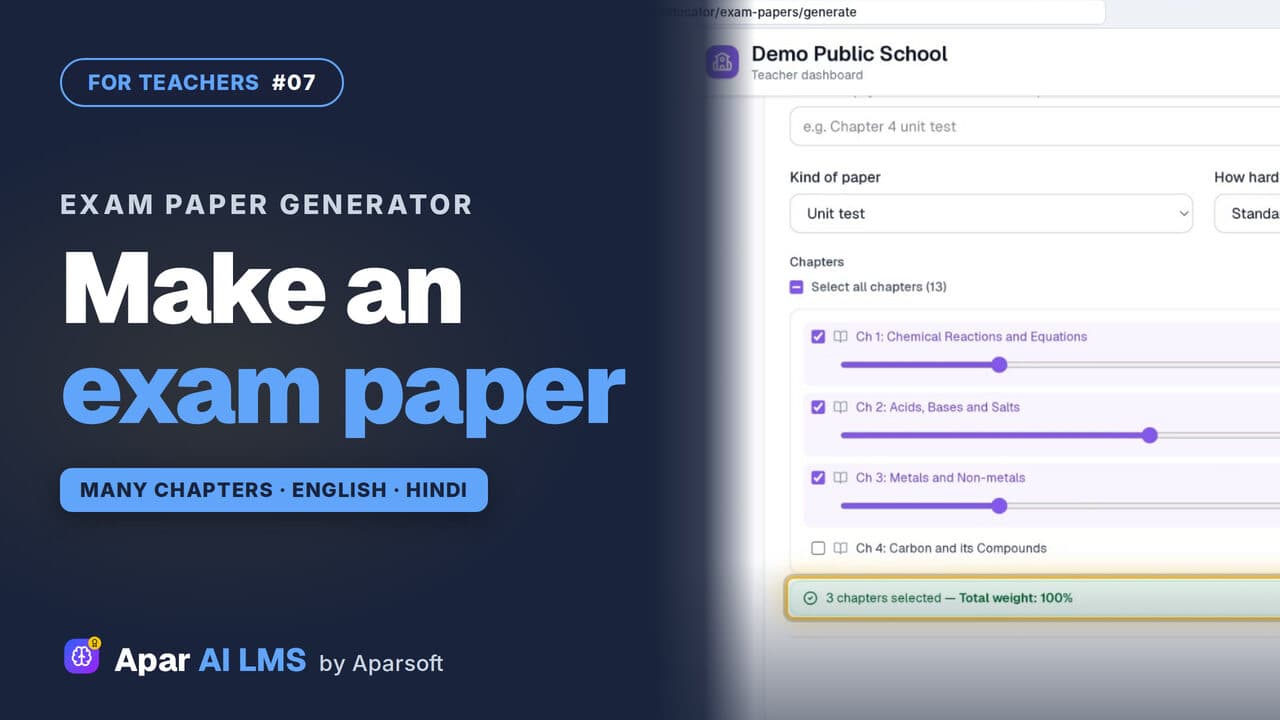 Length4:45#07 · Teachers
Exam Paper Generator: Chapters and Weightage
Pick a template, tick the chapters, set each chapter's weightage, and the paper is ready with its answer key, then English and Hindi papers too.
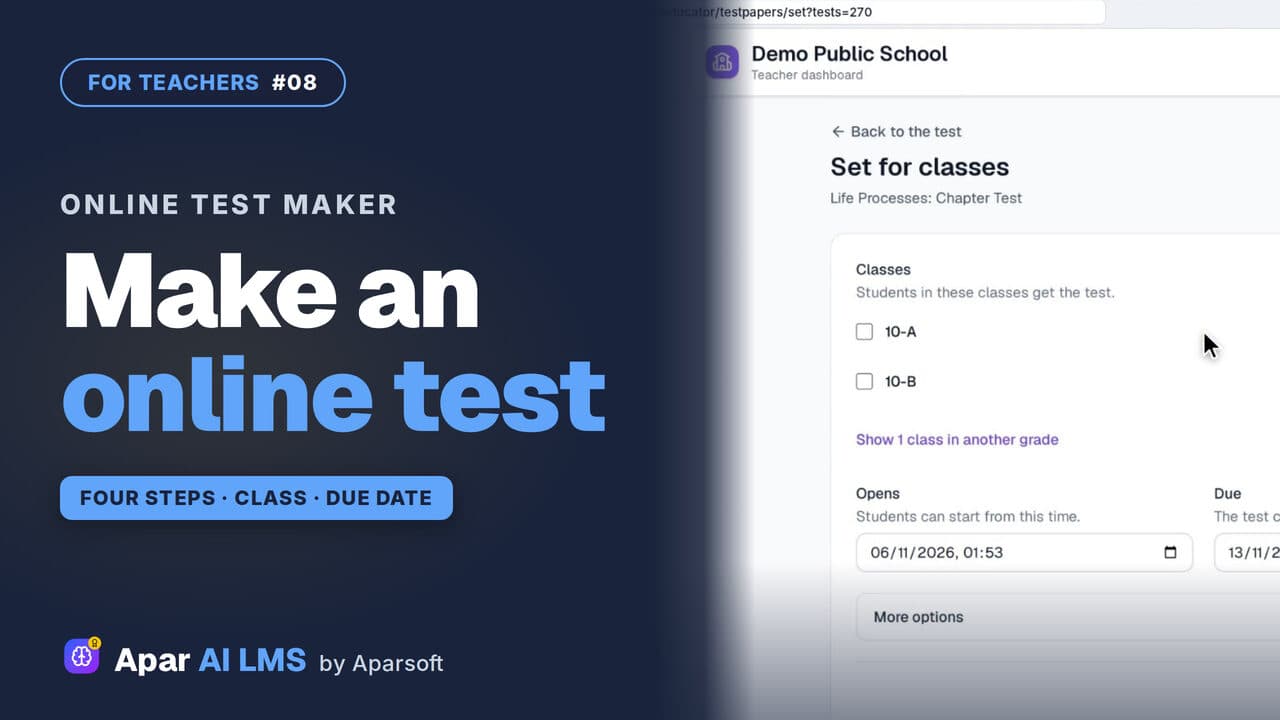 Length2:45#08 · Teachers
Make an Online Test and Set It for a Class
Four steps make a chapter test. Choose when students see the answers, set it for a class, and it appears on their To do list.
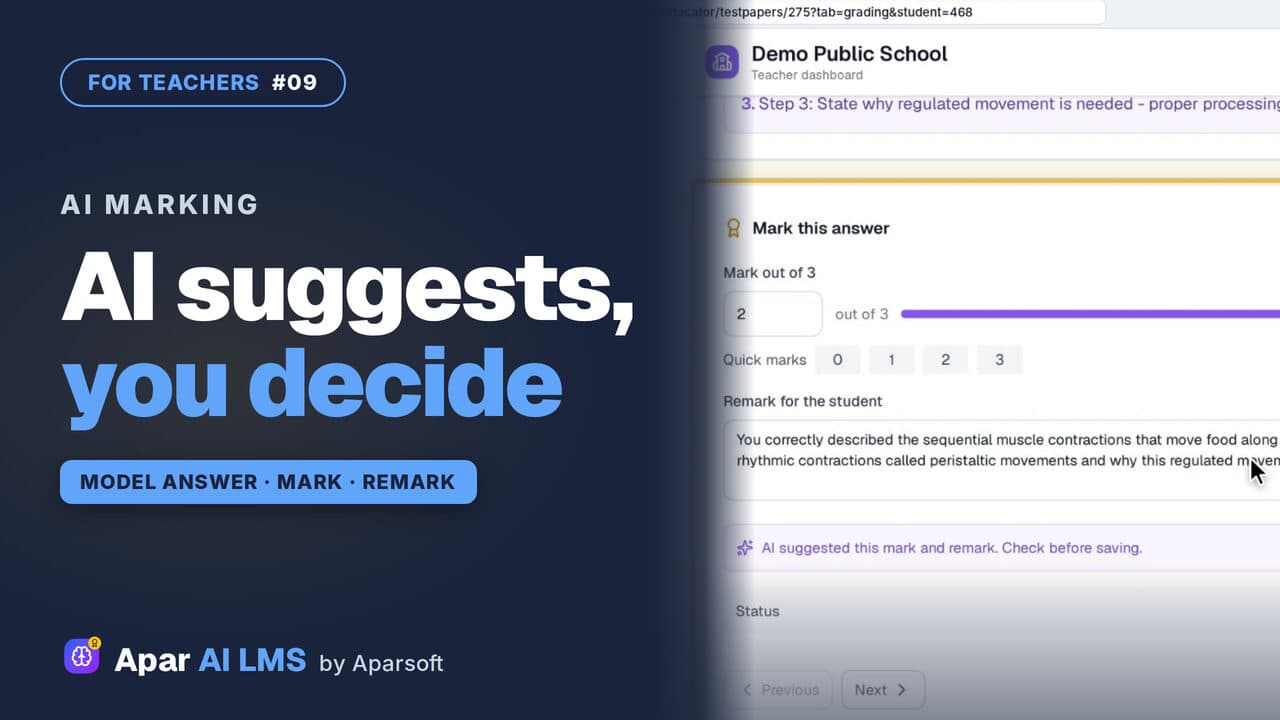 Length2:08#09 · Teachers
AI-Assisted Marking: The Teacher Decides
Open the answers waiting for you, read each beside the model answer, get the AI's suggestion, and decide. The student sees your mark and remark.
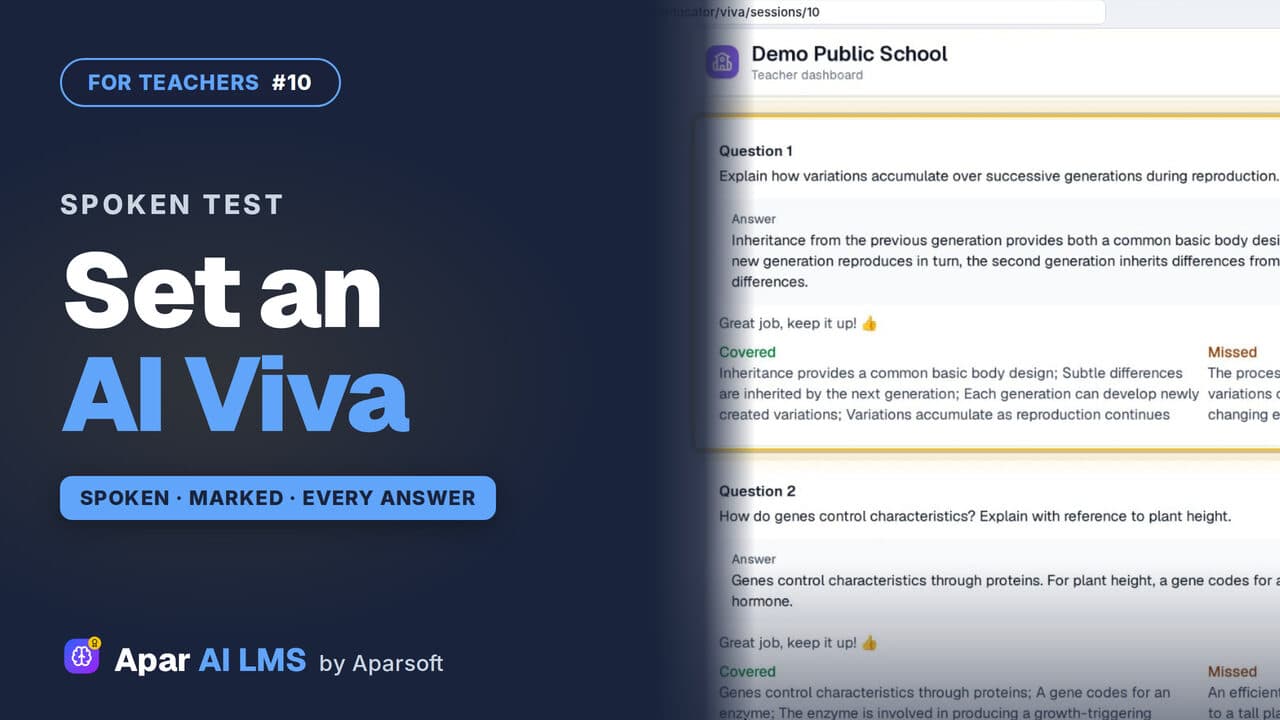 Length2:44#10 · Teachers
AI Viva for Teachers: Set and Review (Beta)
Set a viva in four steps. Each student answers a virtual teacher on their own, and you read every answer, its mark and what it missed.
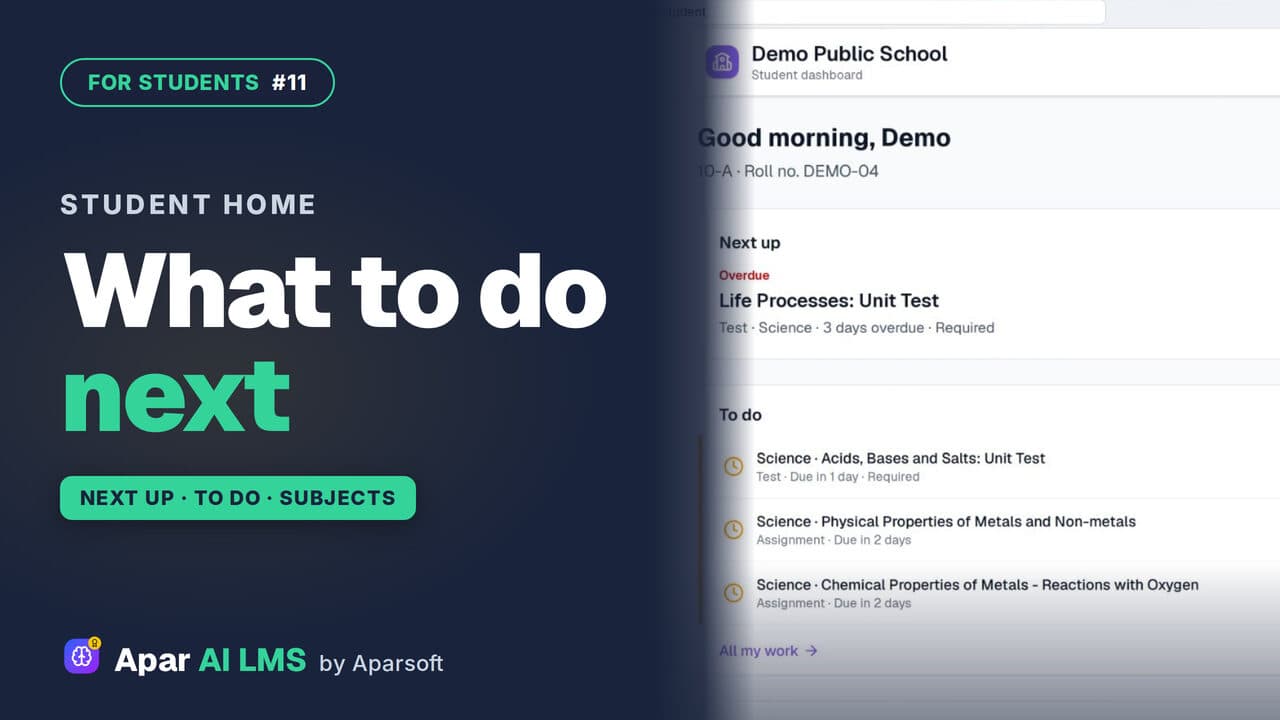 Length1:36#11 · Students
Student Dashboard: What to Do Next
Next up names the one thing to do now, To do lists the rest with due dates, and My subjects shows how each subject is going.
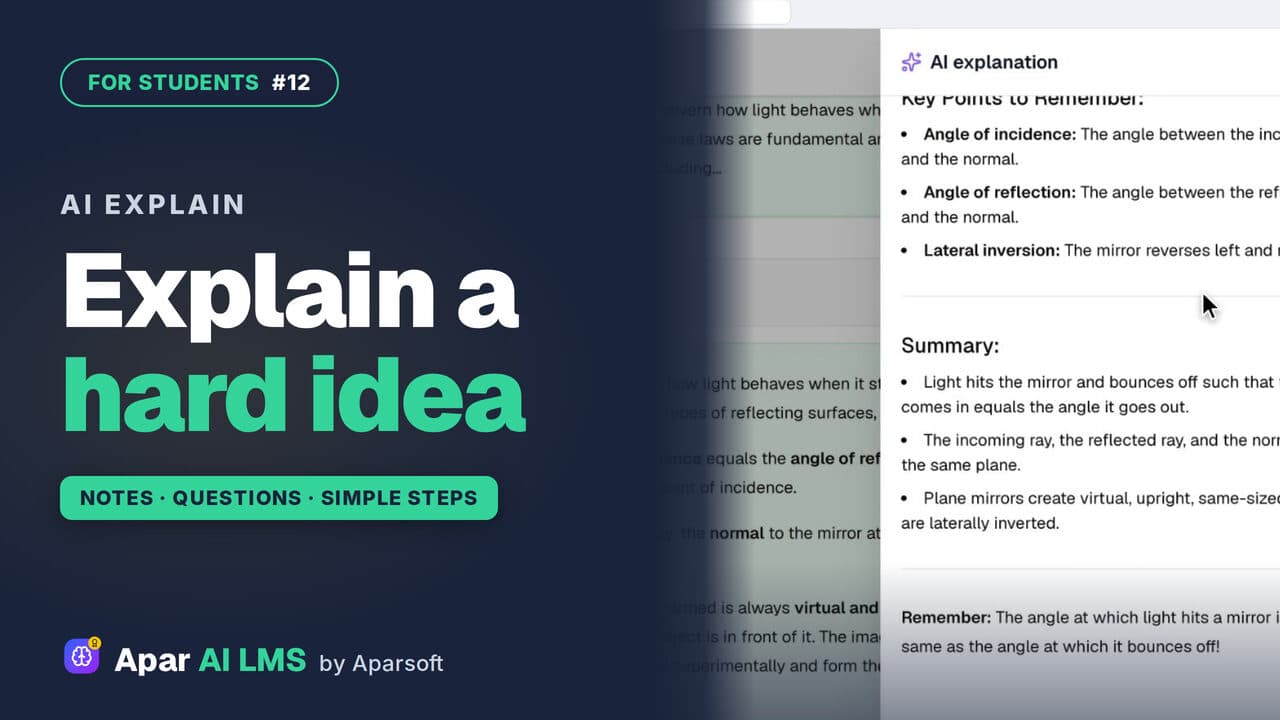 Length1:40#12 · Students
AI Explain: Help with Hard Ideas for Students
Stuck on a note? Press Explain with AI for the same idea in simple steps. Under an MCQ, it explains why the answer is right.
For the school office
Setting up the school, inviting teachers and students, fees, reports and notices.
13 guides
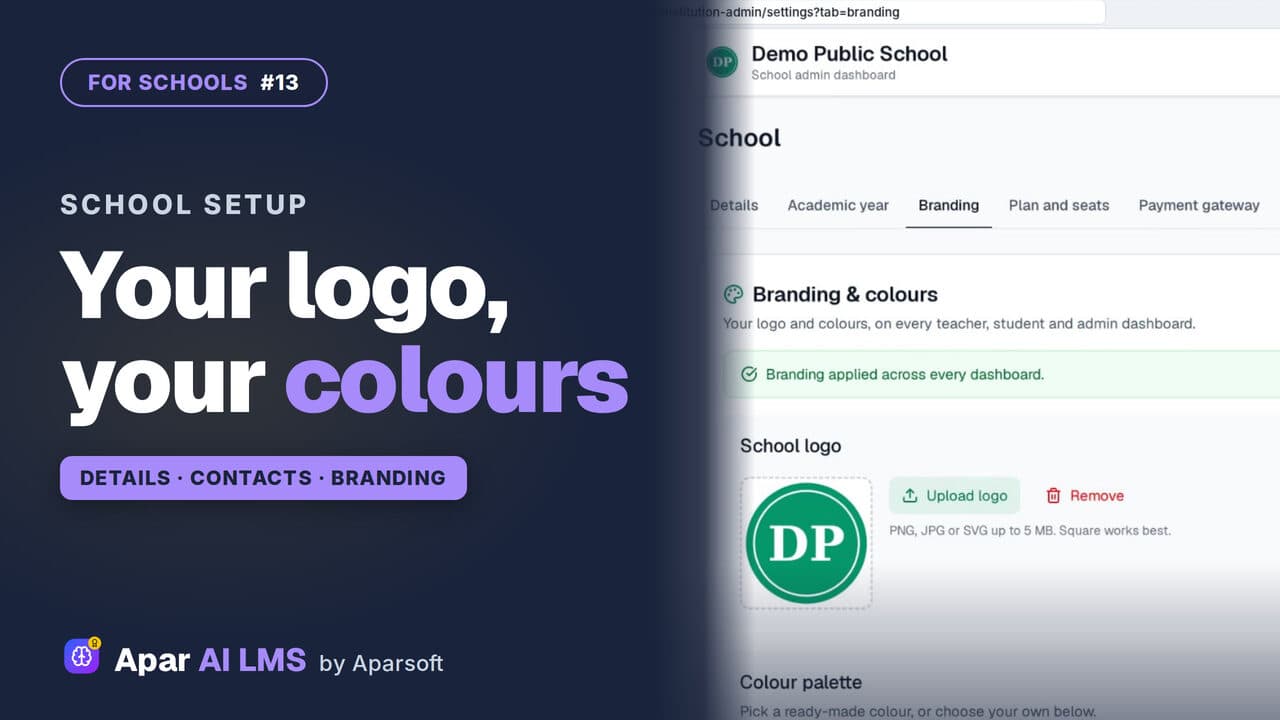 Length2:57#13 · School office
School Logo, Colours and Details in Your LMS
One School page holds your details, contacts, logo and colour. Apply the branding once and the teacher and student dashboards take it too.
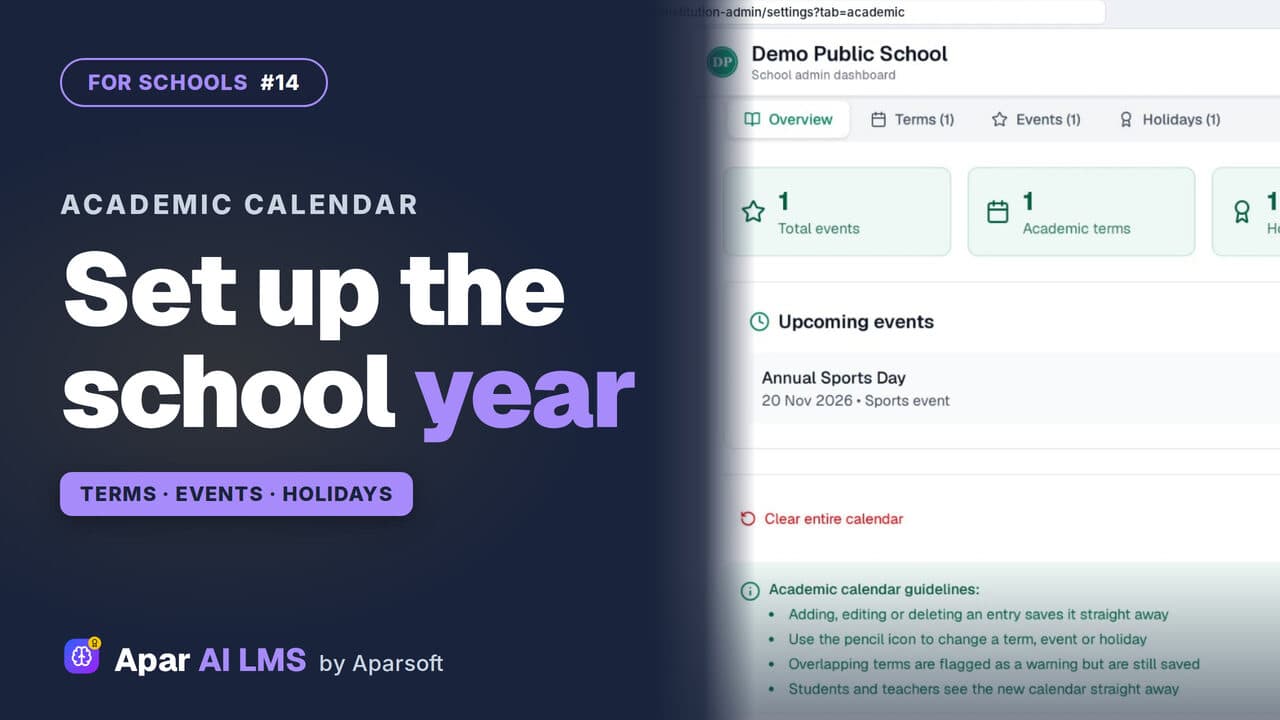 Length2:34#14 · School office
Academic Calendar: Add Terms and Holidays
Add each term, event and holiday once. Overview counts them, school setup is done, and students see the calendar under My school.
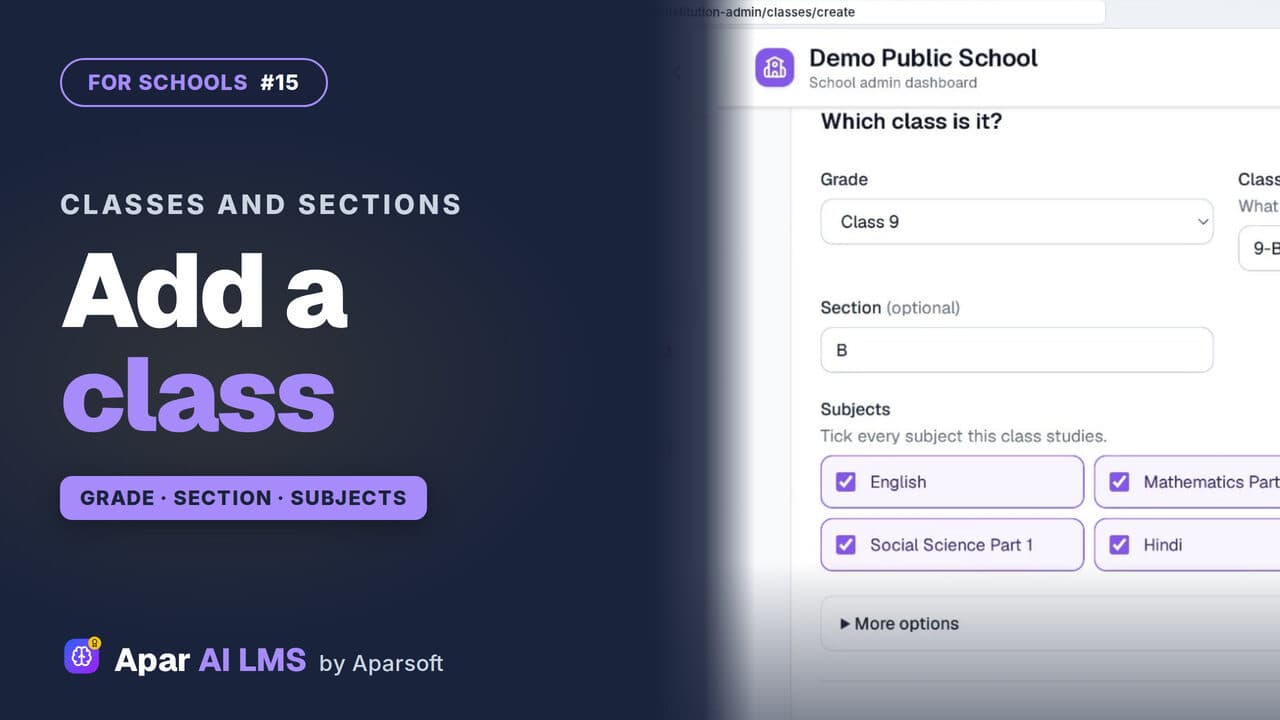 Length2:03#15 · School office
Add Classes and Sections to Your School LMS
Add a class with its grade, name, section and subjects. The teachers can wait; the new class gets its own page at once.
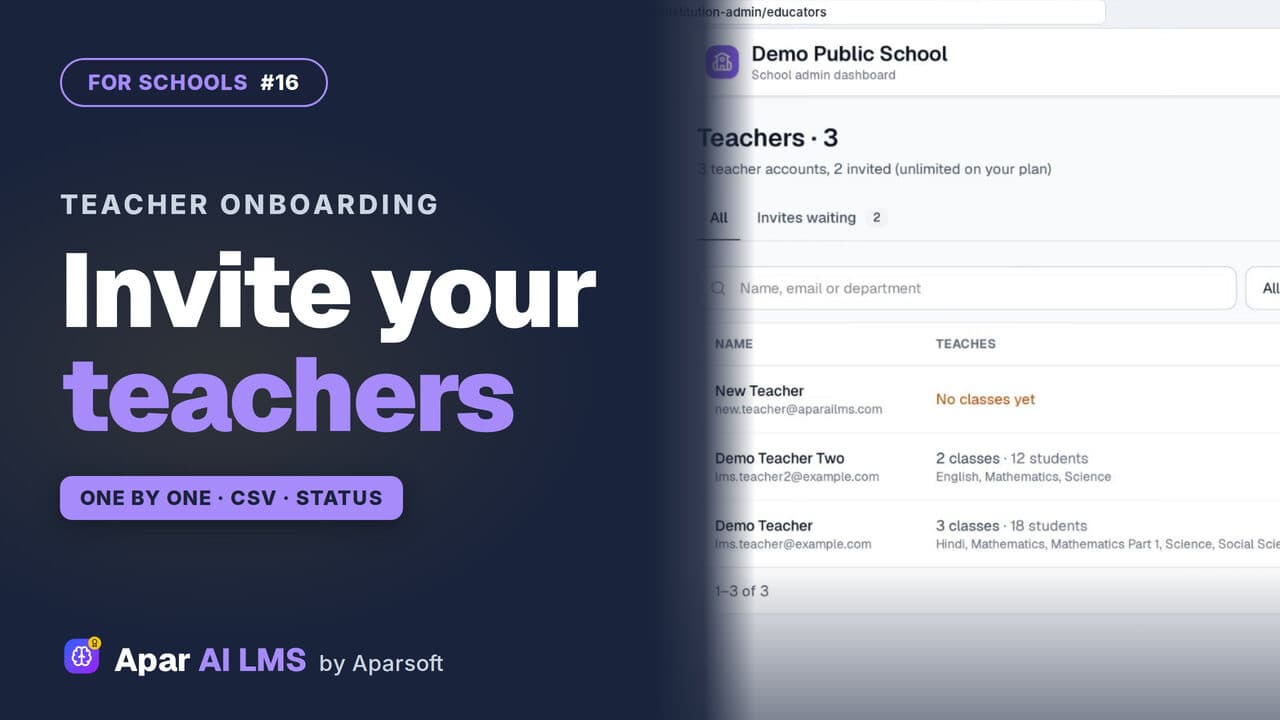 Length3:00#16 · School office
Invite Teachers to Your School LMS by CSV
Invite teachers one at a time or by CSV, follow the invites until they join, and change a teacher's status when they go on leave.
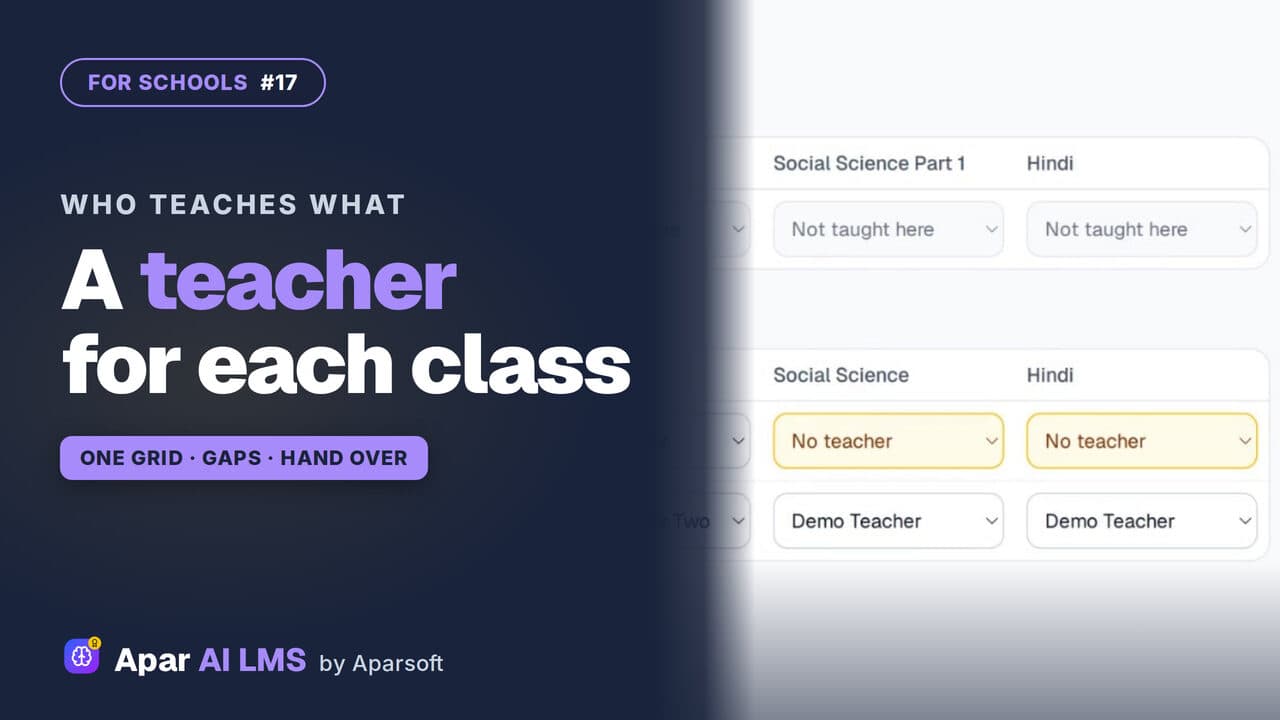 Length1:52#17 · School office
Assign Teachers to Classes and Subjects
One grid per grade shows which subjects have a teacher. Fill the gaps, change a teacher, and the class shows on that teacher's Home.
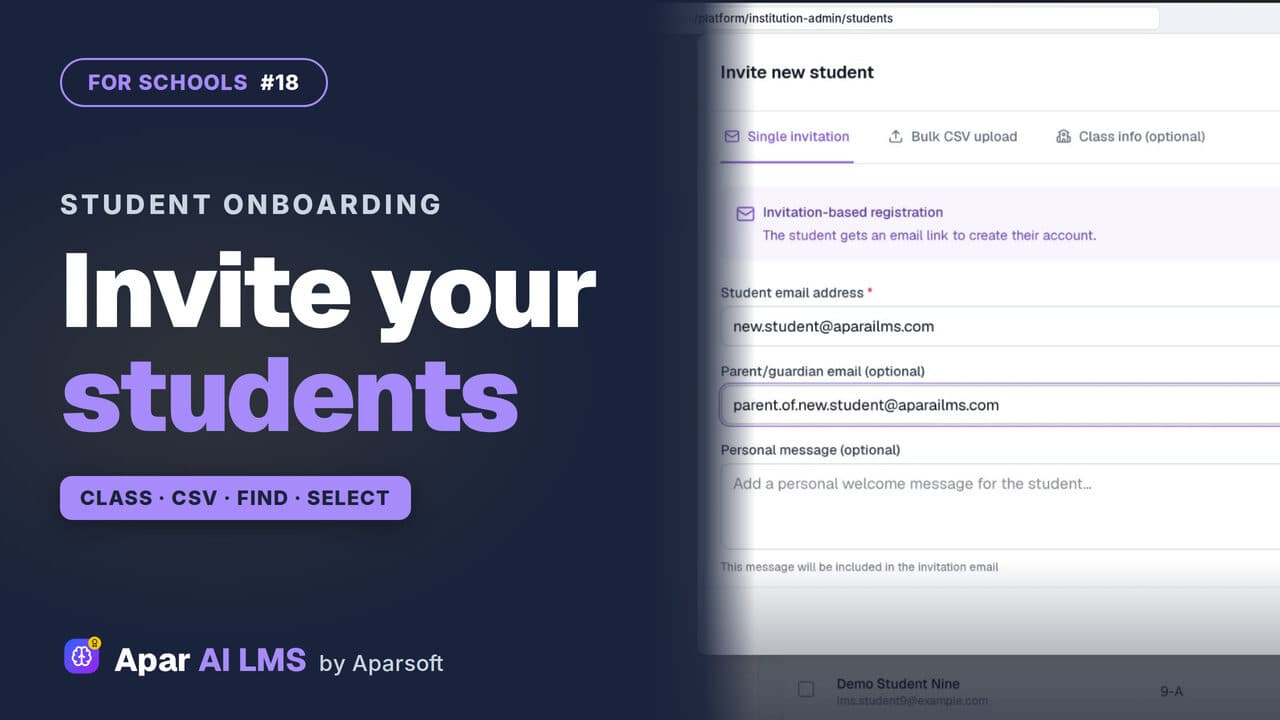 Length2:21#18 · School office
Invite and Manage Students in Your LMS
Invite students into their class by email or CSV, then find them by class or name and act on several at once.
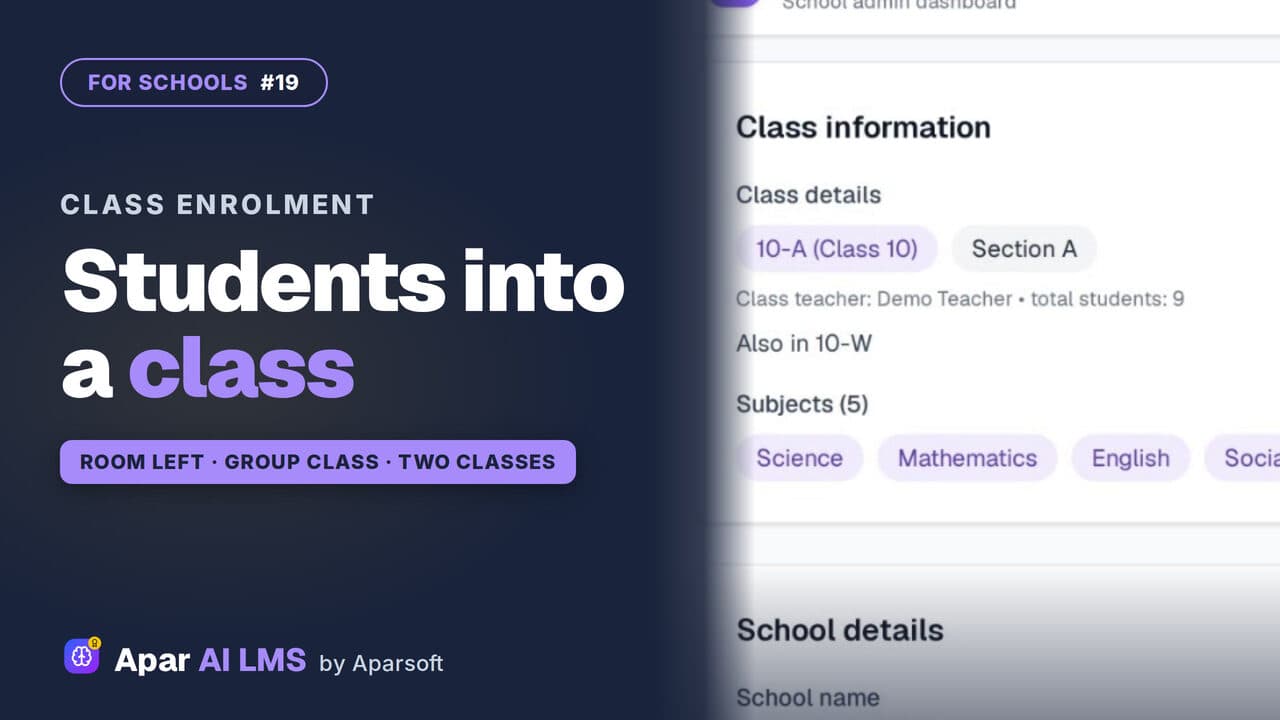 Length2:25#19 · School office
Add Students to a Class or Group Class
Enroll students in a class from its own page, spot who has no class yet, and run a group class for extra help beside the sections.
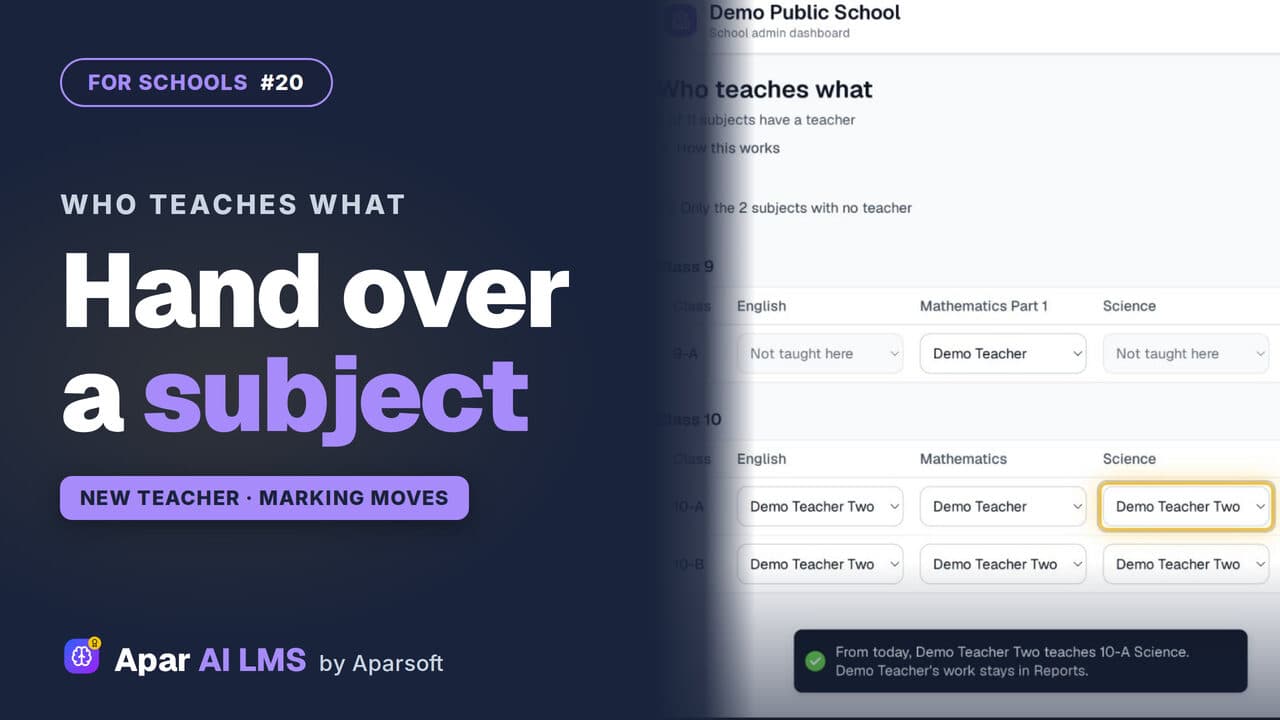 Length2:00#20 · School office
Teacher Change: Hand Over a Subject Mid-Year
Change a subject's teacher in one pick. The class and its waiting answers move to the new teacher; the old teacher's marks stay on record.
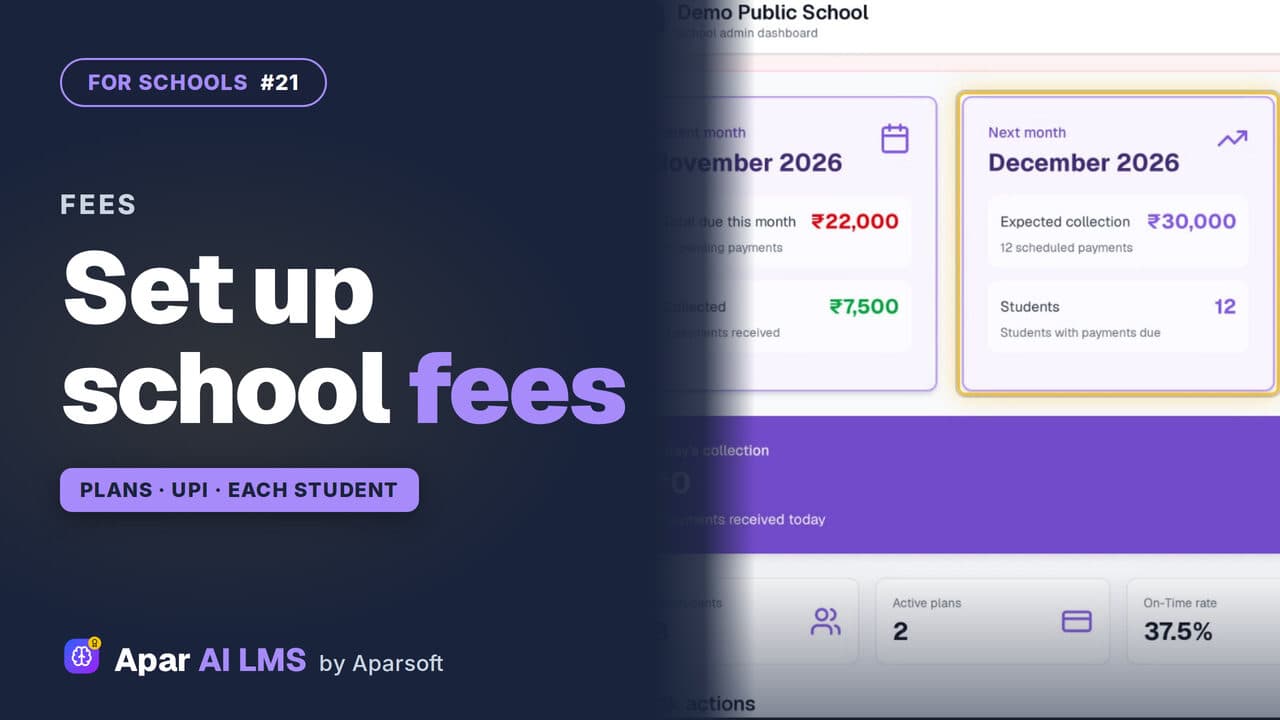 Length2:51#21 · School office
Set Up School Fees: Plans, UPI and Bank
Tell parents how to pay, keep fee plans by class, see each student's fee and what is overdue, and create a month's fees for a class.
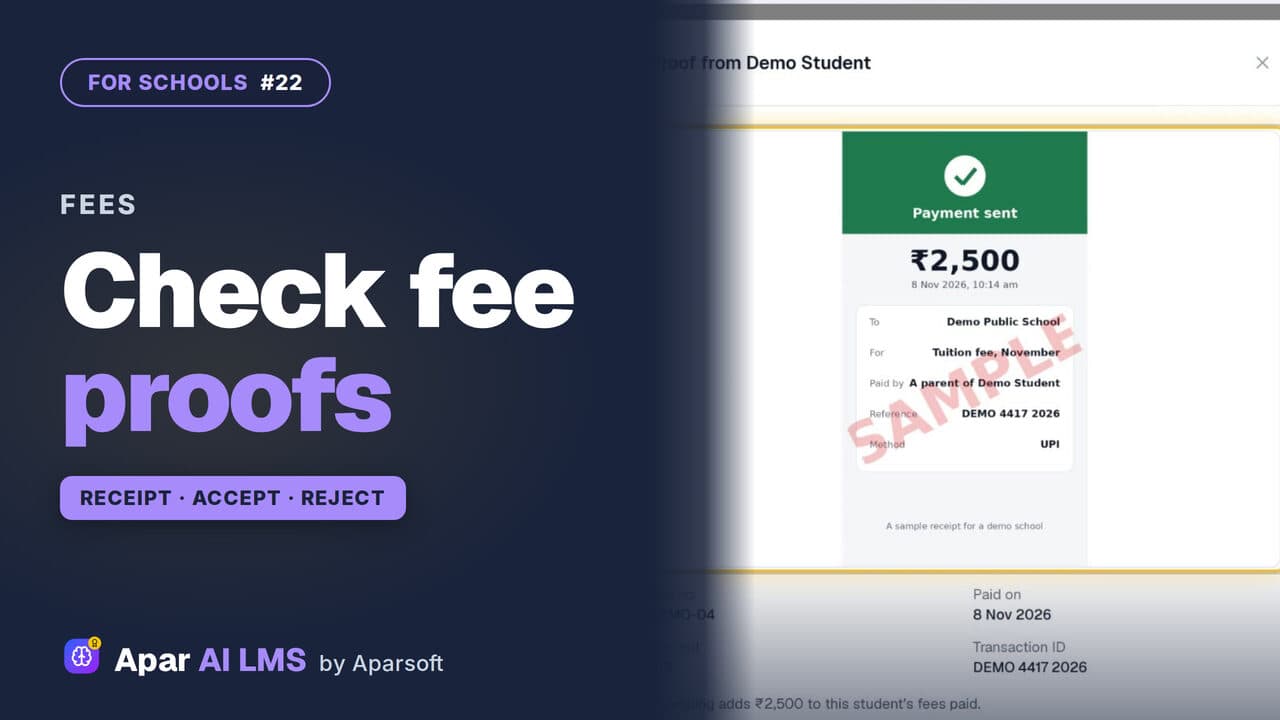 Length2:29#22 · School office
Check Fee Payment Proofs and Record Cash
Families send a payment with its receipt; the office accepts it, or rejects it with a reason they can read. Cash at the office is recorded too.
 Length2:39#23 · School office
Send Fee Reminders to Parents by Email
Send overdue, due-soon or advance fee reminders by email, read each one first, retry a failed address, and set a weekly campaign.
 Length1:44#24 · School office
School Reports: Classes, Teachers, Students
Reports opens on the school's average, then the students who need help, each class, teacher and student, and the chapters taught.
 Length2:05#25 · School office
Send a School Notice to Teachers or Students
Reply to teachers, delete a mistaken message for both sides, and send one-way notices to teachers, students or the whole school.
For teachers
The chapter library, setting and marking work, exam papers, vivas and reports.
18 guides
 Length1:33#26 · Teachers
See Your Classes and Students as a Teacher
Your classes and subjects, your students class by class, and each student's page with tests done, a parent's contact and progress.
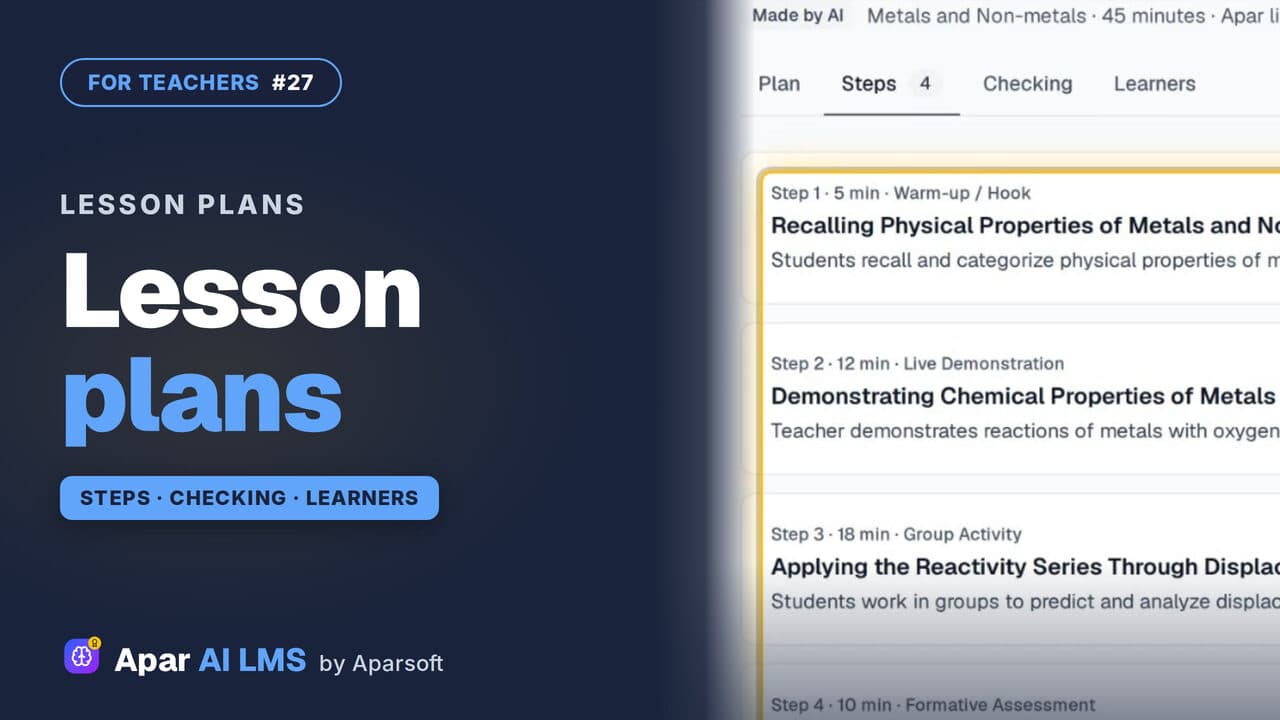 Length1:48#27 · Teachers
Lesson Plans for a Chapter, Ready to Teach
Each chapter has lesson plans that teach it different ways. Read one: aims, what you need, timed steps, checks, homework and help for every learner.
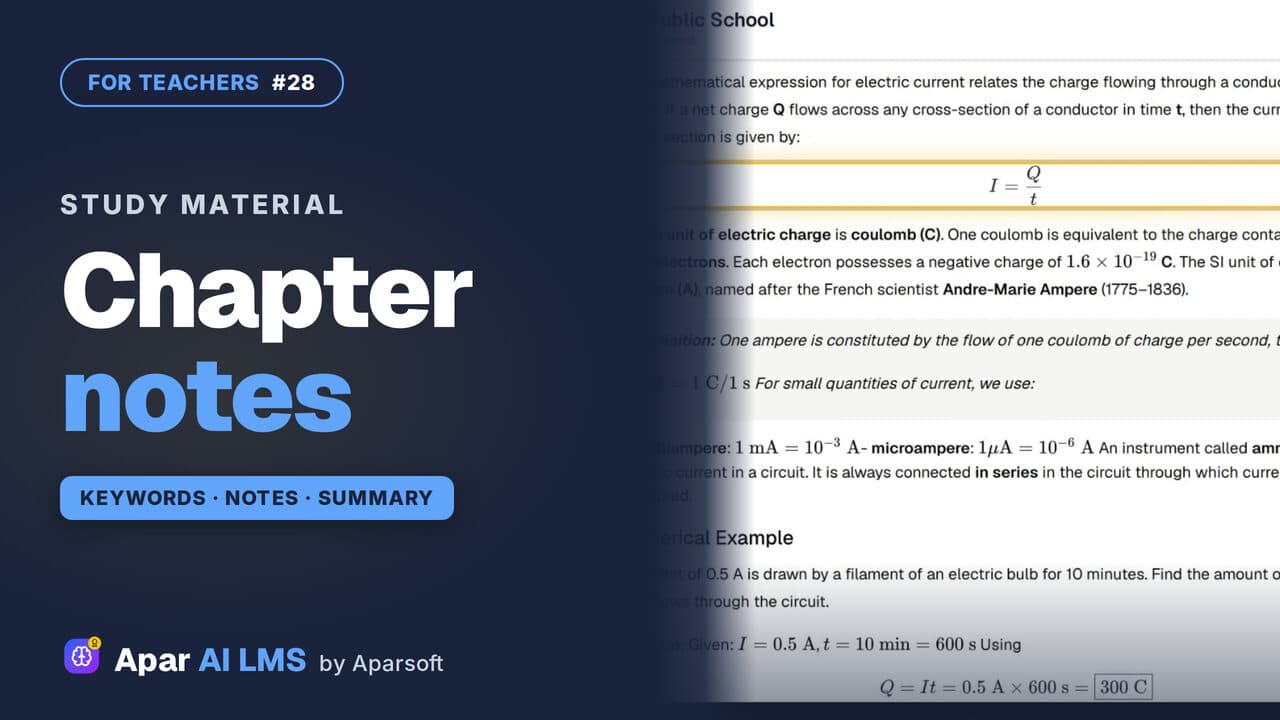 Length1:31#28 · Teachers
Chapter Notes, Keywords and Summary
Keywords one kind at a time, notes with their equations, and a summary with key points, formulas, a quick review and exam preparation.
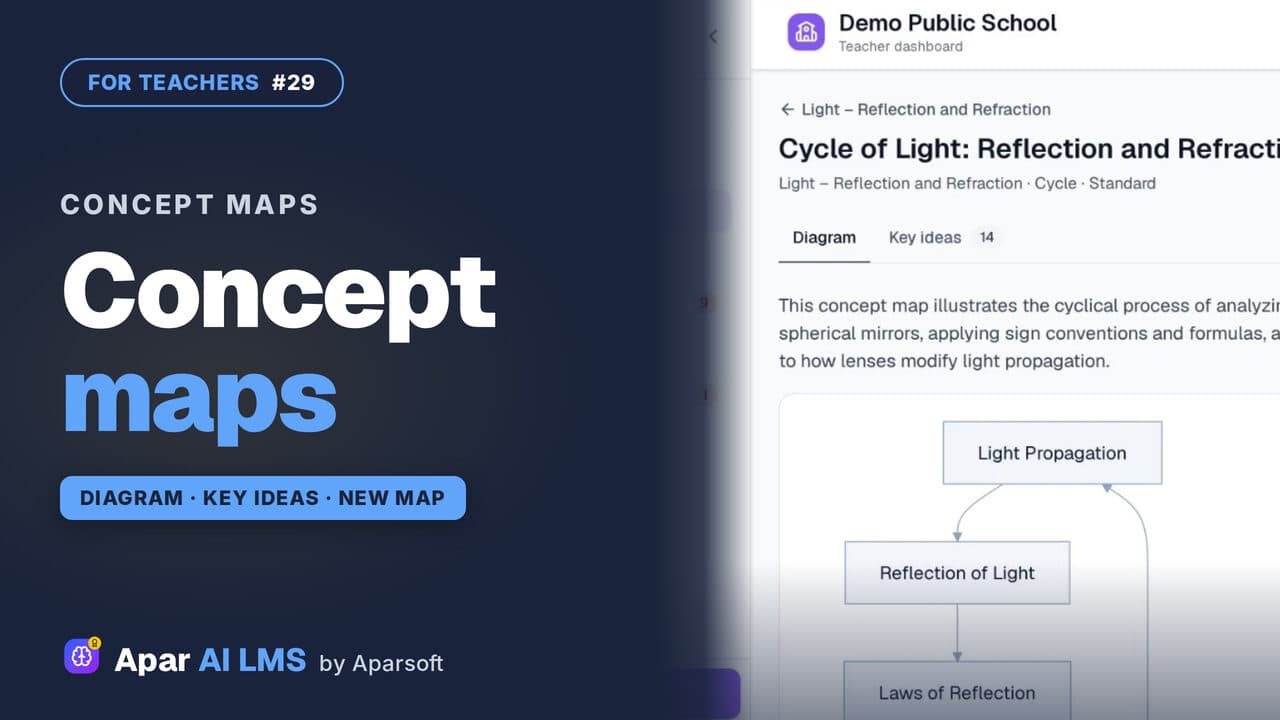 Length1:24#29 · Teachers
Concept Maps: Open One or Make Your Own
Each chapter has a concept map of how its ideas connect. Make your own for a topic: pick the detail and the shape, and AI draws it.
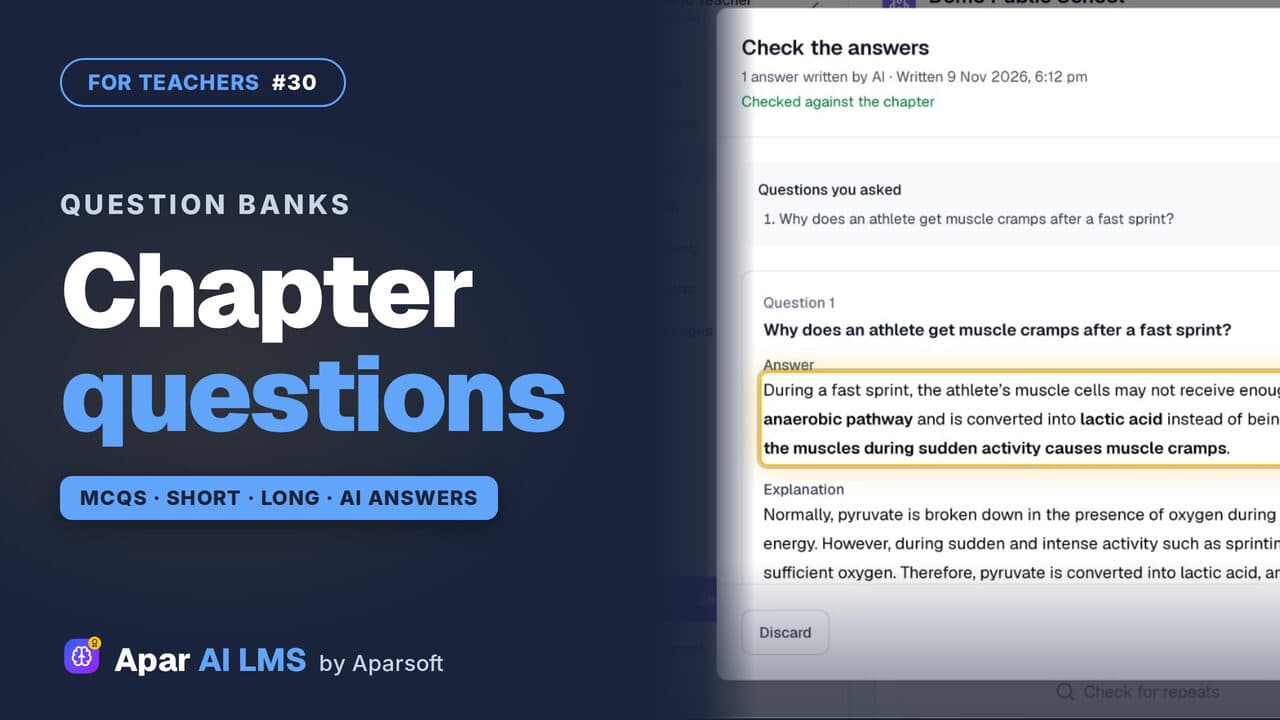 Length1:44#30 · Teachers
Question Bank: MCQs, Short and Long Answers
A chapter's MCQs, short and long questions with their answers. Add your own: AI drafts the answer from the chapter, and you check it.
 Length1:44#31 · Teachers
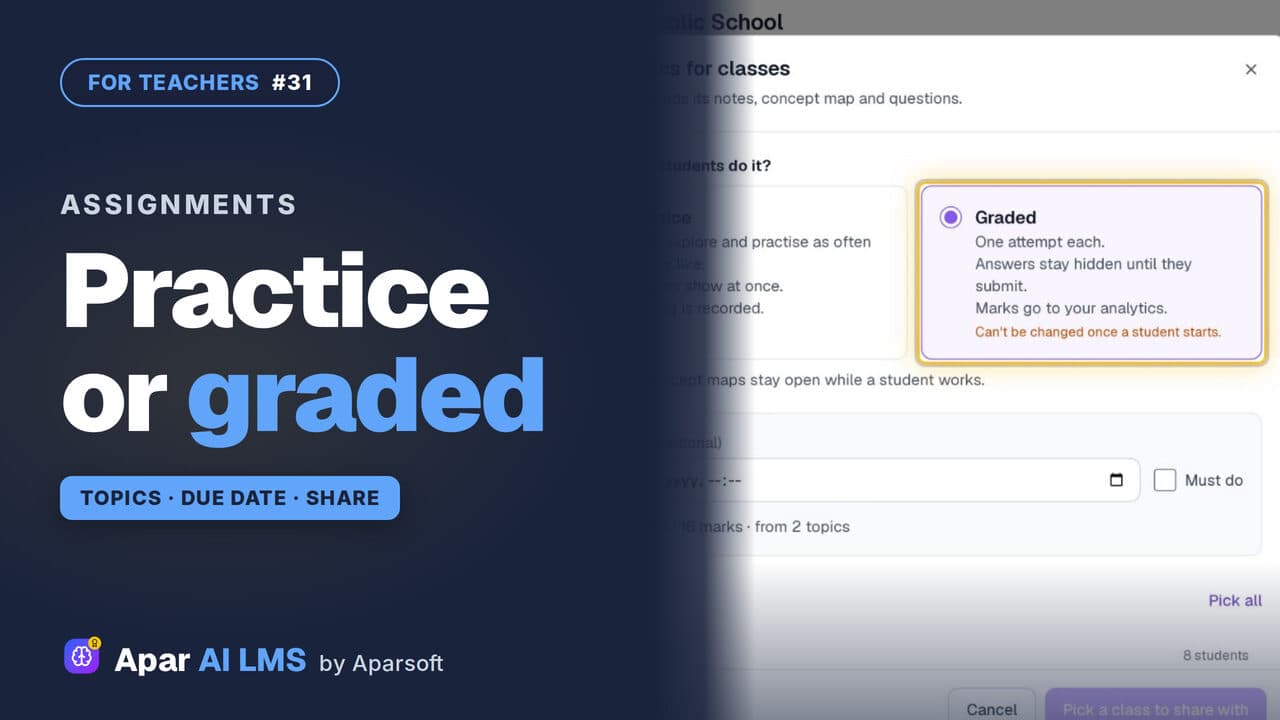
Set Chapter Topics as Practice or Graded Work
Tick a chapter's topics and set them as practice or graded. Graded means one attempt, answers hidden until submitted, and marks in your analytics.
 Length1:25#32 · Teachers
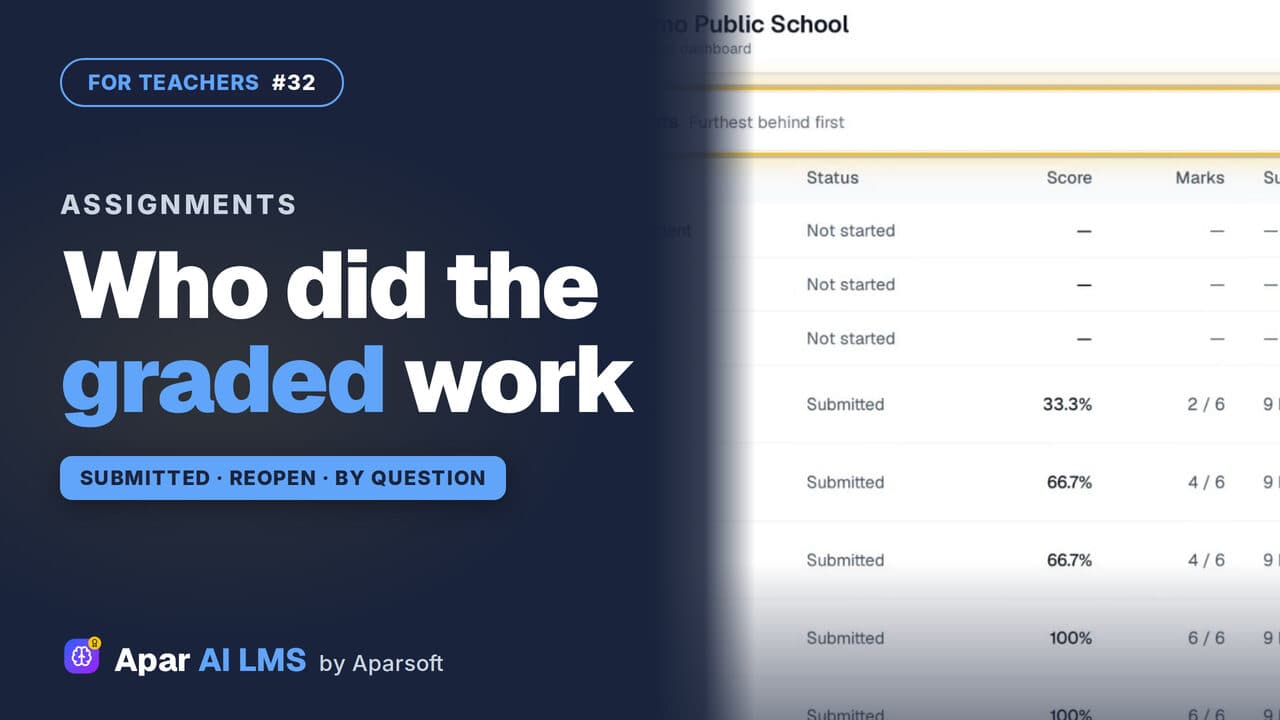
Track Graded Work: Who Has Submitted
For each graded assignment: who has submitted, who has not started, the average and range, each question, and Reopen with a reason.
 Length1:32#33 · Teachers
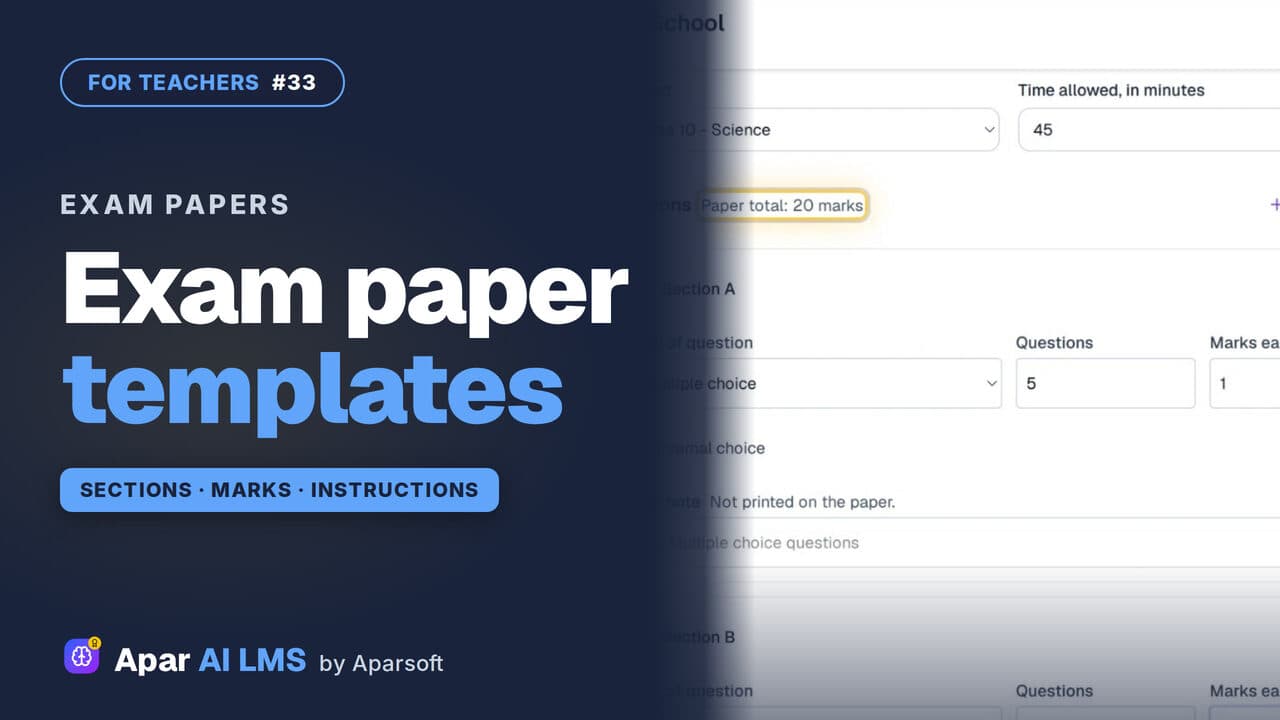
Exam Paper Templates: Your School's Pattern
Save your paper pattern once: sections, marks, time and instructions. It is there to pick every time you make a new exam paper.
 Length1:34#34 · Teachers
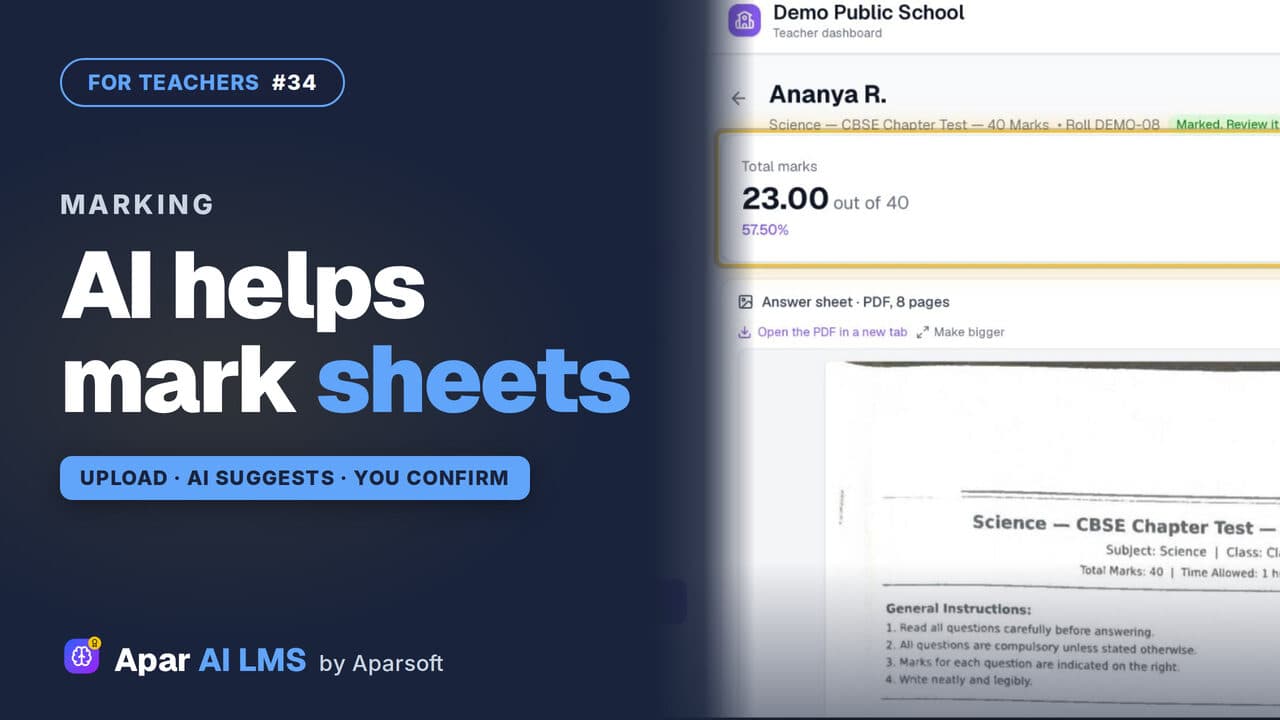
Check Answer Sheets with AI (Beta)
Upload a scanned sheet; the AI reads it and suggests a mark for each answer with its reason. You change any mark and confirm.
 Length1:22#35 · Teachers
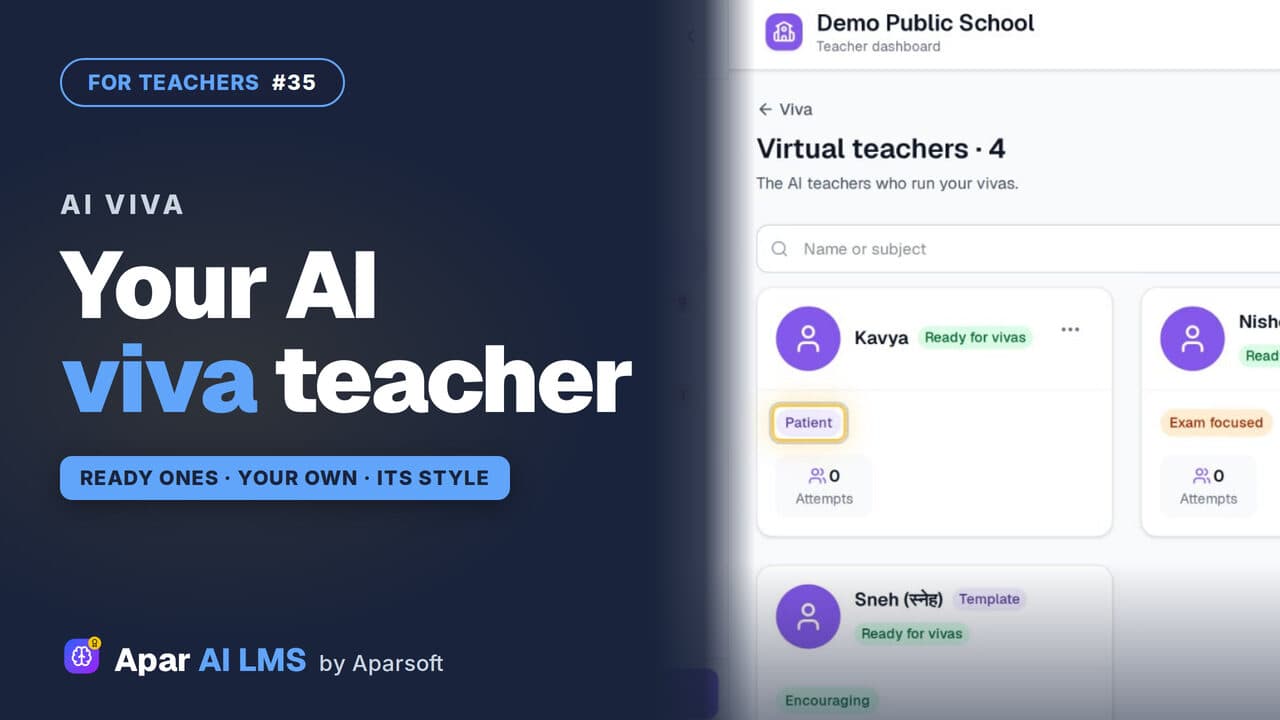
AI Viva: Make Your Own Virtual Teacher (Beta)
Meet the ready virtual teachers that run an AI viva, then make one of your own with a name, a teaching style and a way of talking.
 Length1:22#36 · Teachers
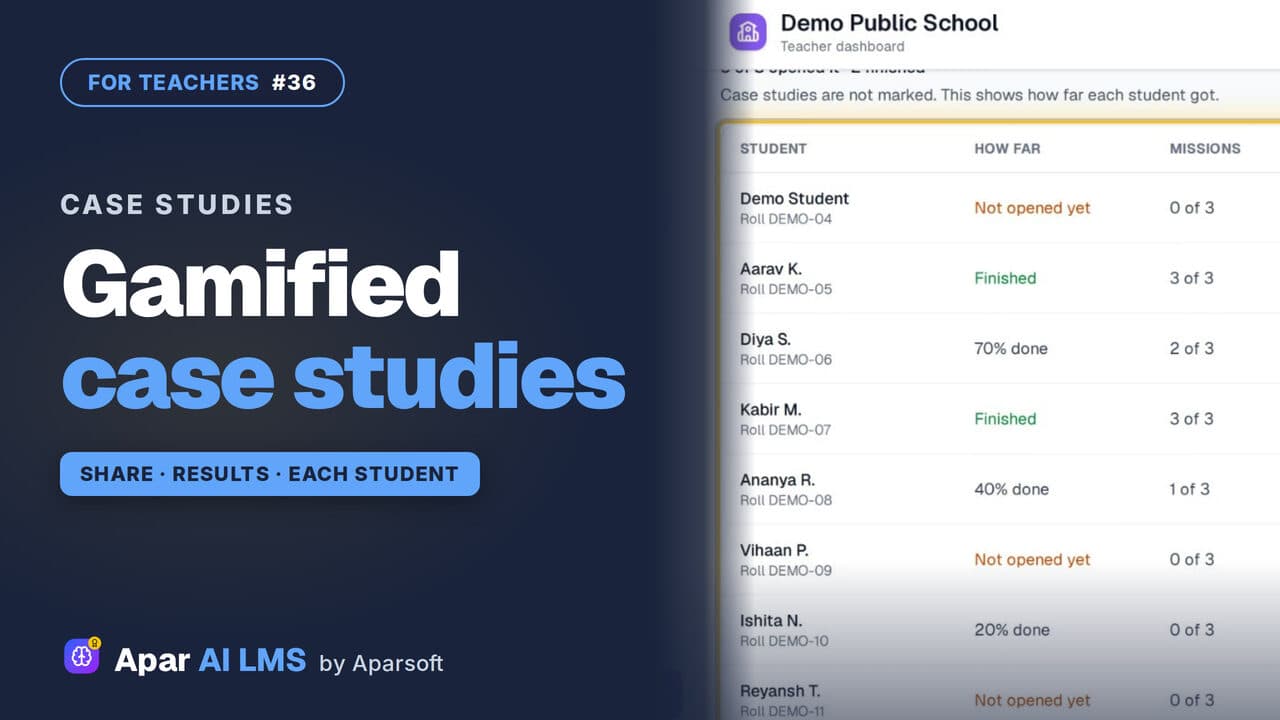
Gamified Case Studies: Share, See Results
Each case study gives students a role and missions. Preview one, share it with your class, and see how far every student got.
 Length1:46#37 · Teachers
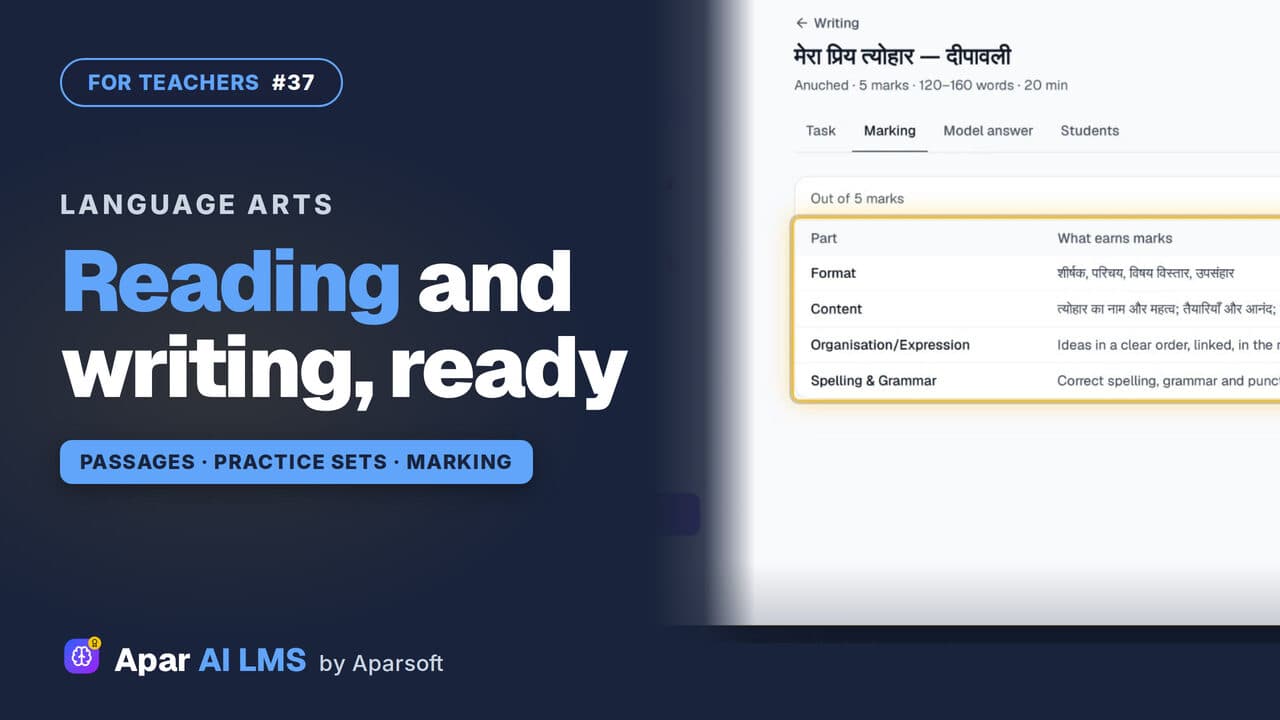
Hindi and English Reading, Grammar, Writing
On a Hindi or English subject: passages with answers and reasons, grammar practice by rule, and writing tasks with their marking and a model answer.
 Length1:42#38 · Teachers
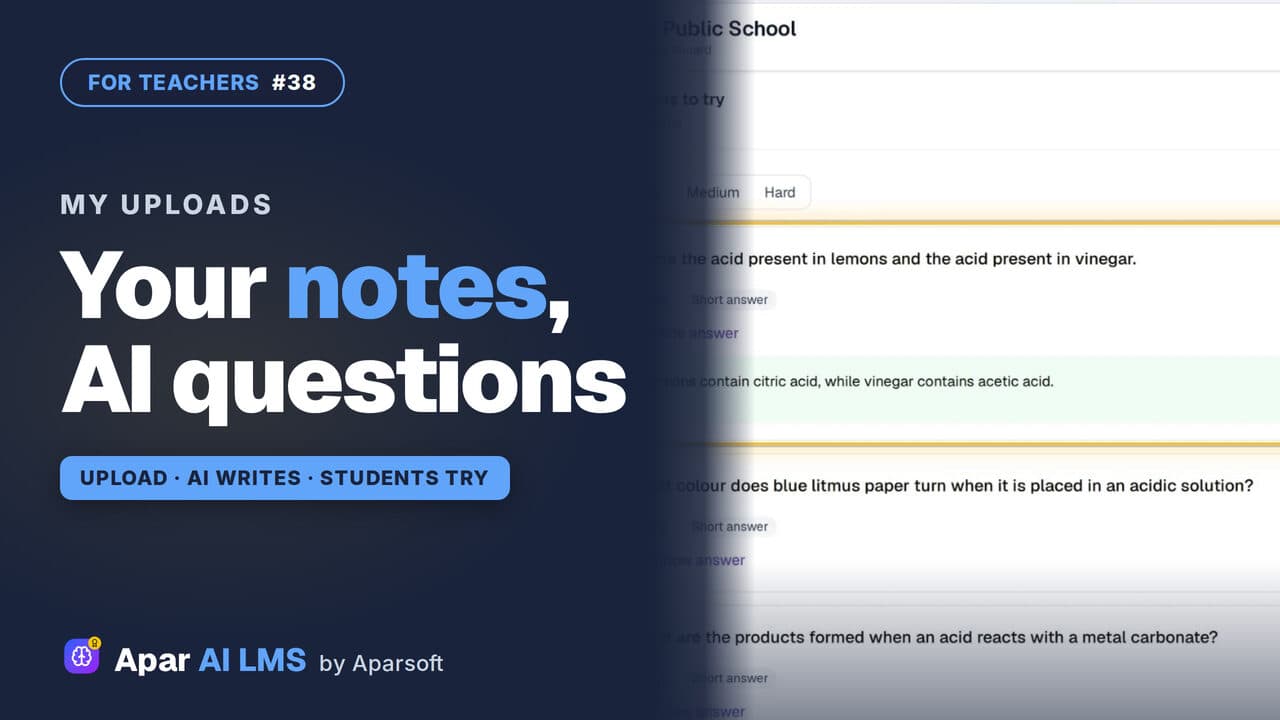
AI Questions From Your Own PDF Notes
Upload a PDF of your own notes. AI writes questions with answers; you check and approve them, then share the file and the questions with your class.
 Length1:16#39 · Teachers
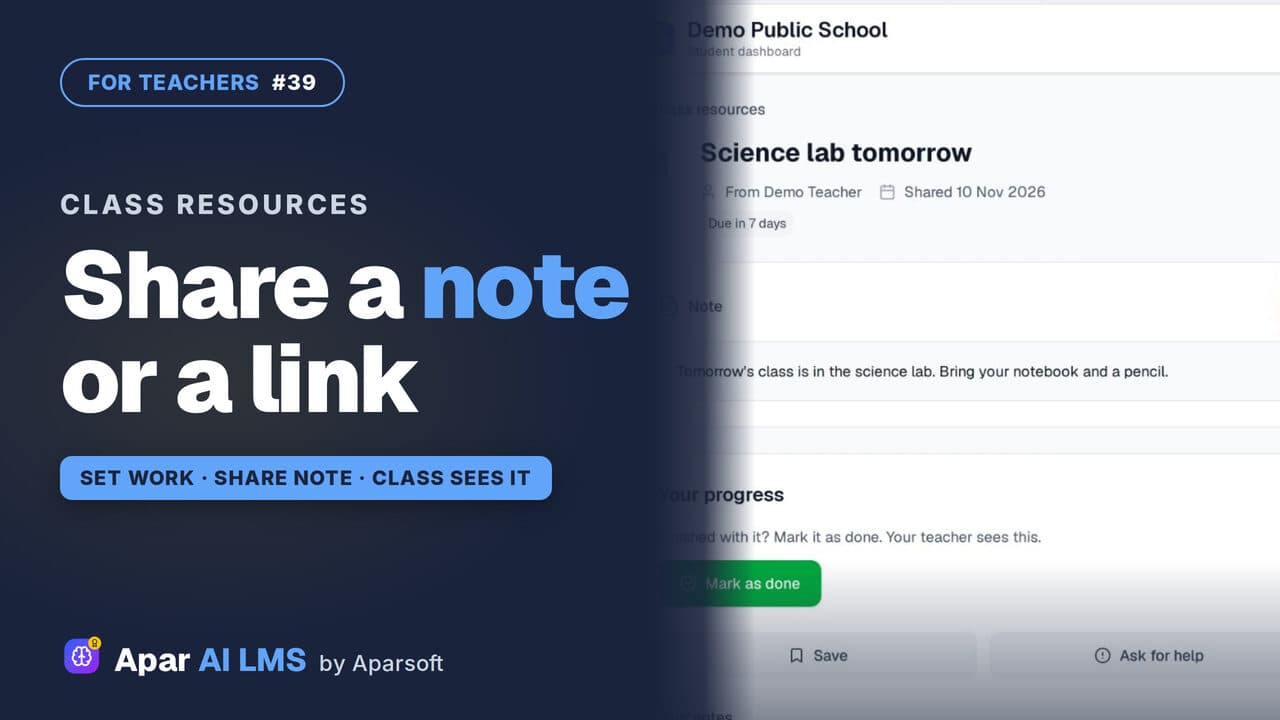
Share a Note, File or Link With Your Class
Send one note, PDF, image or link to a class without making a whole assignment, and see how many students viewed and completed it.
 Length1:15#40 · Teachers
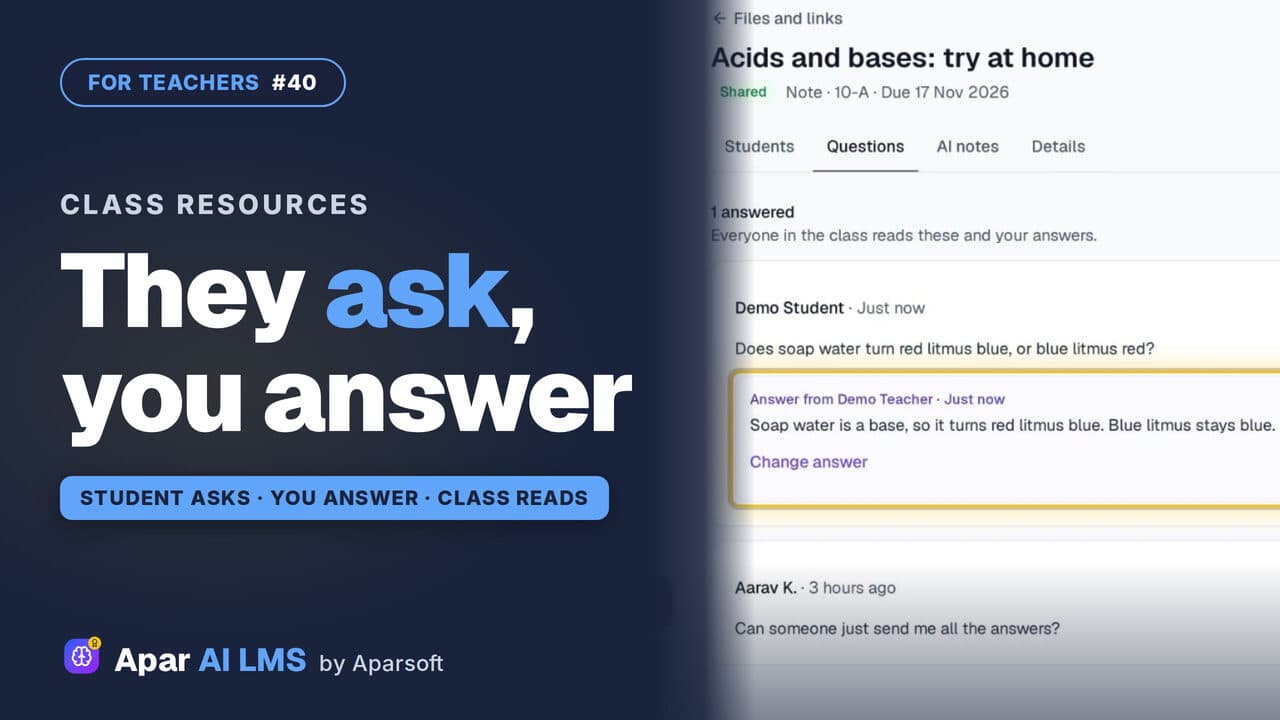
Answer Student Questions on Shared Notes
Students ask under the notes you share. Your Home tells you a question is waiting, and your answer is there for the whole class.
 Length1:01#41 · Teachers
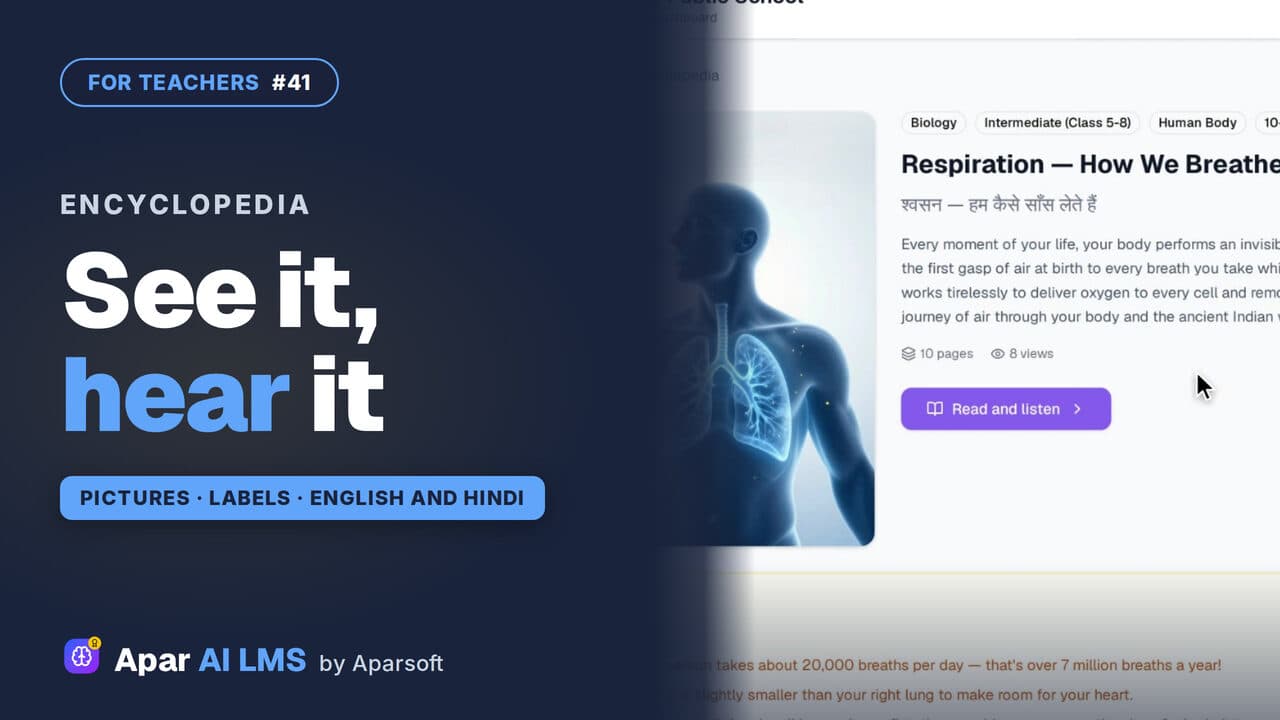
Visual Encyclopedia: Read and Listen
Picture books by subject, each page a big labelled picture. Read it with your class, or press Listen to hear the page read aloud.
 Length1:22#42 · Teachers
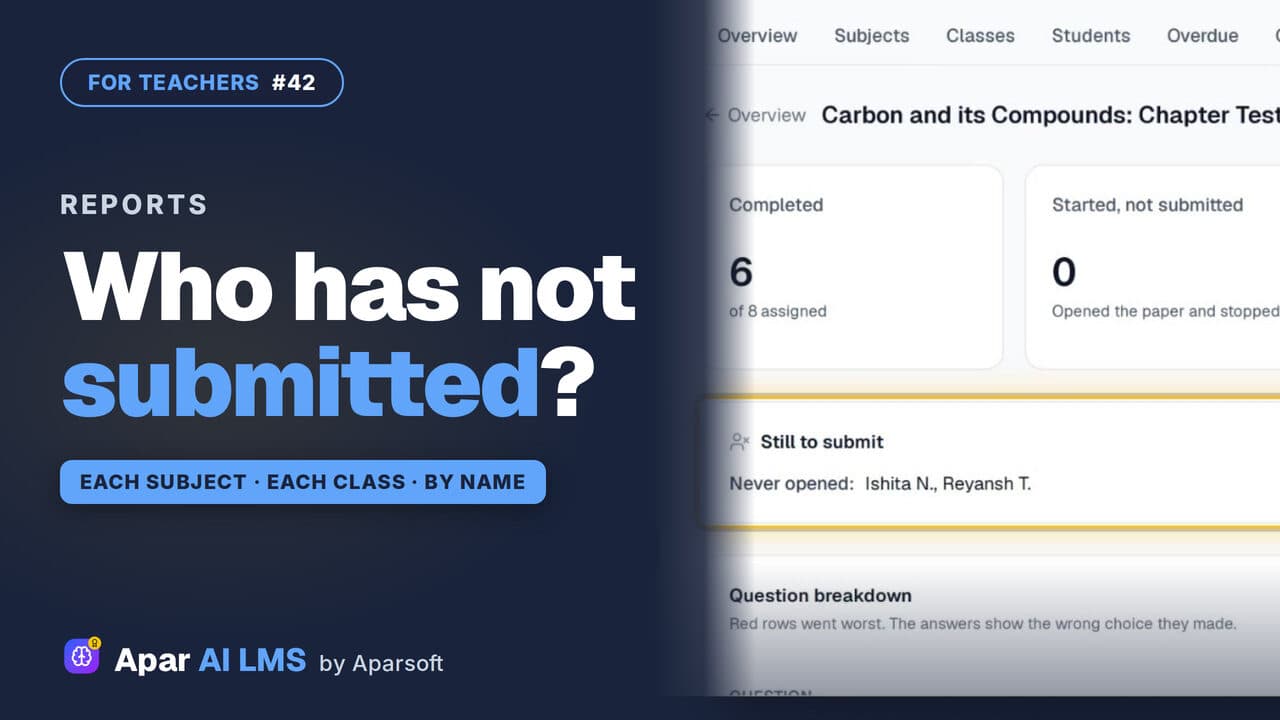
Teacher Reports: Who Has Not Submitted
Reports scores each subject and class apart, names the students still to submit, and shows how the class did on every question.
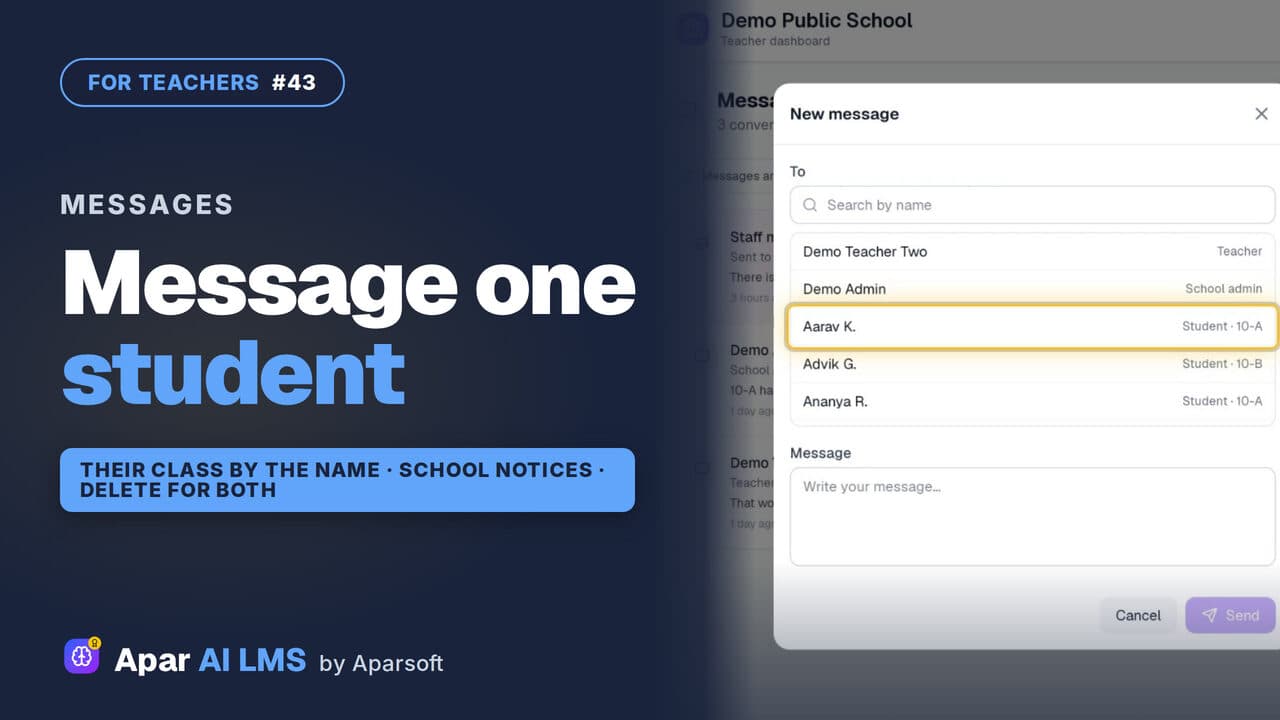 Length1:40#43 · Teachers
Message a Student and Read School Notices
One inbox for your students, colleagues and the school office: write to one student, read school notices, and delete a message sent by mistake.
For students
Finding shared work, studying with AI help, tests, vivas, results and fees.
16 guides
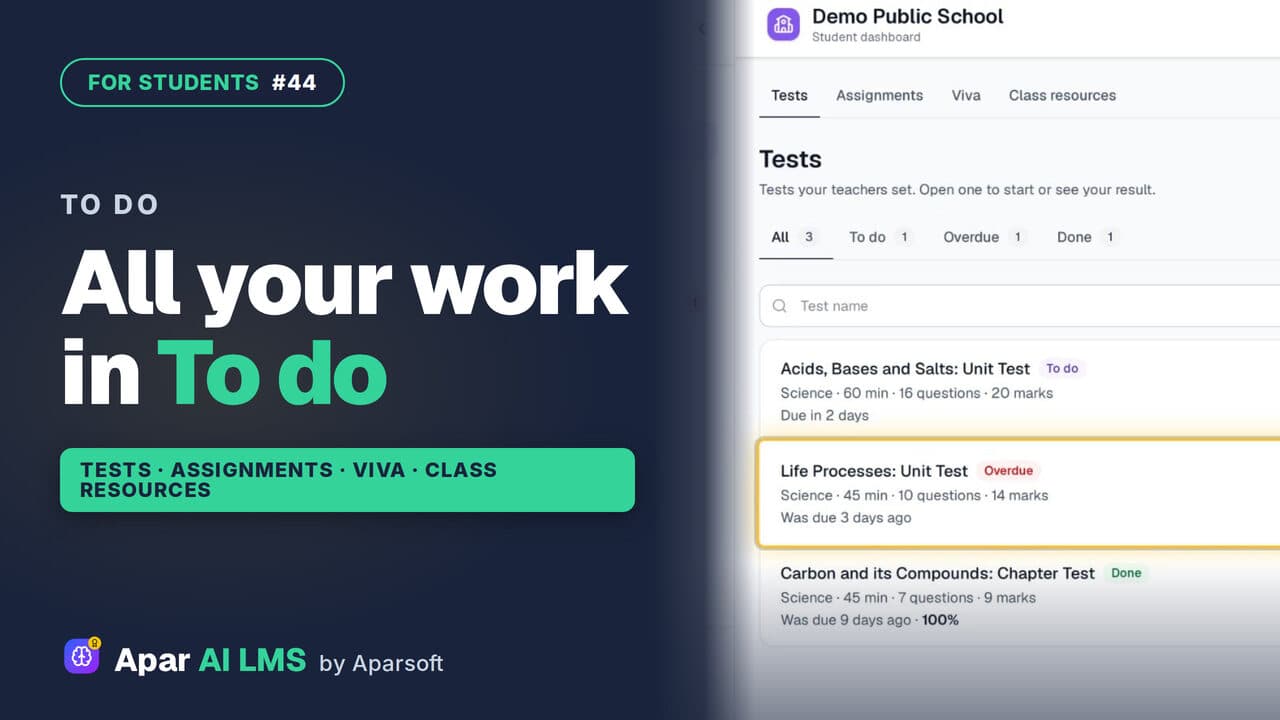 Length1:39#44 · Students
Student To Do: Tests, Assignments, Vivas
To do holds all the work your teachers set, in four tabs: tests, assignments, vivas and class resources, with what is late clearly marked.
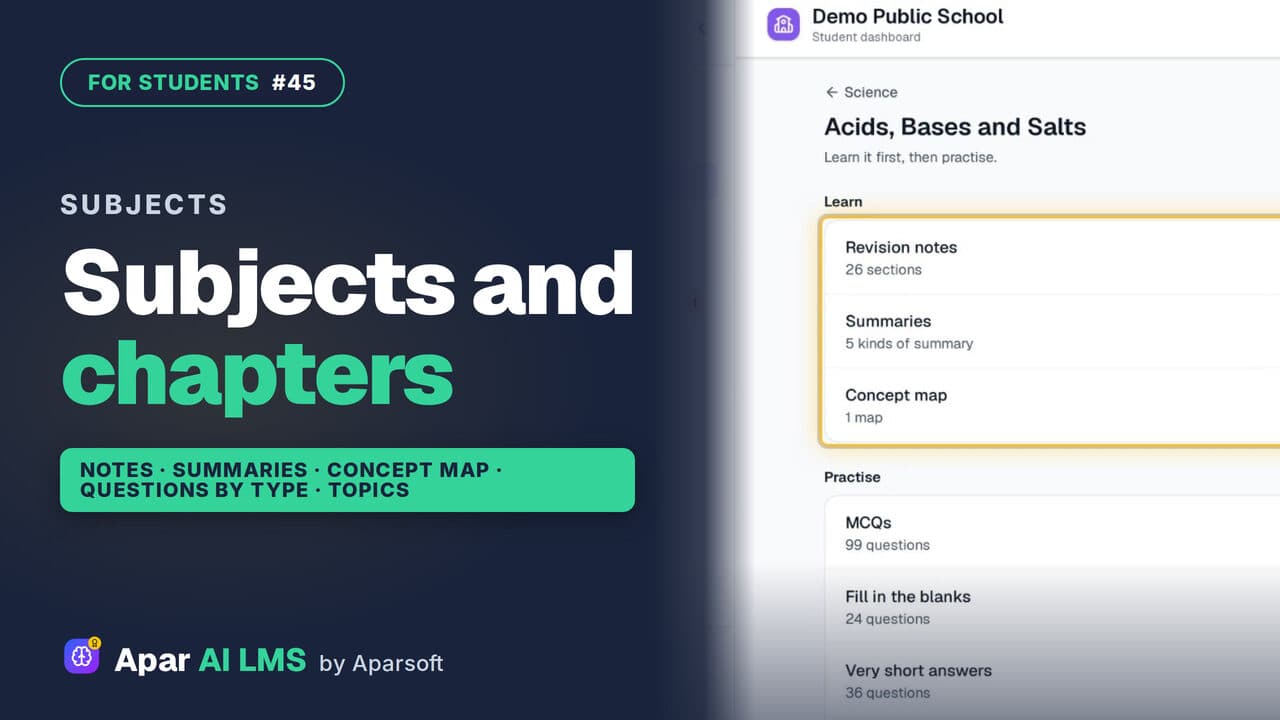 Length1:30#45 · Students
Find Chapter Notes and Practice by Subject
Subjects shows what your teachers shared in each chapter: notes, summaries and concept maps to learn, questions to practise, and smaller topics.
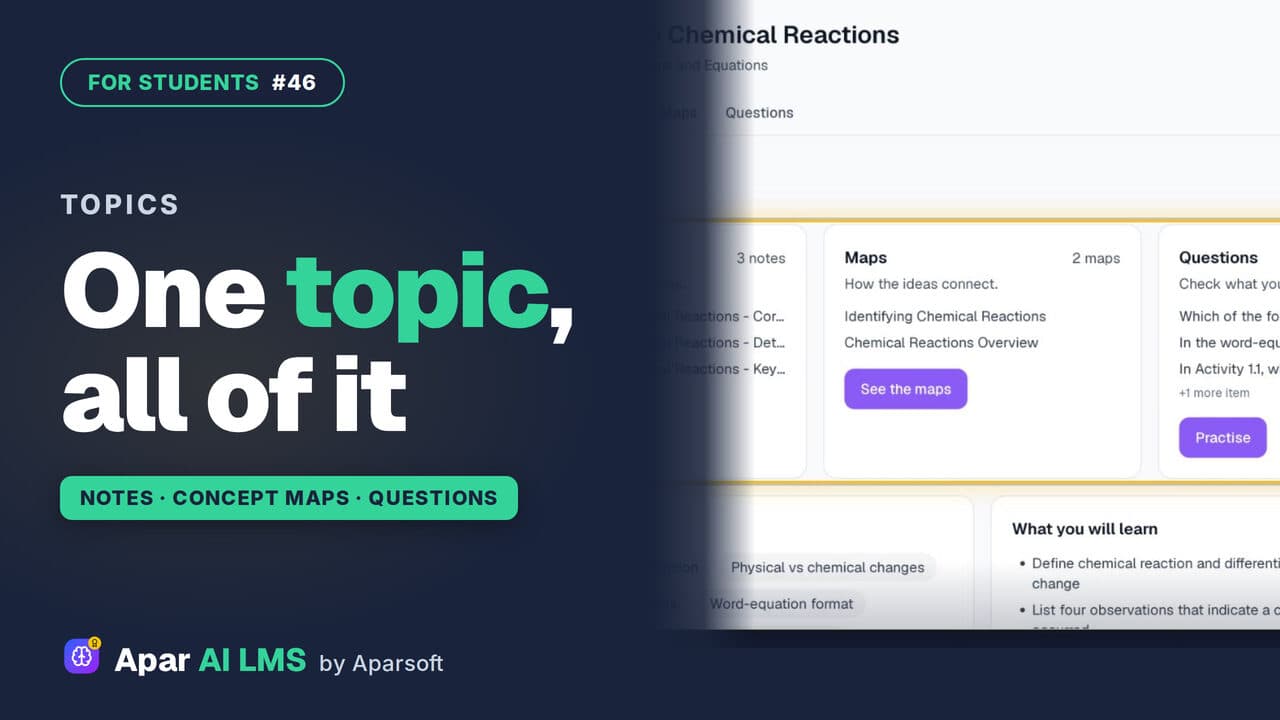 Length1:13#46 · Students
Topic Notes, Concept Maps and Practice
One topic at a time: short notes, concept maps of how the ideas connect, and practice questions that show at once if you got it right.
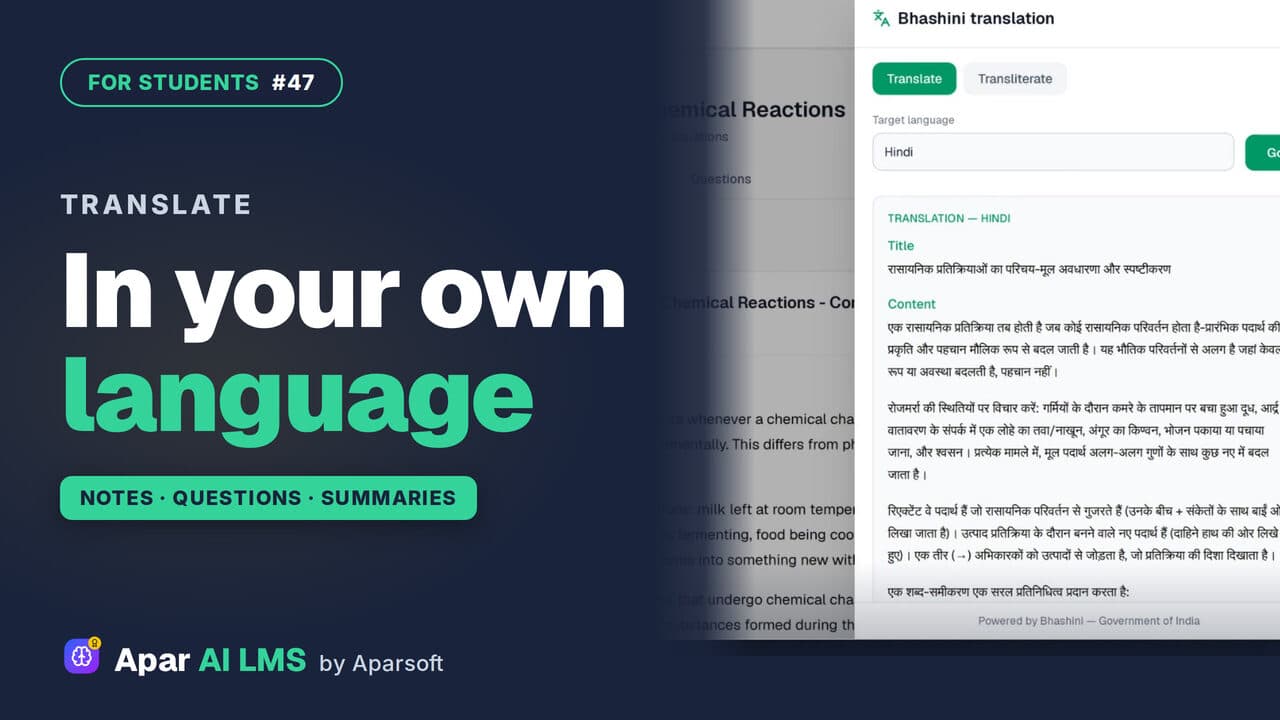 Length1:30#47 · Students
Translate Notes Into Hindi and Your Language
Notes, practice questions and chapter summaries each have Translate. Pick your language and read it there, through Bhashini, the Government of India's language service.
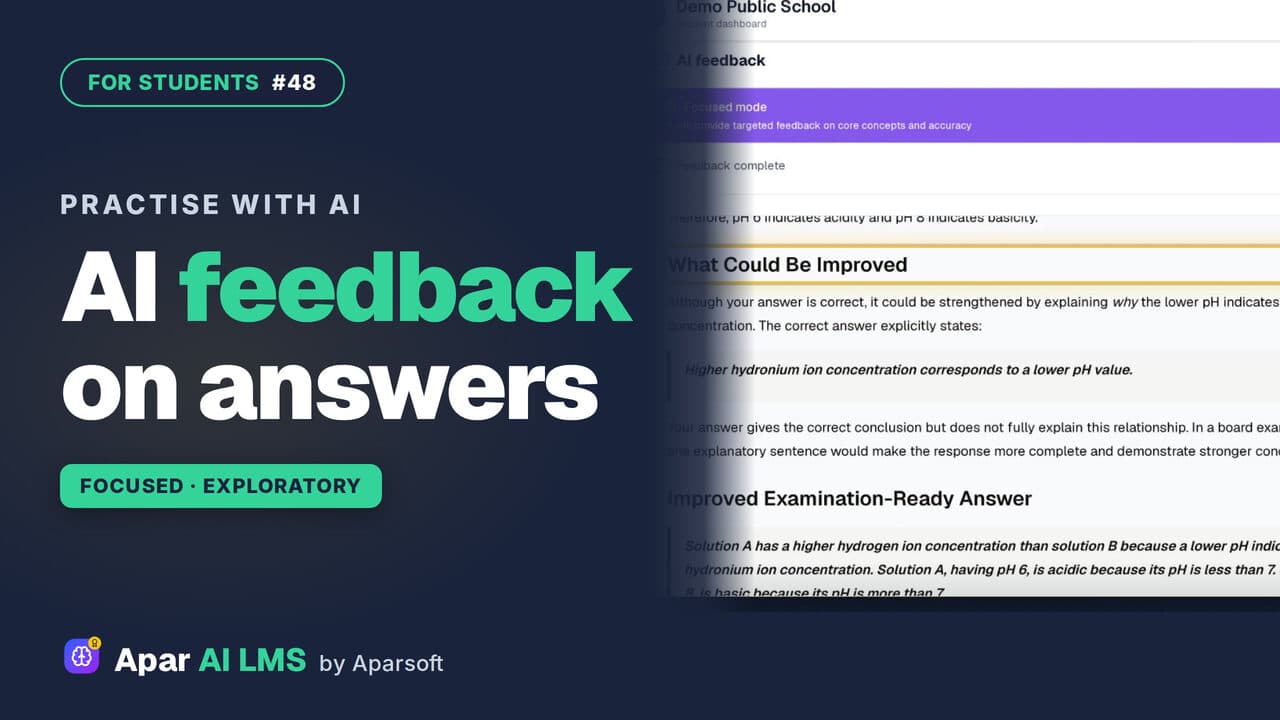 Length1:24#48 · Students
Answer Writing Practice With AI Feedback
Write an answer in your own words and get AI feedback in seconds: what you got right, what to improve, and ideas to take it further.
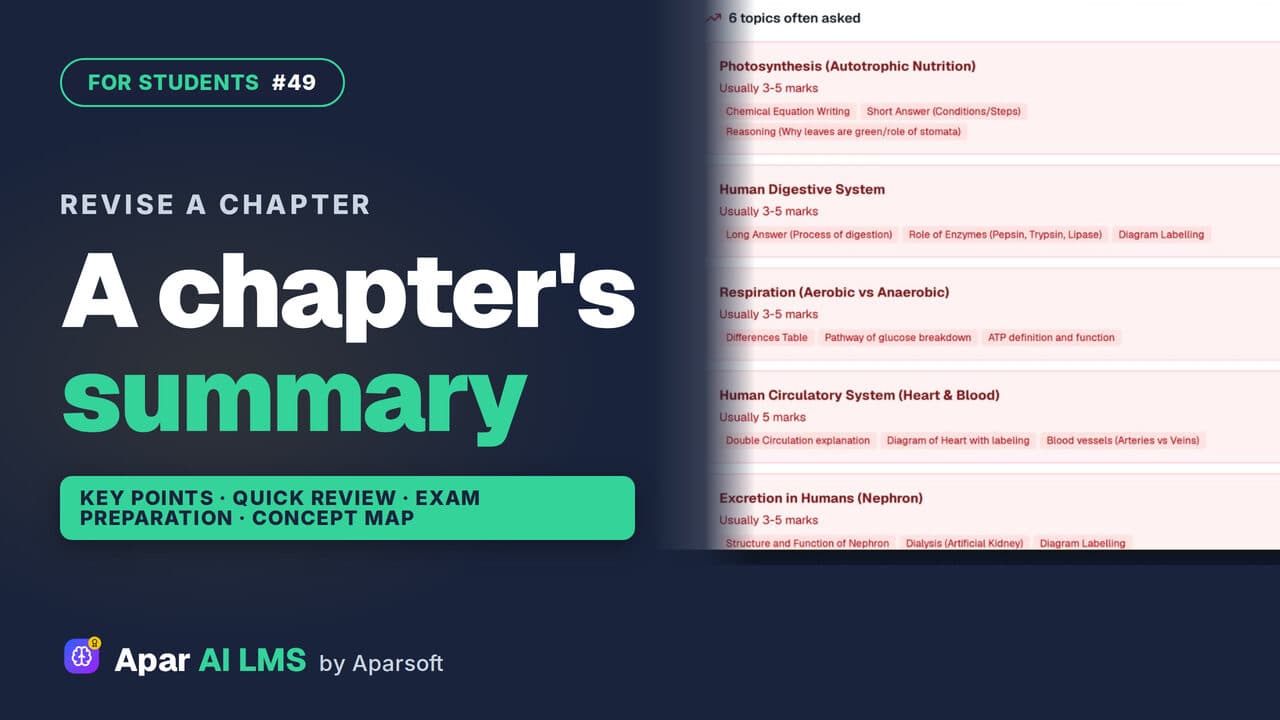 Length1:25#49 · Students
Chapter Summary and Concept Map for Revision
Revise a chapter kind by kind: key points, a quick review, exam preparation, the main concepts, and a concept map of how its ideas connect.
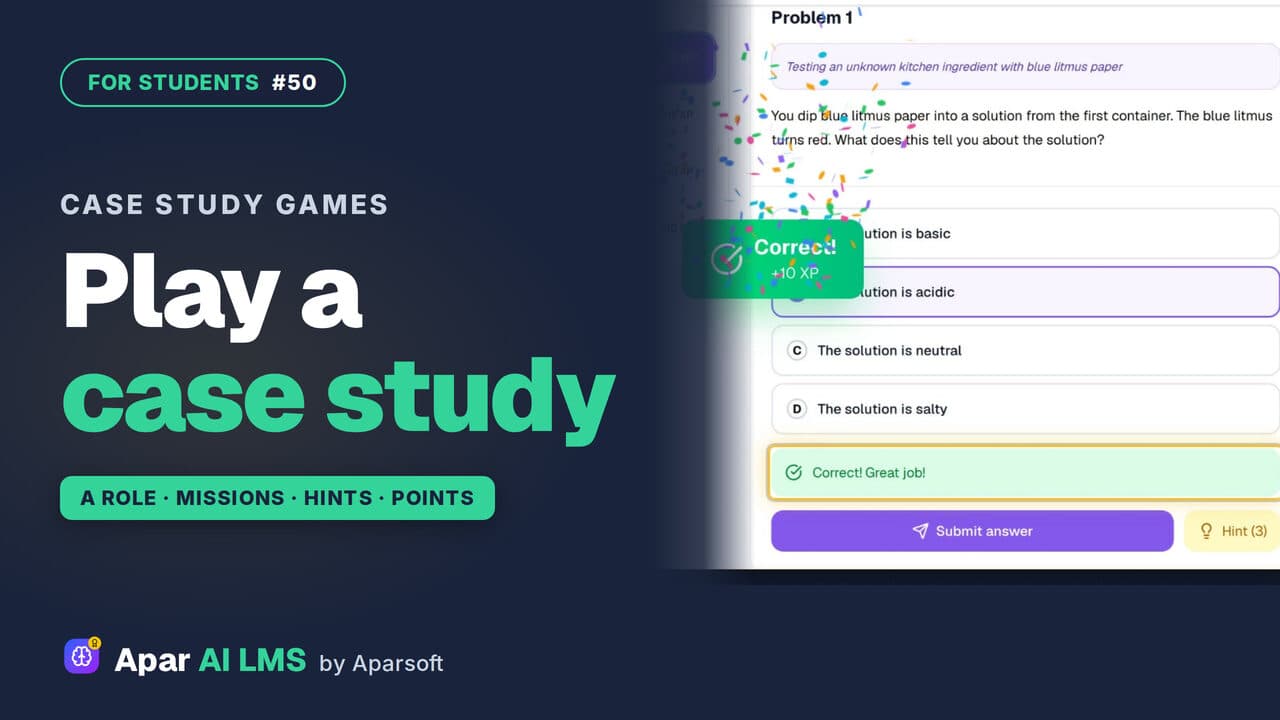 Length1:37#50 · Students
Case Study Games: Play a Role in a Chapter
Your teacher's case study games turn a chapter into missions. Take a role, solve problems for points, and press Hint when you are stuck.
 Length1:33#51 · Students
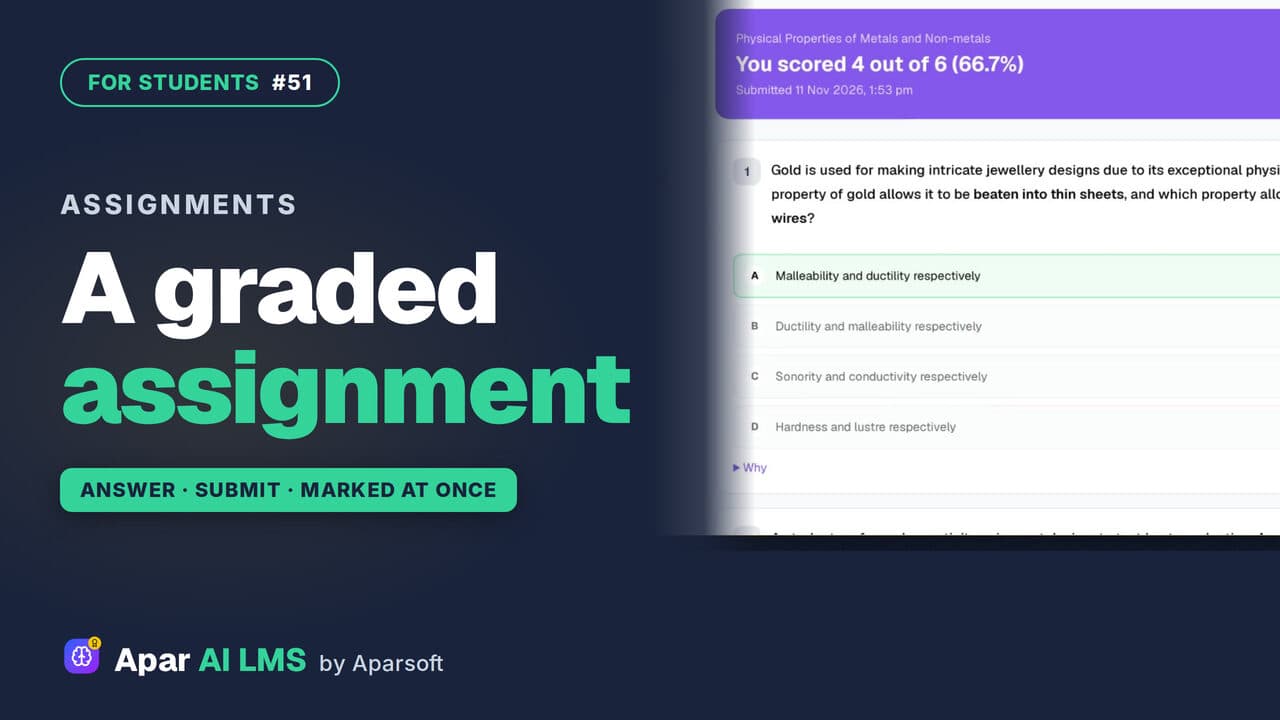
Graded Assignment: Answer, Submit, See Marks
Graded work your teacher set: one attempt, answers saved as you go, marked as soon as you submit, with the reason for every wrong answer.
 Length1:44#52 · Students
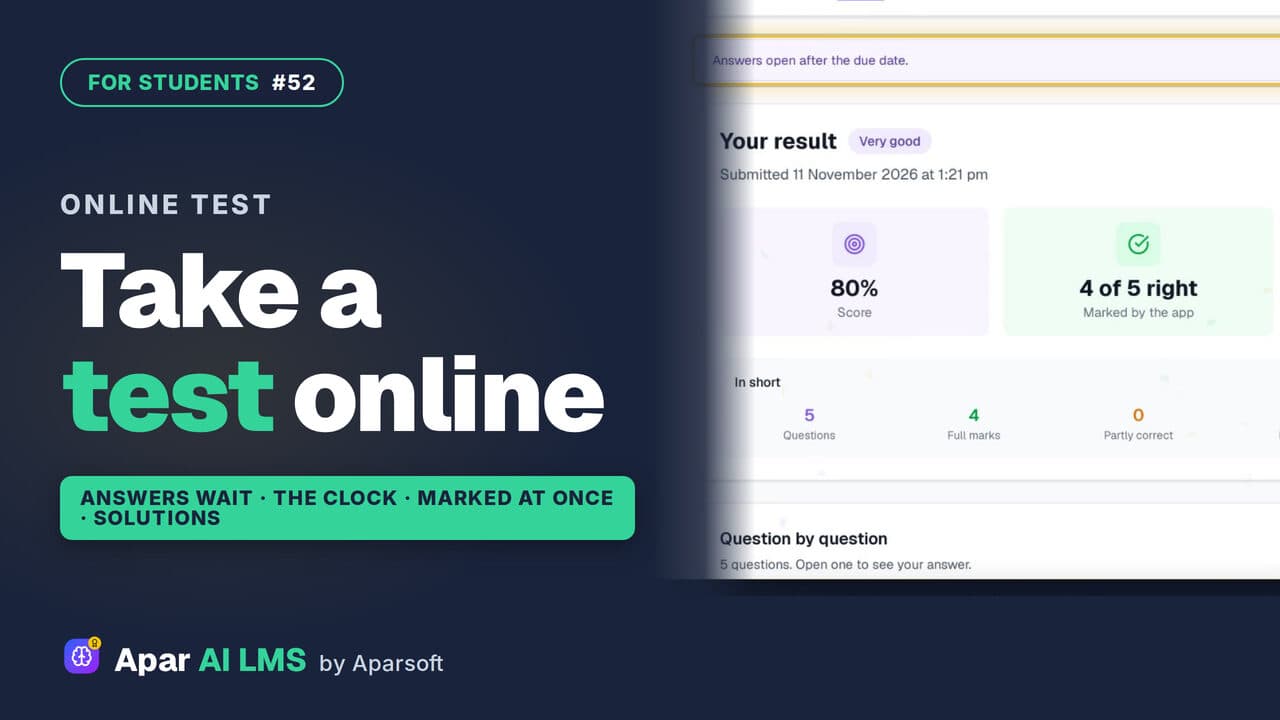
How to Take an Online Test as a Student
From To do to the solutions: read the rules, answer against the clock, get marked as soon as you submit, and see the right answers after the due date.
 Length1:51#53 · Students
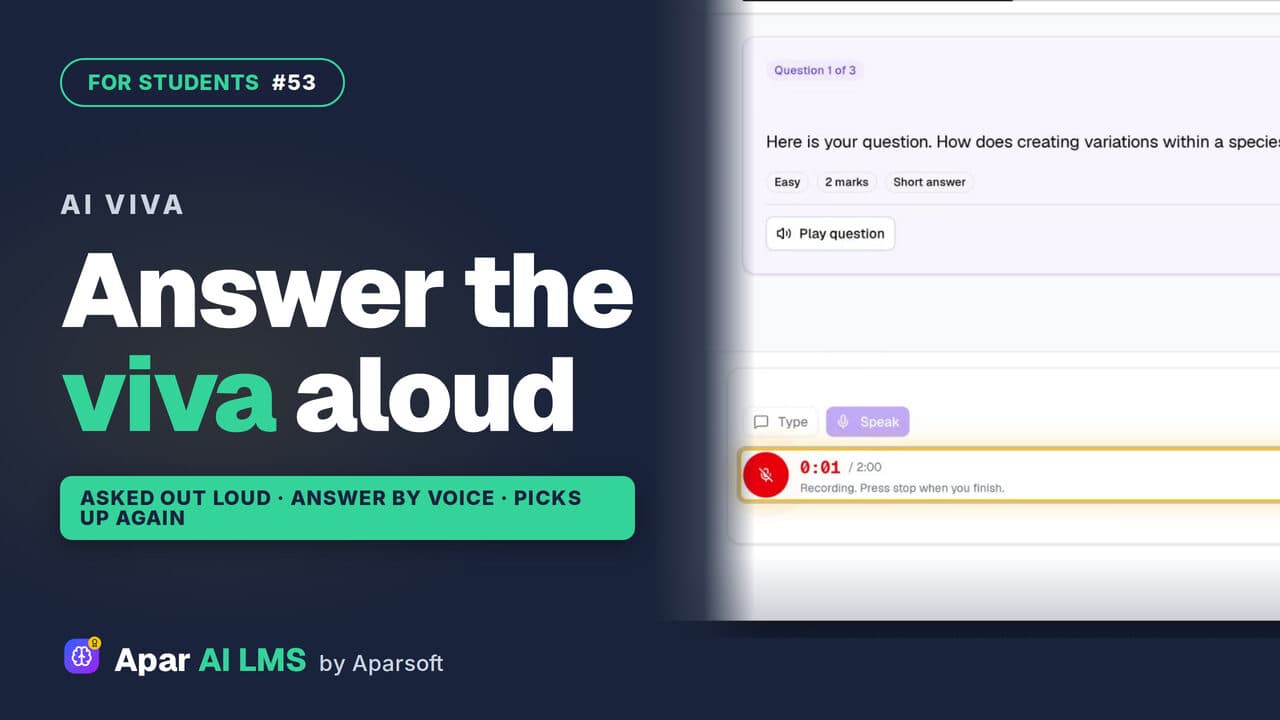
AI Viva for Students: Answer Out Loud (Beta)
A virtual teacher asks each question out loud and you answer by speaking. If the page drops, it picks up where you stopped, then shows your result.
 Length1:15#54 · Students
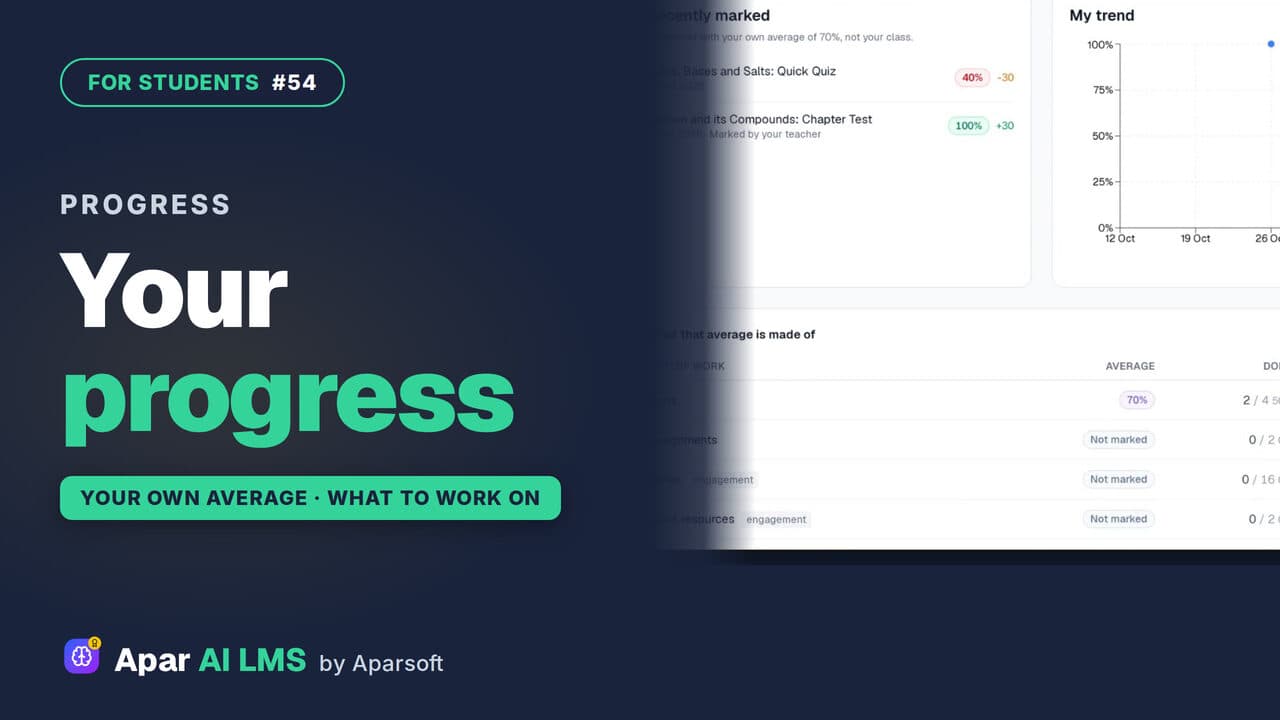
Student Progress: Average and Weak Areas
Where you stand and what to do next: each result against your own average, never your class, and where you lose marks.
 Length2:04#55 · Students
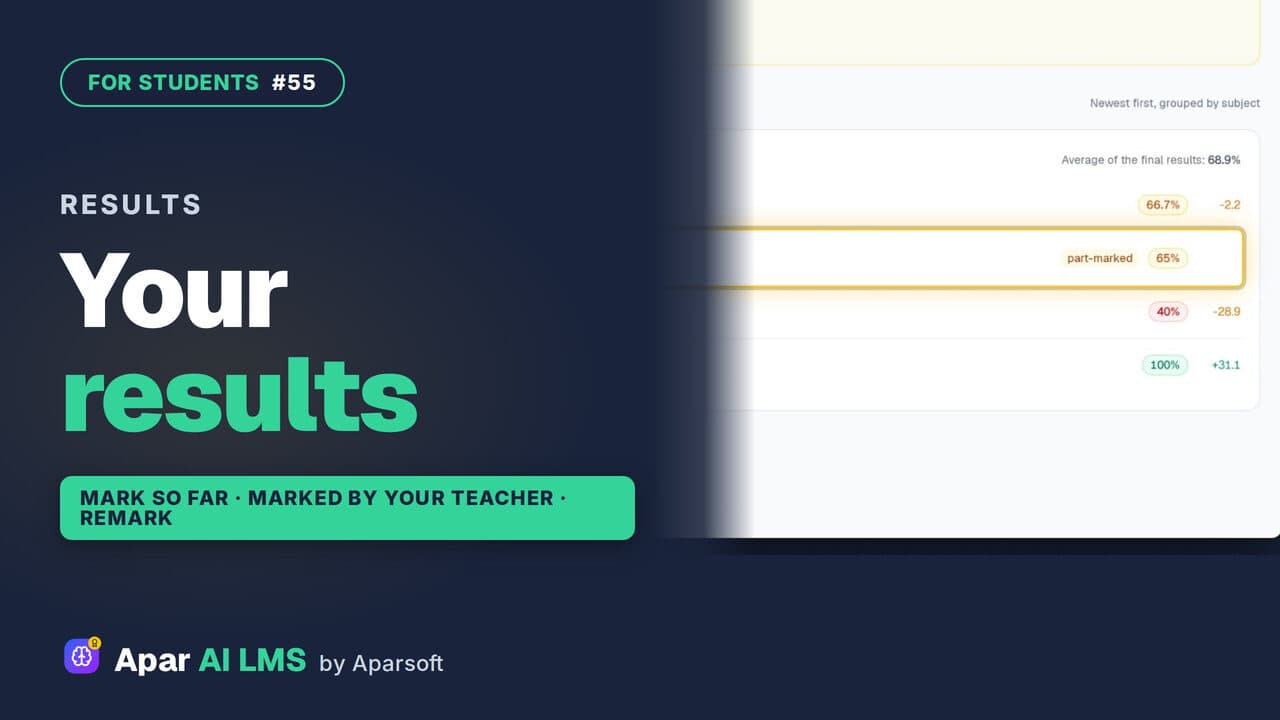
See Your Test Results and Teacher's Marks
Every result in one list, with work still with your teacher clearly shown. Follow a part-marked test until the teacher's marks make it final.
 Length1:27#56 · Students
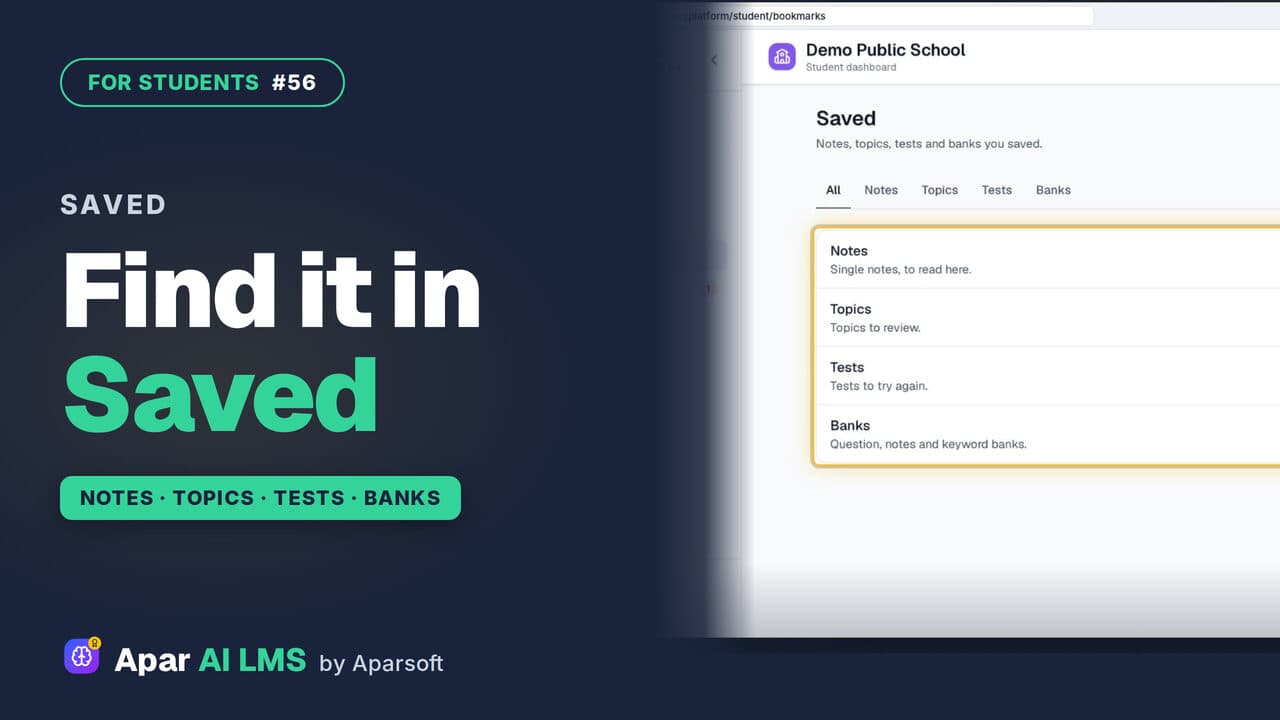
Save Notes, Topics and Tests to Revise Later
One Save button on notes, a single note, a topic or a test, and one Saved page that keeps them all, sorted by kind.
 Length1:30#57 · Students
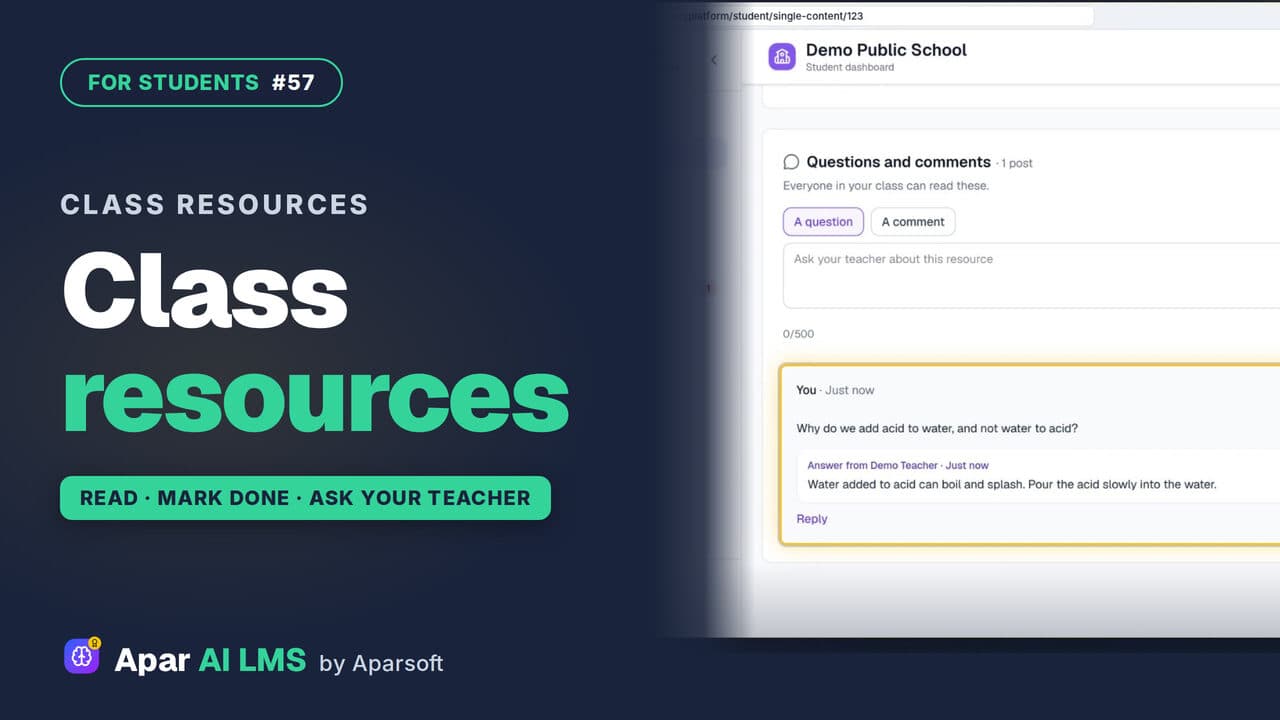
Class Resources: Open Notes, Ask Your Teacher
Your teachers' shared files, with study notes and questions to try, a Mark as done button, and a box to ask your teacher a question.
 Length1:38#59 · Students
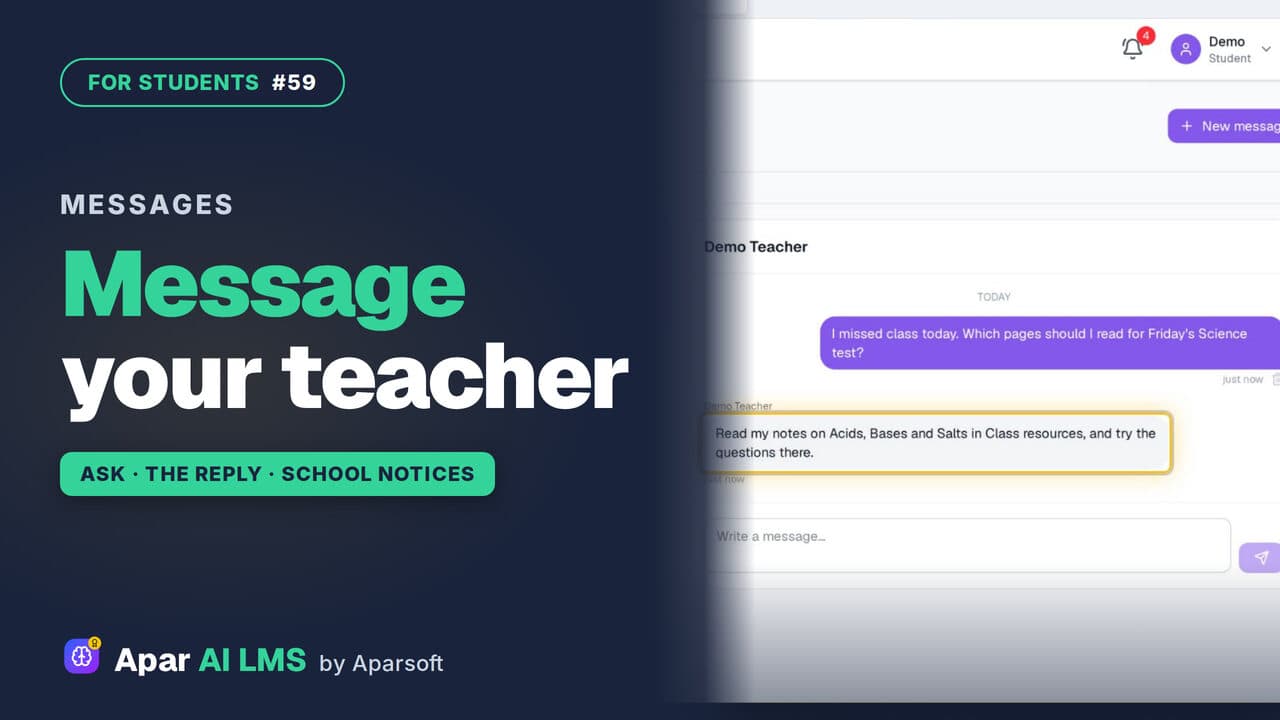
Message Your Teacher and Read School Notices
Ask a teacher who teaches you a question in Messages, read the school's notices, and find the reply under your question.
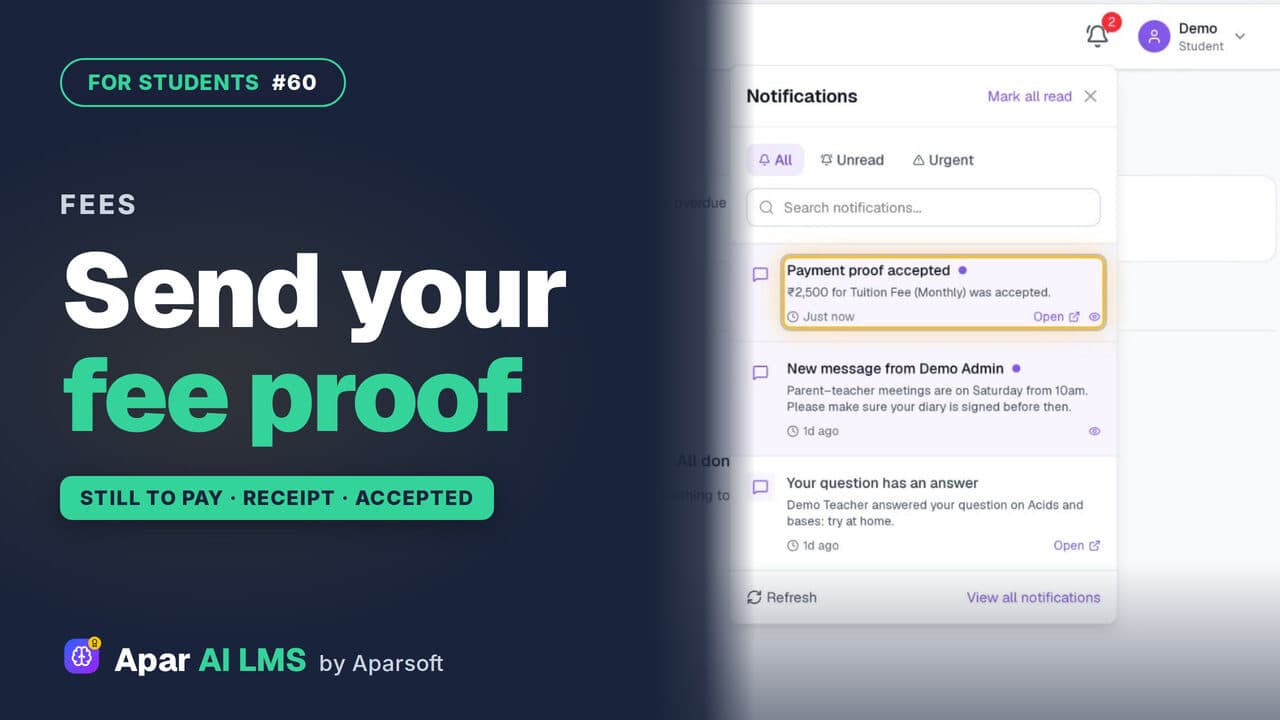 Length1:43#60 · Students
School Fees: See What Is Due, Send a Proof
See what is still to pay, pay the school by QR code or bank transfer, then record the payment with a photo of the receipt for the school to check.
The whole series on YouTube
Every film, one topic each, in one playlist.
Every screen in the films is the real product, shown on a demo school made for them.
Try it on your own school
Start the 2-month free trial. No payment.
- No payment
- No commitment
- Onboarding included