Practise answer writing with AI feedback on what you got right and what to improve
Write an answer in your own words and get AI feedback in seconds: what you got right, what to improve, and ideas to take it further.
Every screen in the films is the real product, shown on a demo school made for them.
Knowing the answer and writing it well are not the same thing. Practise with AI lets you write an answer to a chapter's question in your own words and get feedback in seconds: what is right, what is missing, and how to make it better. It is practice, so nothing is marked.
The film opens a chapter's short-answer questions, writes one answer, gets Focused feedback, then switches to Exploratory for ideas to go further.
Step by step
Open the short answers
On a chapter, press Short answers. Under a question, press Practise with AI.
Watch from 0:00Pick the kind of feedback
There are two kinds. Focused is for tests and homework. Exploratory is for thinking wider about the question.
Watch from 0:00Write your answer
Keep Focused and type your answer in the box, in your own words, as you would write it in a test.
Watch from 0:24Get AI feedback
Press Get AI feedback. The AI reads your answer and writes back within a few seconds.
Watch from 0:24Read the feedback
It says what you got right first, then what to improve. Scroll down and read all of it before you rewrite your answer.
Watch from 0:40Try Exploratory
Press Exploratory, then Get AI feedback again. The AI reads the same answer once more and this time also suggests ways to take it further.
Watch from 0:50
Good to know
Practice only
The feedback gives no marks. It is there to help you write a better answer before the real test.
The words change each time
The feedback is written fresh for each press, so asking again gives different words.
What was on screen
A demo school and its demo student. The feedback in the film is the AI's own reply, written while filming.
Questions
- Can AI give feedback on my written answers?
- Yes. Under a chapter's question, press Practise with AI, write your answer and press Get AI feedback. It tells you what you got right and what to improve.
- What is the difference between Focused and Exploratory feedback?
- Focused is for tests and homework. Exploratory is for thinking wider, and also suggests ways to take your answer further.
- Does Practise with AI give marks?
- No. It is practice: you get feedback, not a mark.
What the film saysThe narration, scene by scene.
AI practice. This is the student dashboard, on a chapter. Press Short answers.
Practise with AI. Under a question, press Practise with AI.
Two kinds of feedback. It opens on the question. There are two kinds of feedback: Focused, for tests and homework. Exploratory, to think wider.
Write your answer. Keep Focused, and write your answer in the box, in your own words.
Get AI feedback. Then press Get AI feedback. It reads your answer, and writes back in a few seconds.
The feedback. The feedback says what you got right, and what to improve.
Read it to the end. Scroll down to read it to the end.
Exploratory. To think wider, press Exploratory. Then get AI feedback again. It reads your answer once more, and writes back.
Ideas to go further. This time, it also suggests ways to take it further.
Coming up. Next: the chapter summary and concept map.
Watch next
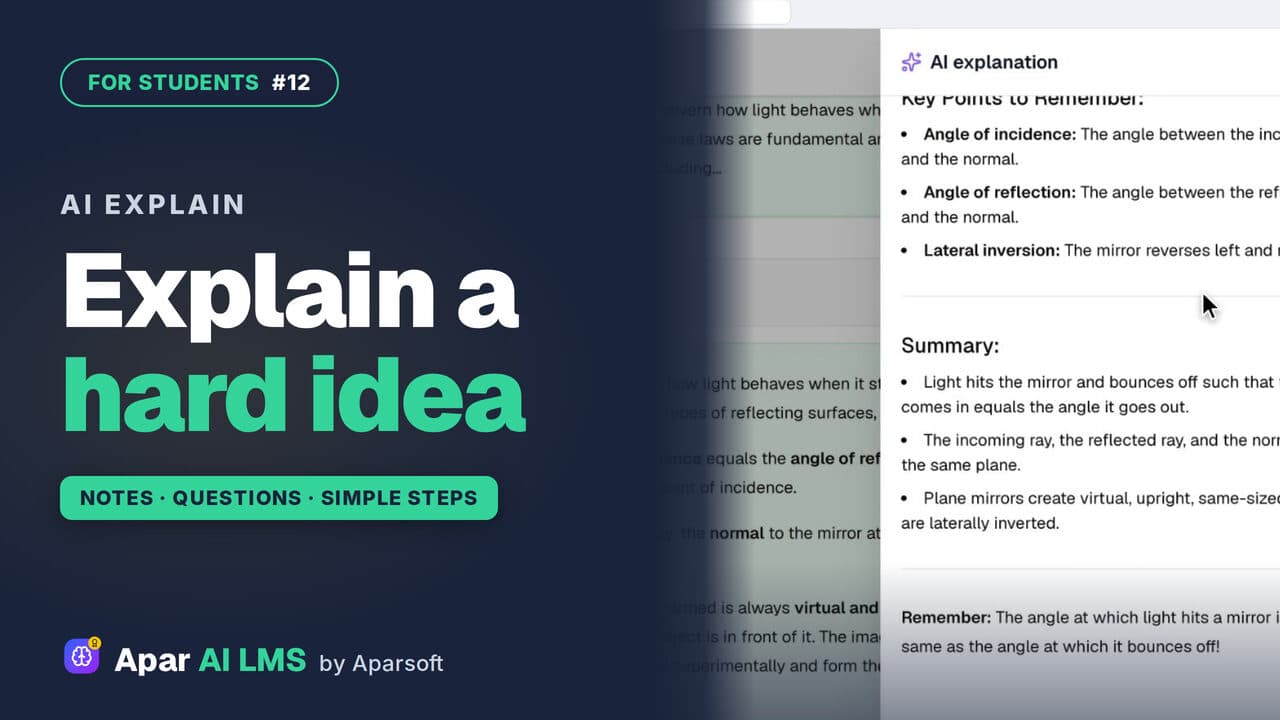 Length1:40#12 · Students
AI Explain: Help with Hard Ideas for Students
Stuck on a note? Press Explain with AI for the same idea in simple steps. Under an MCQ, it explains why the answer is right.
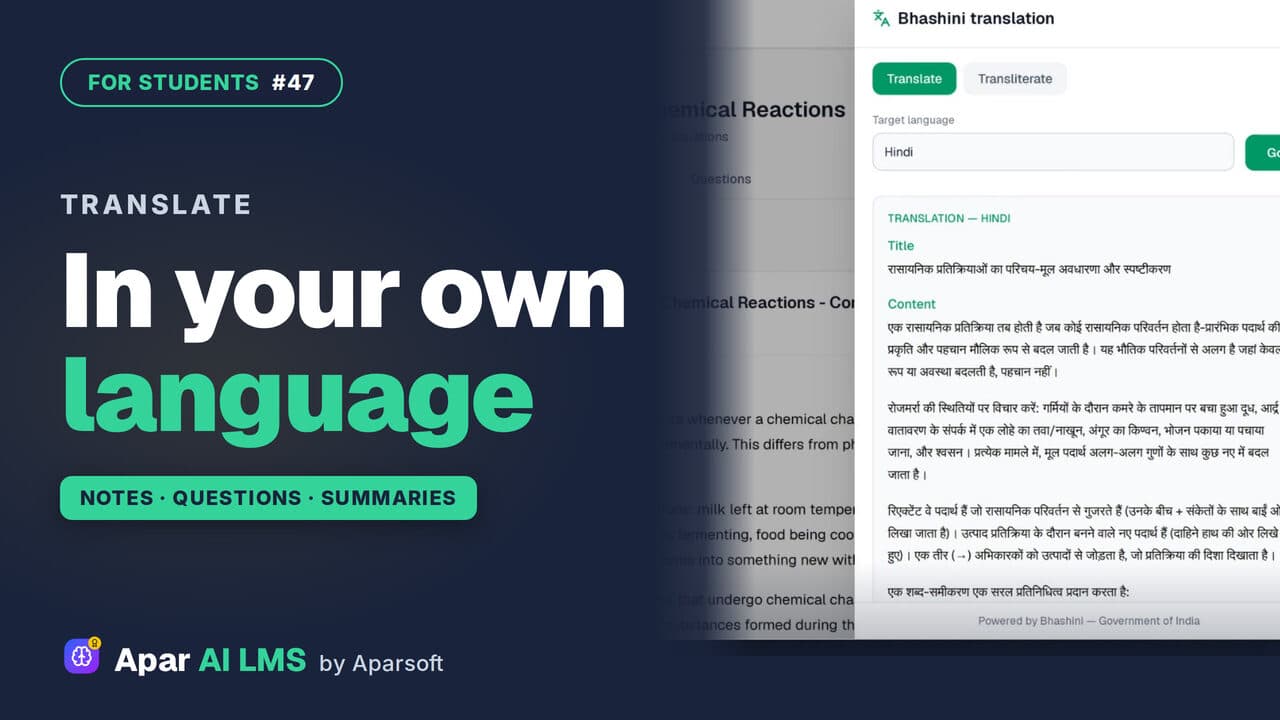 Length1:30#47 · Students
Translate Notes Into Hindi and Your Language
Notes, practice questions and chapter summaries each have Translate. Pick your language and read it there, through Bhashini, the Government of India's language service.
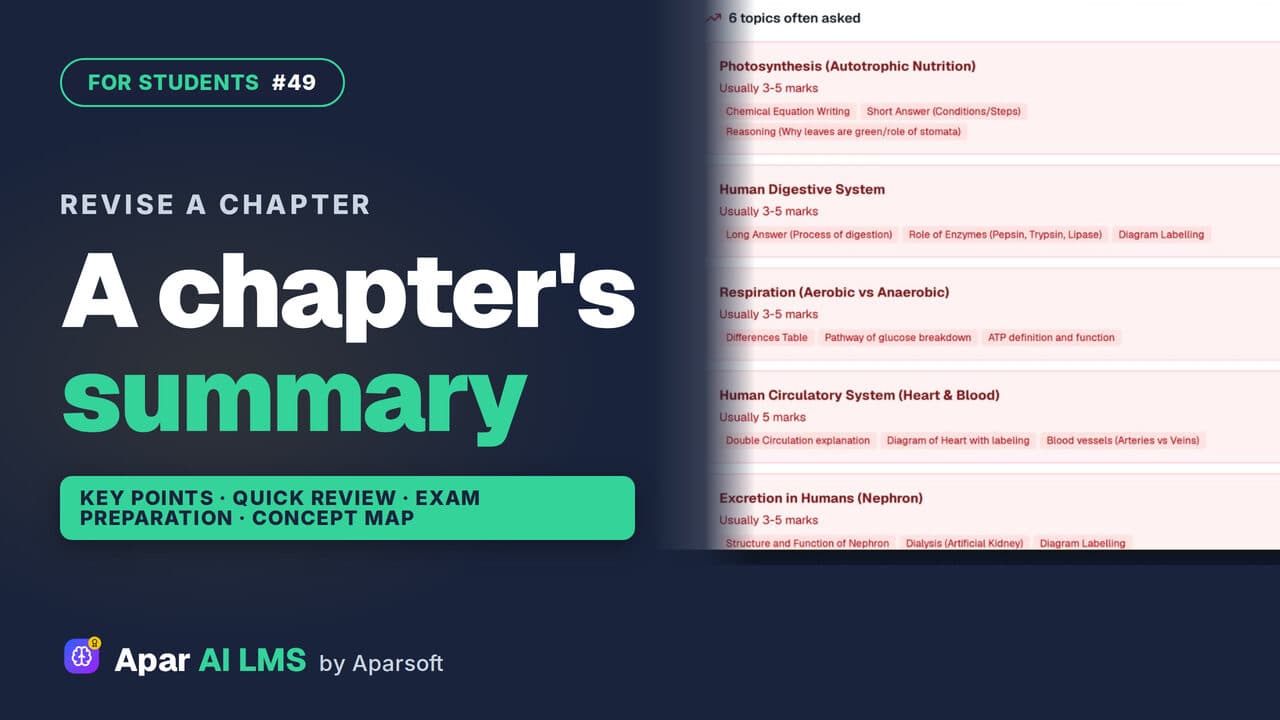 Length1:25#49 · Students
Chapter Summary and Concept Map for Revision
Revise a chapter kind by kind: key points, a quick review, exam preparation, the main concepts, and a concept map of how its ideas connect.
Try it on your own school
Start the 2-month free trial. No payment.
- No payment
- No commitment
- Onboarding included