Find a chapter's MCQs, short and long questions, and add your own with AI answers
A chapter's MCQs, short and long questions with their answers. Add your own: AI drafts the answer from the chapter, and you check it.
Every screen in the films is the real product, shown on a demo school made for them.
Before a test or a revision class, a teacher needs questions with correct answers, sorted by type. A chapter's question bank is ready under Practise and test. When you want a question of your own, you write it and AI drafts its answer from the chapter, and nothing is saved until you have read it.
The film opens Class 10 Science, Life Processes: its MCQs, its assertion and reason questions, its short questions, and a teacher's own question added and saved.
Step by step
Open the chapter
On the teacher dashboard, press Library, then Class 10 Science, then Life Processes.
Watch from 0:00Read the MCQs and their answers
Under Practise and test, press MCQs. Each row is one question; press Show answer to see its choices and which one is right.
Watch from 0:20Filter to one type
Pick a type, for example Assertion and reason, and the list shows only questions of that type.
Watch from 0:34Open short and long questions
Back on the chapter, press Short questions to read them with their answers. Long questions work the same way.
Watch from 0:34Write your own question
On Short questions, press Add questions. Untick From the textbook, then type your question.
Watch from 0:53Let AI draft the answer, then check it
Press Write answers. AI drafts an answer using the chapter. Read it, and only when it is right, press Save answers.
Watch from 1:03Find it again later
Back on Short questions, search for a word from your question. It is there, with its answer, beside the chapter's own questions.
Watch from 1:03
Good to know
You check every AI answer
The answer AI writes is a draft for you to read. It is saved only when you press Save answers, so you decide what goes in.
Your question stays with the chapter
A question you add is kept on the chapter's Short questions, where you can find it by searching for a word in it.
Filmed on a demo school
The questions are the library's own for Class 10 Science. The answer to the teacher's question was written by AI while filming, with the wait cut.
Questions
- Where do I find a chapter's MCQs with answers?
- Under Library, open the chapter, then press MCQs under Practise and test. Show answer on each row gives the choices and the right one.
- Can I add my own questions to a chapter?
- Yes. On Short questions, press Add questions, untick From the textbook and write your question. AI writes an answer from the chapter for you to check before saving.
- Can I see only assertion and reason questions?
- Yes. Pick the type on the MCQs list, and only questions of that type show.
What the film saysThe narration, scene by scene.
A chapter's questions. This is the teacher dashboard. Here is how to find a chapter's questions, and add your own.
The chapter. On the left, press Library. Press Class 10 Science, then Life Processes.
MCQs. Under Practise and test, press MCQs. Each row is a question. Press Show answer to see its choices, and the right one.
One type. To see one type, pick it, like Assertion and reason. The list shows only that type.
Short questions. Back on the chapter, press Short questions. Long questions work the same way.
Add your own. To add your own, press Add questions. Untick From the textbook, and write your question.
AI writes the answer. Press Write answers. AI writes the answer from the chapter, and you check it before it is saved.
Save it. If it is right, press Save answers.
In the chapter's questions. Back on Short questions, search for a word in it. There it is, with its answer.
Coming up. Next: Chapter topics: practice or graded.
Watch next
 Length1:24#29 · Teachers
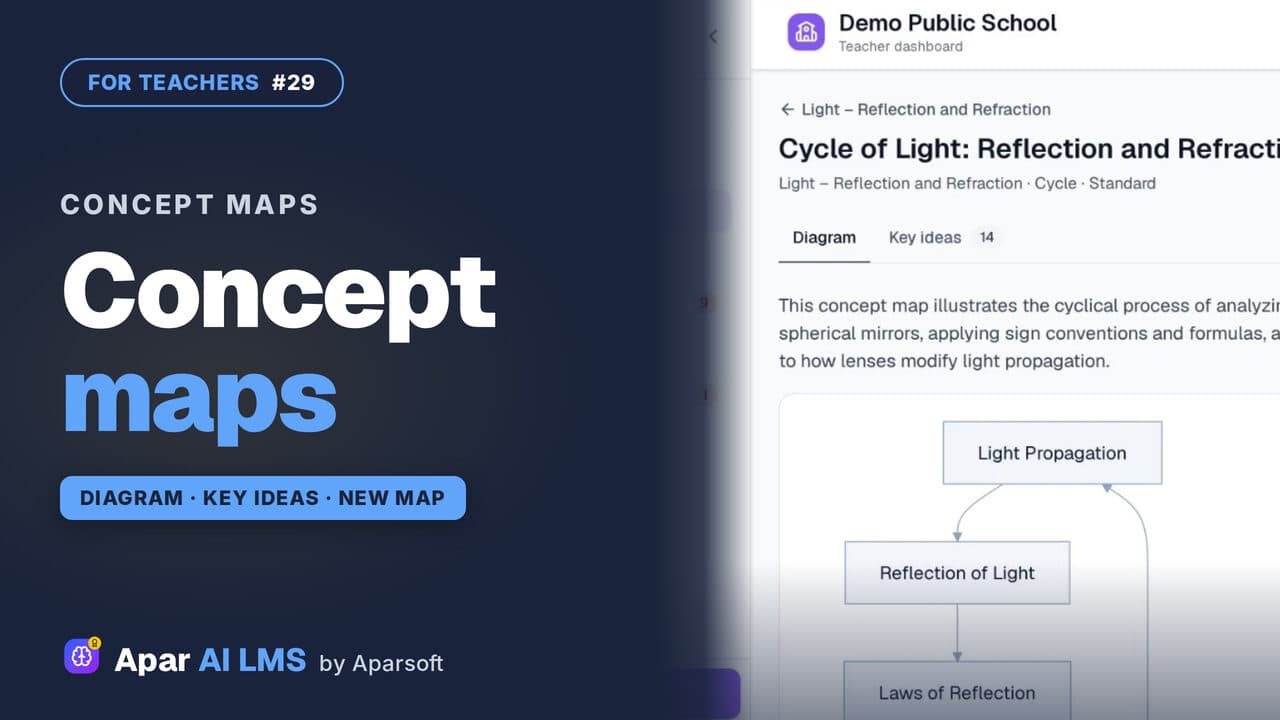
Concept Maps: Open One or Make Your Own
Each chapter has a concept map of how its ideas connect. Make your own for a topic: pick the detail and the shape, and AI draws it.
 Length1:44#31 · Teachers
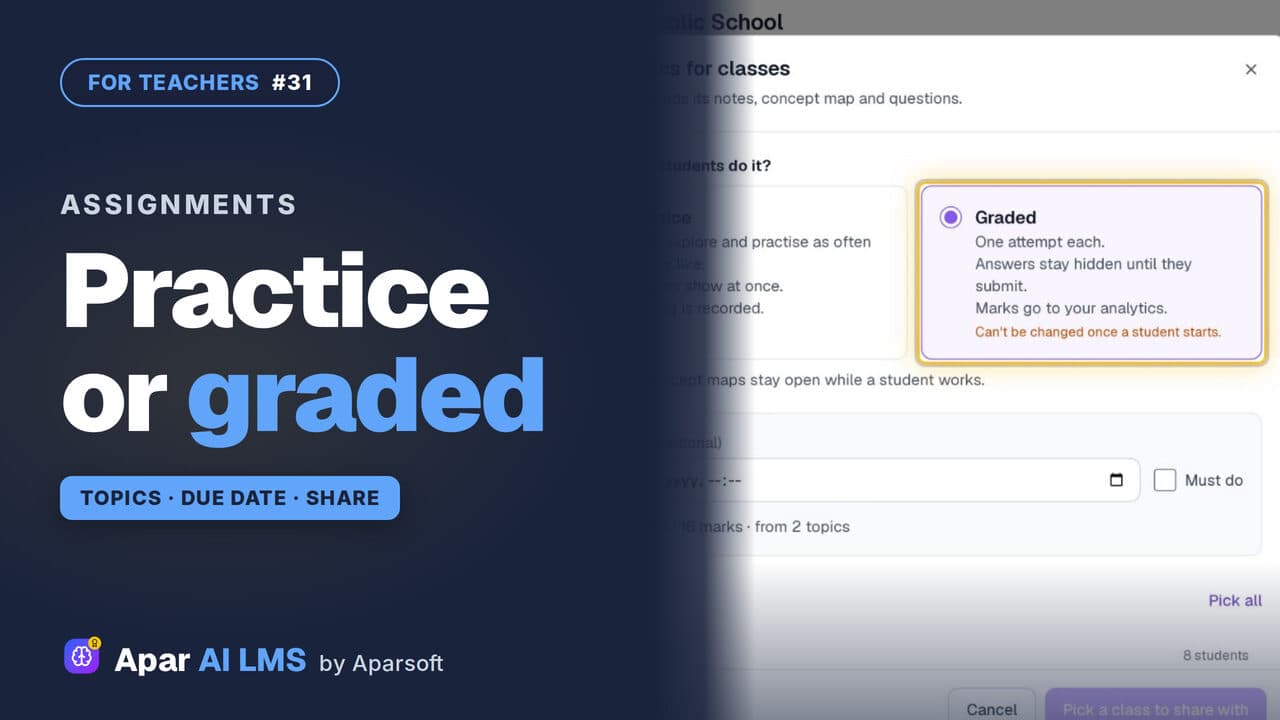
Set Chapter Topics as Practice or Graded Work
Tick a chapter's topics and set them as practice or graded. Graded means one attempt, answers hidden until submitted, and marks in your analytics.
 Length4:45#07 · Teachers
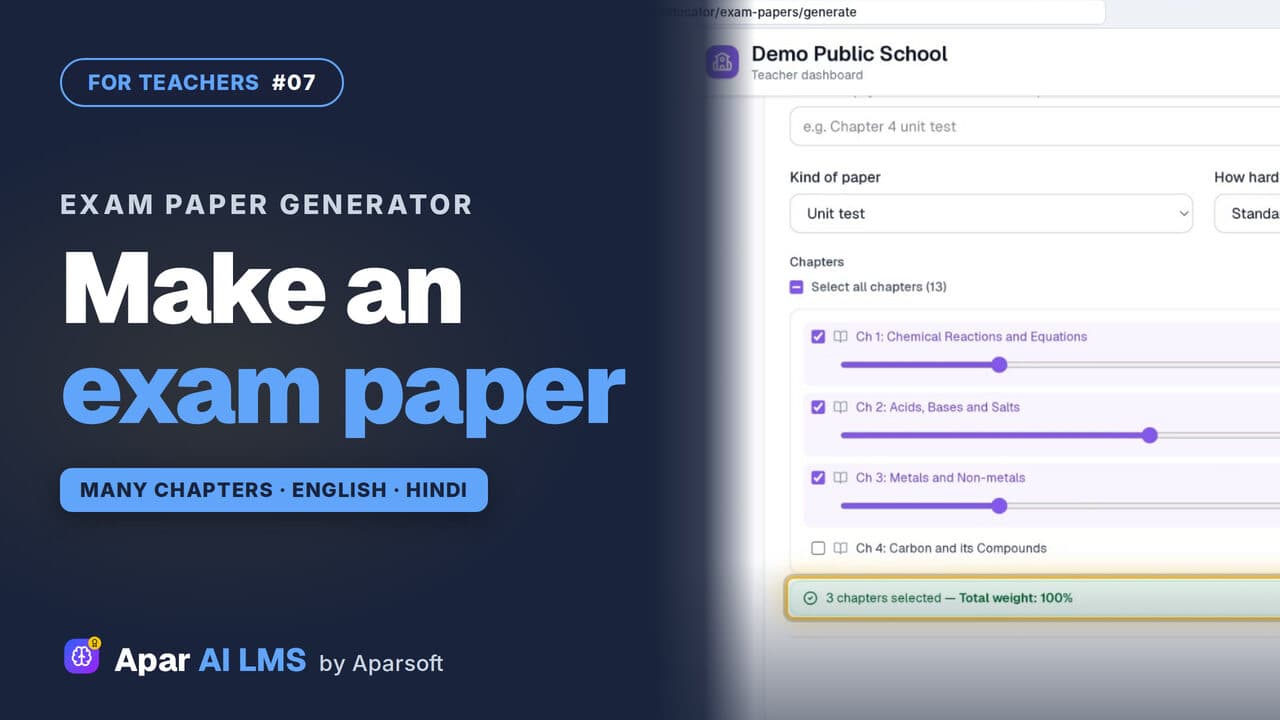
Exam Paper Generator: Chapters and Weightage
Pick a template, tick the chapters, set each chapter's weightage, and the paper is ready with its answer key, then English and Hindi papers too.
 Length2:45#08 · Teachers
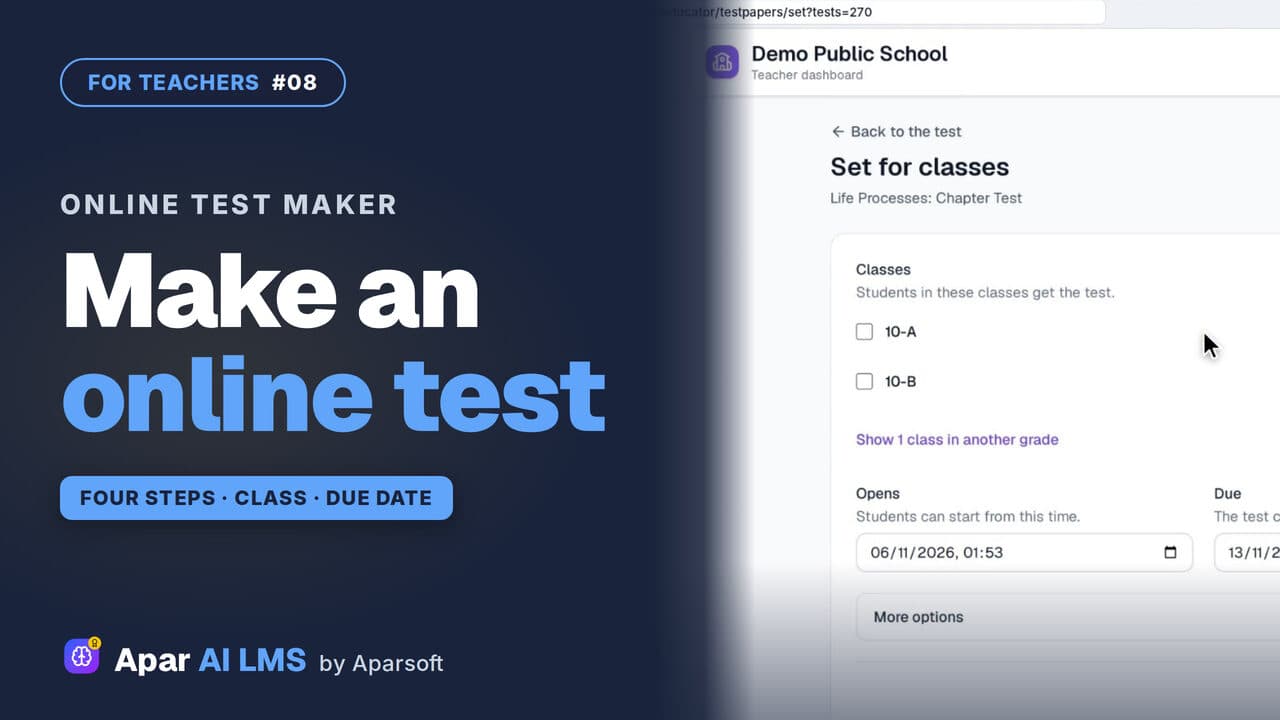
Make an Online Test and Set It for a Class
Four steps make a chapter test. Choose when students see the answers, set it for a class, and it appears on their To do list.
Try it on your own school
Start the 2-month free trial. No payment.
- No payment
- No commitment
- Onboarding included