Ready Hindi and English reading, grammar and writing practice for your class
On a Hindi or English subject: passages with answers and reasons, grammar practice by rule, and writing tasks with their marking and a model answer.
Every screen in the films is the real product, shown on a demo school made for them.
Language teachers spend a lot of time finding unseen passages, making grammar drills and working out how an anuchhed or a letter should be marked. In Apar AI LMS, a Hindi or English subject opens with a ready section for all three, called Reading, grammar and writing, with the answers and the marking already worked out.
The film opens Class 10 Hindi and looks at one of each: an unseen passage and its questions, the grammar topic on nouns and its practice set, and a writing task with its marking scheme and model answer. English has the same three parts.
Step by step
Open your language subject
Press Library on the left, then your language; the film uses Hindi. On a language subject, Reading, grammar and writing is the first card, above the chapters.
Watch from 0:10See the three parts
Press it. Reading holds passages with questions, Grammar holds practice sets with one topic for each rule, and Writing holds tasks, each with its own marking scheme.
Watch from 0:10Open an unseen passage
Press Reading, then Unseen passages, and open a passage. Its questions sit under the text, and each shows the right answer with a short reason, which helps when you go over it with the class.
Watch from 0:37Pick a grammar topic
Go back to Language arts and press Grammar. Each topic covers a single rule; the film opens संज्ञा (Noun).
Watch from 0:50Check its practice set
Open the topic's practice set. Every question is shown with its choices and the right answer, so you can read the whole set before you use it.
Watch from 0:50Choose a writing task
Back on Language arts, press Writing, pick a kind of writing and open a task. The film opens an anuchhed (paragraph) task on a favourite festival.
Watch from 1:06Read what the task asks
Each task tells the student what to write, how many marks it carries, how many words to aim for and how much time to give it.
Watch from 1:06See the marking and a model answer
Press Marking to see how the task's five marks are split and what earns each one. Model answer shows a good answer to compare against.
Watch from 1:06
Good to know
English works the same way
The film shows Hindi. An English subject has the same three parts: Reading, Grammar and Writing.
The film only looks
Nothing is set or shared in this film. It shows what is ready in the library so you can read it before you use it with your class.
What was on screen
The demo school's teacher account, with the Apar library's own Class 10 Hindi (CBSE).
Questions
- Where can I find unseen passages with answers for Class 10 Hindi?
- In Library, open Hindi, then Reading, grammar and writing, then Reading and Unseen passages. Each passage has its questions with the right answer and why.
- Do the grammar practice sets show the answers?
- Yes. A practice set shows every question with its choices and the right answer.
- Does each writing task come with a marking scheme?
- Yes. Each task has Marking, which shows how its marks are given, and Model answer, which shows a good answer.
What the film saysThe narration, scene by scene.
Language subjects. This is the teacher dashboard. Here is how to find ready reading, grammar and writing, for Hindi and English.
Library, Hindi. On the left, press Library. Then press your language. Here, Hindi.
Reading, grammar and writing. Reading, grammar and writing come first, above the chapters. Press it.
Three parts. Reading has passages with questions. Grammar has practice sets. Writing has tasks, each with a marking scheme.
Reading. Press Reading, then Unseen passages, and open the first one.
Its questions. Below the passage are its questions, each with the right answer, and why.
Grammar. Go back to Language arts, and press Grammar. Each topic is one rule: open nouns.
A practice set. Open its practice set: each question, with its choices and the right answer.
Writing. Back on Language arts, press Writing. Pick a kind of writing, and open a task.
The task. Each task says what to write, with its marks, the number of words, and the time.
Marking, model answer. Marking shows how the five marks are given. Model answer shows a good answer.
Coming up. Next: Your own PDF: AI turns it into notes and questions.
Watch next
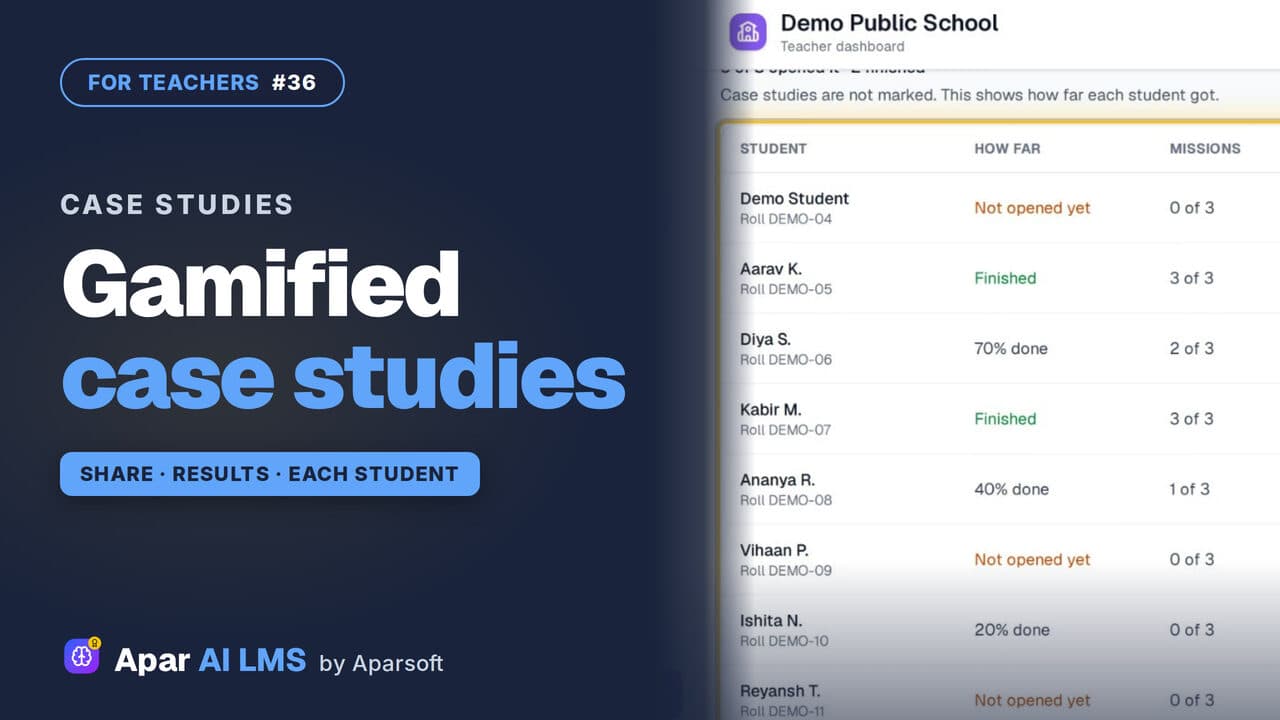 Length1:22#36 · Teachers
Gamified Case Studies: Share, See Results
Each case study gives students a role and missions. Preview one, share it with your class, and see how far every student got.
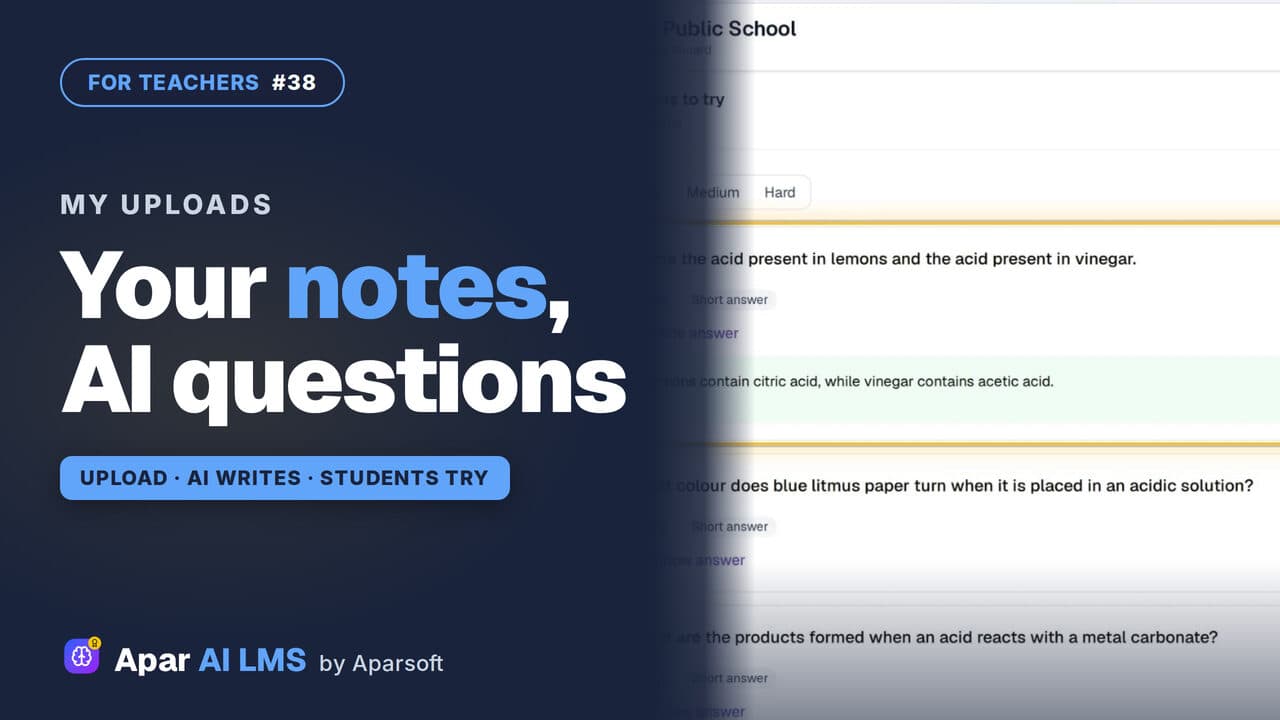 Length1:42#38 · Teachers
AI Questions From Your Own PDF Notes
Upload a PDF of your own notes. AI writes questions with answers; you check and approve them, then share the file and the questions with your class.
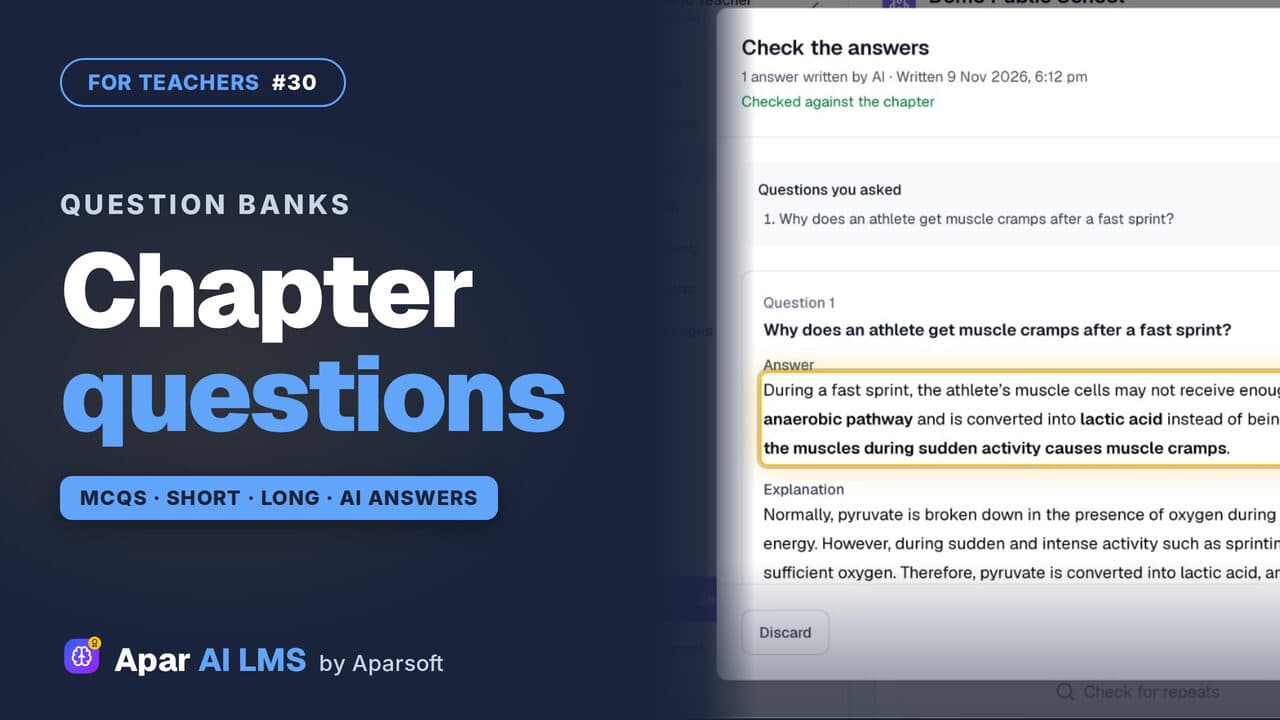 Length1:44#30 · Teachers
Question Bank: MCQs, Short and Long Answers
A chapter's MCQs, short and long questions with their answers. Add your own: AI drafts the answer from the chapter, and you check it.
Try it on your own school
Start the 2-month free trial. No payment.
- No payment
- No commitment
- Onboarding included