Share a chapter's gamified case studies and see how far each student got
Each case study gives students a role and missions. Preview one, share it with your class, and see how far every student got.
Every screen in the films is the real product, shown on a demo school made for them.
A gamified case study turns a chapter into a short game: the student takes on a role and works through missions, solving the chapter's problems along the way. For a science teacher it is a way to have the class practise by doing, and then see who started, who finished and who has not opened it at all.
The film uses Class 10 Science, Acids, Bases and Salts. It finds the chapter's case studies in the Library, opens one as a student would see it, shares it with 10-A, and opens the results of one shared a few days earlier.
Step by step
Open the chapter
Press Library in the menu on the left, then the subject (here Class 10 Science) and the chapter, Acids, Bases and Salts.
Watch from 0:00Find the gamified case studies
Under Practise and test, press Gamified case studies. Each card shows its missions, problems, time and level, and whether it is shared with a class yet.
Watch from 0:19See it as your students will
Press Open on a card. You see the student's view: how long it takes, its missions and their problems. The first mission is open and the rest unlock one by one. Nothing is shared by looking.
Watch from 0:19Share it with your class
Go back and press Share on the card. Pick your class and press Share again. The card now names the class it is shared with, so you can tell at a glance what is out.
Watch from 0:38Open the results
On a case study you shared earlier, press Results. The top of the page tells you how many students in the class have opened it and how many have finished.
Watch from 0:49Read each student's row
Every student has a row, including those who never opened it: how far they got, the missions and problems done, and the time spent. Use it to see who needs a nudge.
Watch from 0:49
Good to know
Case studies are not marked
Results show progress only: how far each student got, what they finished and how long they spent. There are no marks, and the page says so.
Who has not started
Students who never opened the case study still appear in the list, so you can follow up with them by name.
What was real in the film
Everything was filmed on a demo school, its demo teacher and its demo students, on Class 10 Science (CBSE). The share made on camera was removed after filming.
Questions
- What is a gamified case study in Apar AI LMS?
- A chapter-based activity where the student plays a role and completes missions, each with problems from the chapter. Each card shows its missions, problems, time and level.
- Can I see which students have not started a case study?
- Yes. Results lists every student in the class, including those who never opened it, next to how far the others got.
- Are gamified case studies marked?
- No. The results page shows progress, not marks: missions and problems done and time spent.
What the film saysThe narration, scene by scene.
Gamified case studies. This is the teacher dashboard. Here is how to share a chapter's gamified case studies, and see how far your class got.
The chapter. On the left, press Library. Press Class 10 Science, then Acids, Bases and Salts.
The case studies. Under Practise and test, press Gamified case studies. In each one, the student takes a role, and finishes missions.
As students see it. Press Open, to see it as your students will: its time, its missions, and their problems.
Share it. Go back, and press Share. Pick your class, and press Share again. The card shows the class it is shared with.
How far they got. To see how far your class got, press Results on one you shared before.
Each student. Each student's row shows how far they got, the missions and problems done, and the time spent. Case studies are not marked.
Coming up. Next: English and Hindi: reading, grammar and writing.
Watch next
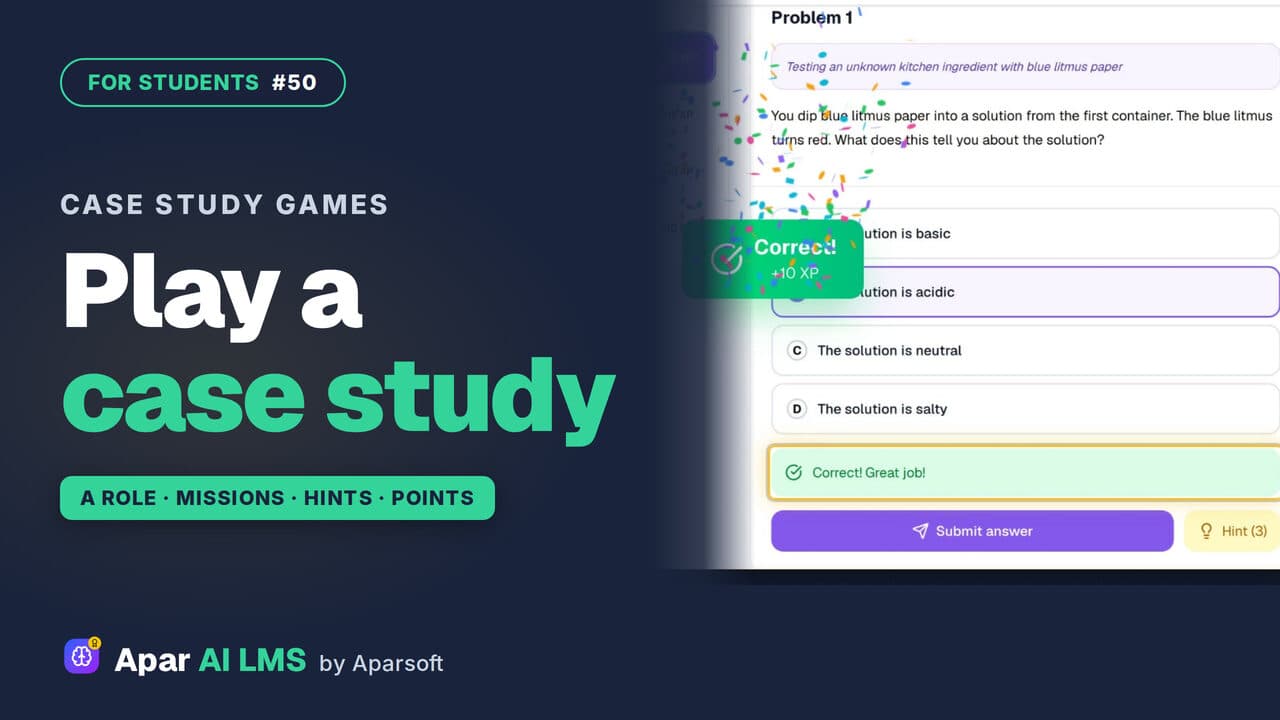 Length1:37#50 · Students
Case Study Games: Play a Role in a Chapter
Your teacher's case study games turn a chapter into missions. Take a role, solve problems for points, and press Hint when you are stuck.
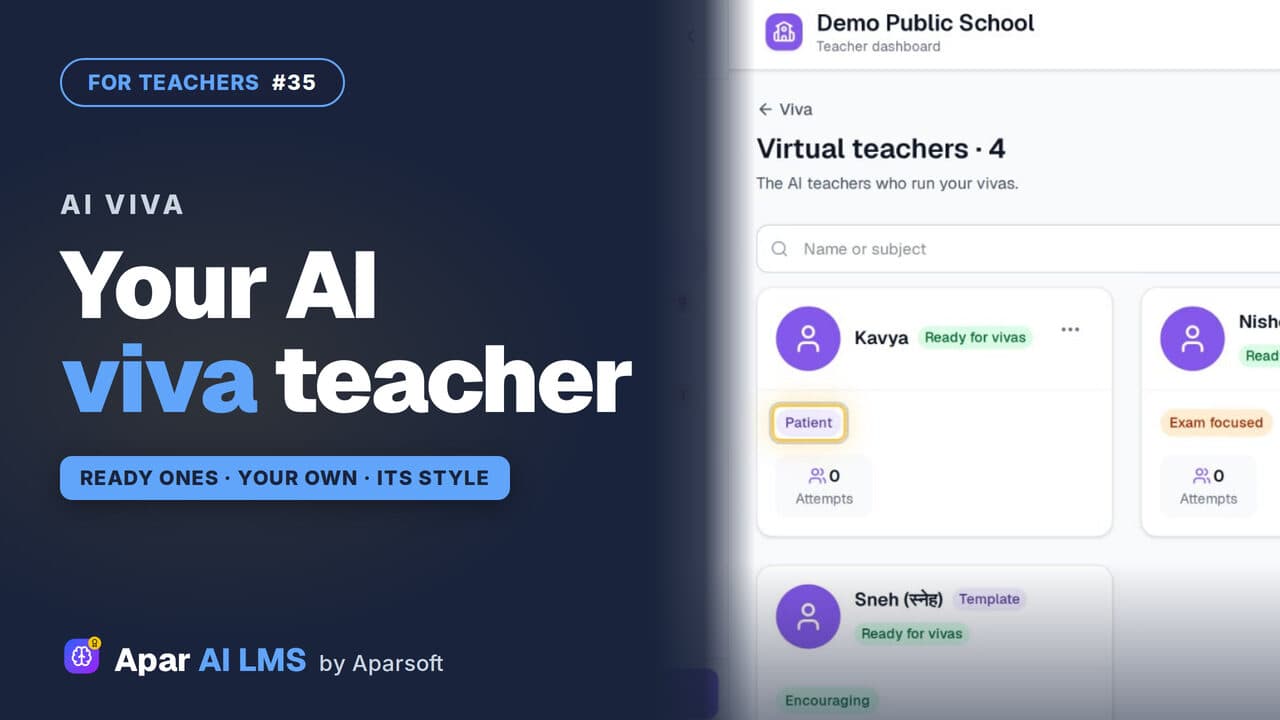 Length1:22#35 · Teachers
AI Viva: Make Your Own Virtual Teacher (Beta)
Meet the ready virtual teachers that run an AI viva, then make one of your own with a name, a teaching style and a way of talking.
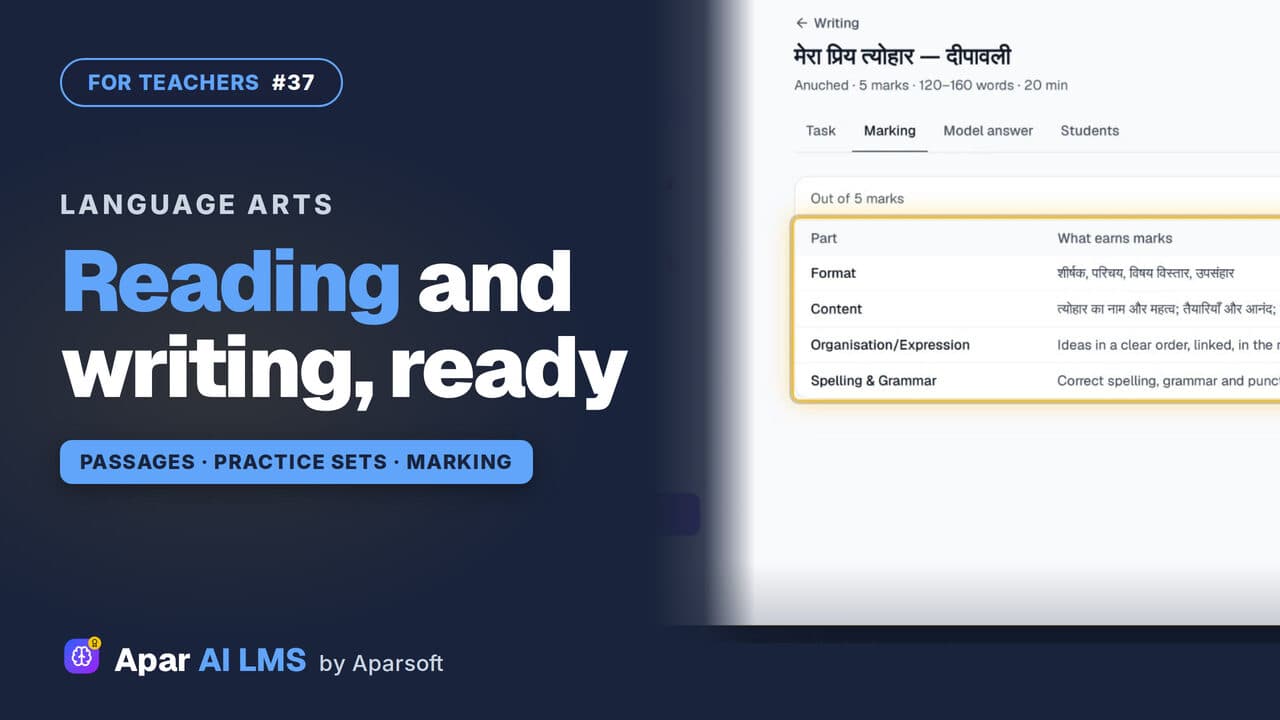 Length1:46#37 · Teachers
Hindi and English Reading, Grammar, Writing
On a Hindi or English subject: passages with answers and reasons, grammar practice by rule, and writing tasks with their marking and a model answer.
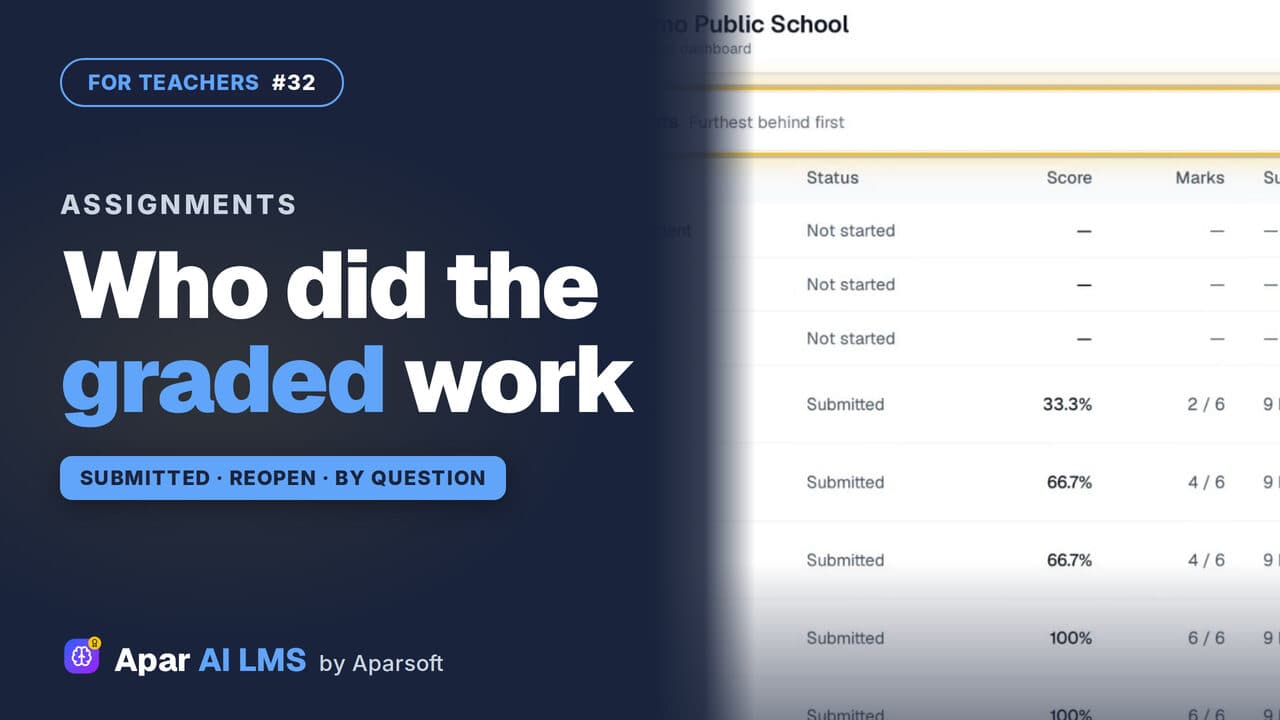 Length1:25#32 · Teachers
Track Graded Work: Who Has Submitted
For each graded assignment: who has submitted, who has not started, the average and range, each question, and Reopen with a reason.
Try it on your own school
Start the 2-month free trial. No payment.
- No payment
- No commitment
- Onboarding included