A whole NCERT chapter, ready to teach on day one: what is inside
Open one chapter and see everything that is ready for you: maps, plans and summaries to teach, notes to study, and questions to practise and test.
Every screen in the films is the real product, shown on a demo school made for them.
Most school software starts empty and waits for teachers to fill it. In Apar AI LMS every chapter arrives with its teaching material already made from the NCERT book, so a teacher can plan a lesson or set work on the first day.
This film opens one chapter, Acids, Bases and Salts from Class 10 Science, and shows what each part of the chapter page holds, from the concept map down to the questions for each topic.
Step by step
Open the Library
Press Library, then the subject you teach, here Science. Every chapter of the book is listed, each with its material ready.
Watch from 0:00Pick a chapter
Press a chapter to open it. The top of the page names the chapter and the class, and roughly how long it takes to teach.
Watch from 0:19Teach from the top section
Under Teach are the chapter's concept map, with more maps inside its topics, and its lesson plans and summaries.
Watch from 0:30Study material for the class
Under Study material are the keywords, the notes section by section, and the textbook's own questions.
Watch from 0:51Practise and test
Under Practise and test are assignments ready to set as work, gamified case studies, MCQs, and short and long questions.
Watch from 1:01Read and share the notes
Press Notes. Each section reads on its own and can be shared with a class on its own, so you can share only what you have taught.
Watch from 1:01Go topic by topic
Go back to the chapter and press Assignments. Each topic of the chapter has its own notes, concept maps and questions.
Watch from 1:22Open a topic's concept maps
Press a topic, then Concept maps. These maps cover that one topic only; press one to open it.
Watch from 1:37
Good to know
Every chapter, not a sample
The film opens one chapter, but each chapter in the subject has its material ready in the same layout, so what you learn here works everywhere.
How much is in each chapter varies
Chapters differ, so the amount of material differs too. The film names what is there rather than counting it.
Nothing reaches students until you share it
Students see a chapter's material only after a teacher shares it with their class.
Questions
- Do teachers have to write lesson plans and notes themselves?
- No. Each chapter already has lesson plans, summaries, notes, keywords, concept maps and questions made from the NCERT book. Teachers choose what to use and share.
- Can I share only part of a chapter's notes?
- Yes. Each section of the notes can be shared with a class on its own.
What the film saysThe narration, scene by scene.
Everything ready. When your school starts, everything is ready for you. Let us open one chapter, and see.
Library. Press Library. Here are the subjects you teach. Press Science.
Thirteen chapters. Science has thirteen chapters, each with everything ready for you. Press Acids, Bases and Salts.
The chapter. The top names the chapter and the class, and about how long it takes to teach.
Teach. Under Teach: the chapter's concept map, with more inside its topics. Lesson plans and summaries are here too.
Study material. Under Study material: keywords, notes section by section, and the textbook's questions.
Practise and test. Under Practise and test: assignments ready to set as work, gamified case studies, MCQs, short questions, and long questions.
Open the notes. Press Notes. Each section is ready to read, and ready to share with a class.
Topic by topic. Now the assignments. Press the chapter's name to go back, then press Assignments. Each topic has its own notes, concept maps and questions.
A topic's concept maps. Press the first topic, then Concept maps. These maps are for this one topic. Press one, and it opens.
Coming up. Next: set work, and share a chapter with your class.
Watch next
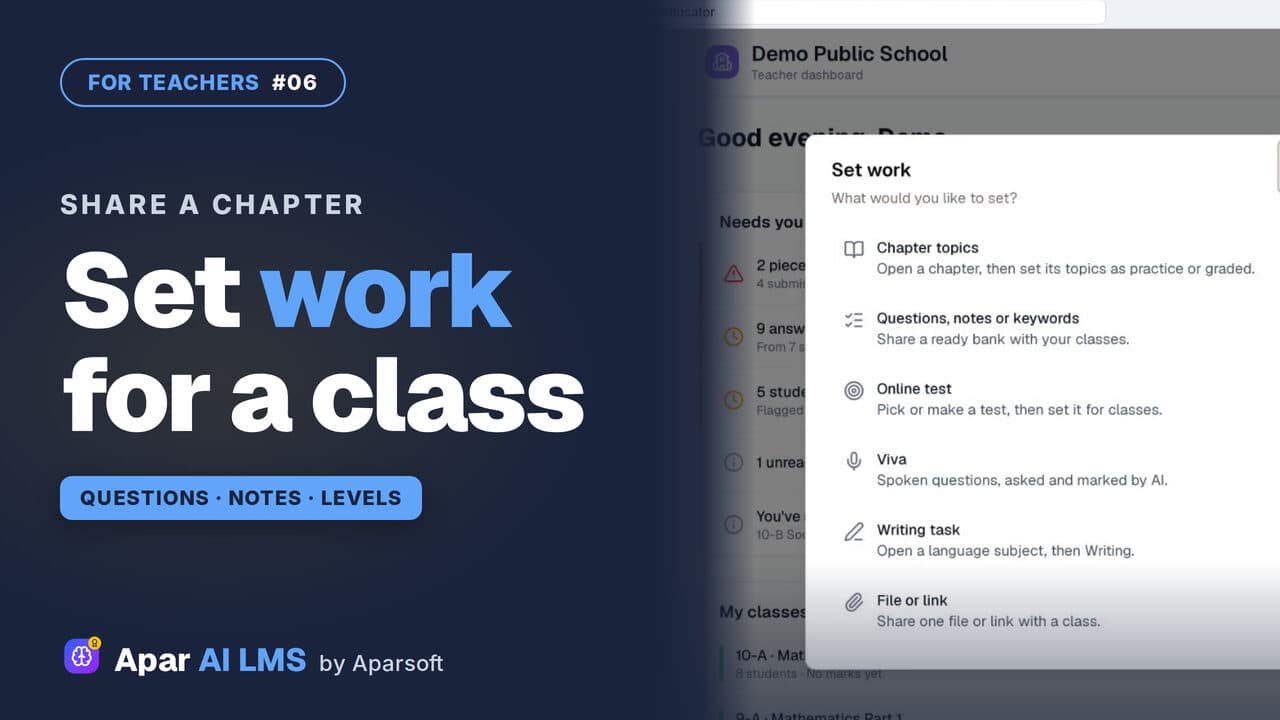 Length2:59#06 · Teachers
Share Questions and Notes with Your Class
Press Set work, share a chapter's questions without the hard ones, then its notes, and see exactly what the class can open.
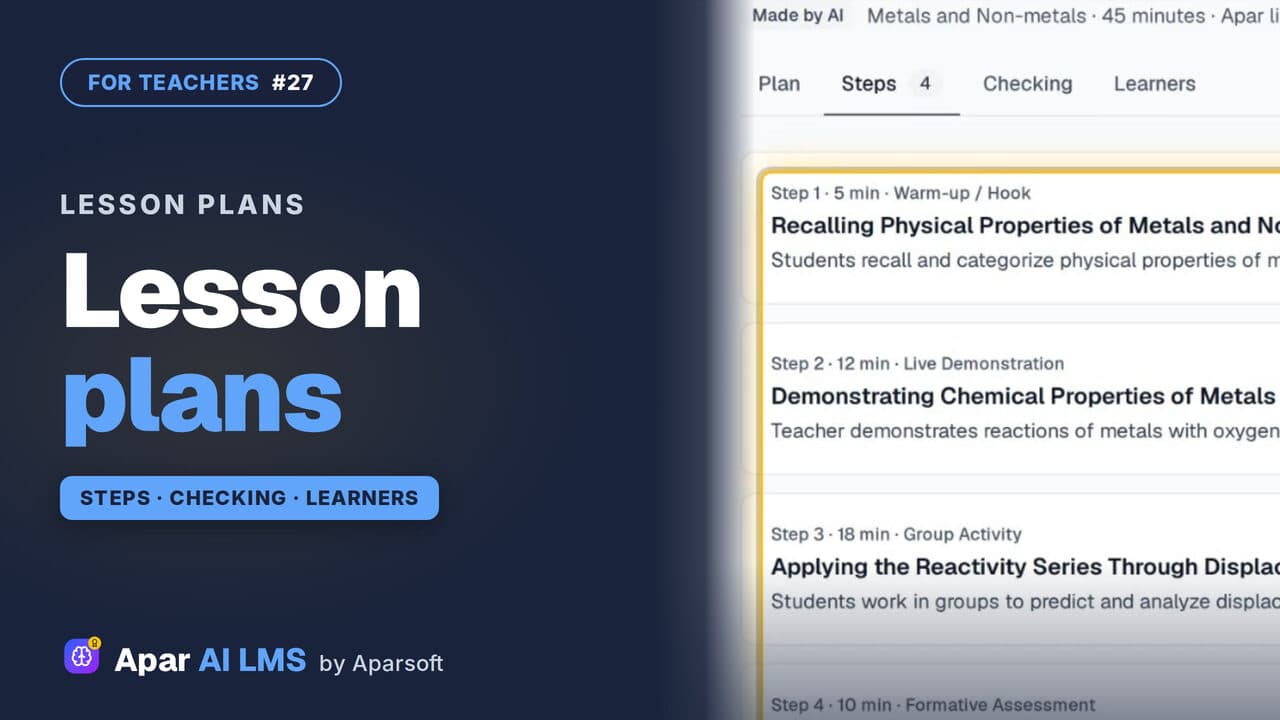 Length1:48#27 · Teachers
Lesson Plans for a Chapter, Ready to Teach
Each chapter has lesson plans that teach it different ways. Read one: aims, what you need, timed steps, checks, homework and help for every learner.
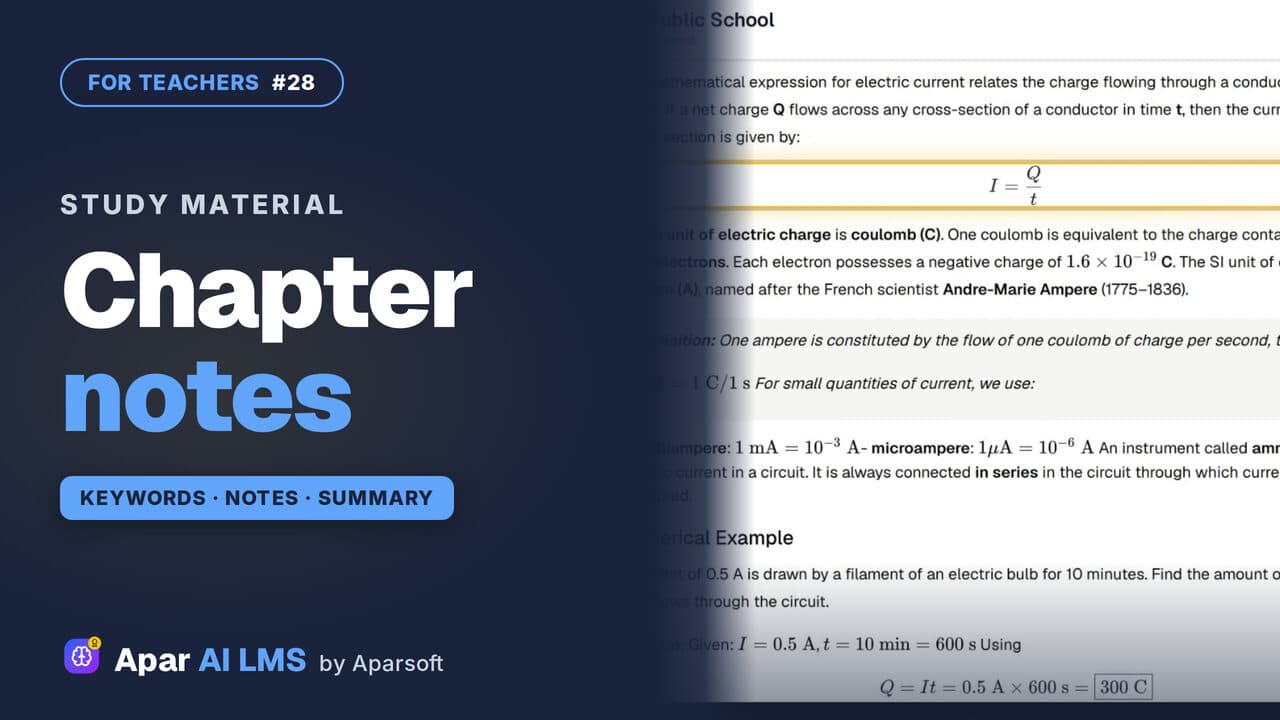 Length1:31#28 · Teachers
Chapter Notes, Keywords and Summary
Keywords one kind at a time, notes with their equations, and a summary with key points, formulas, a quick review and exam preparation.
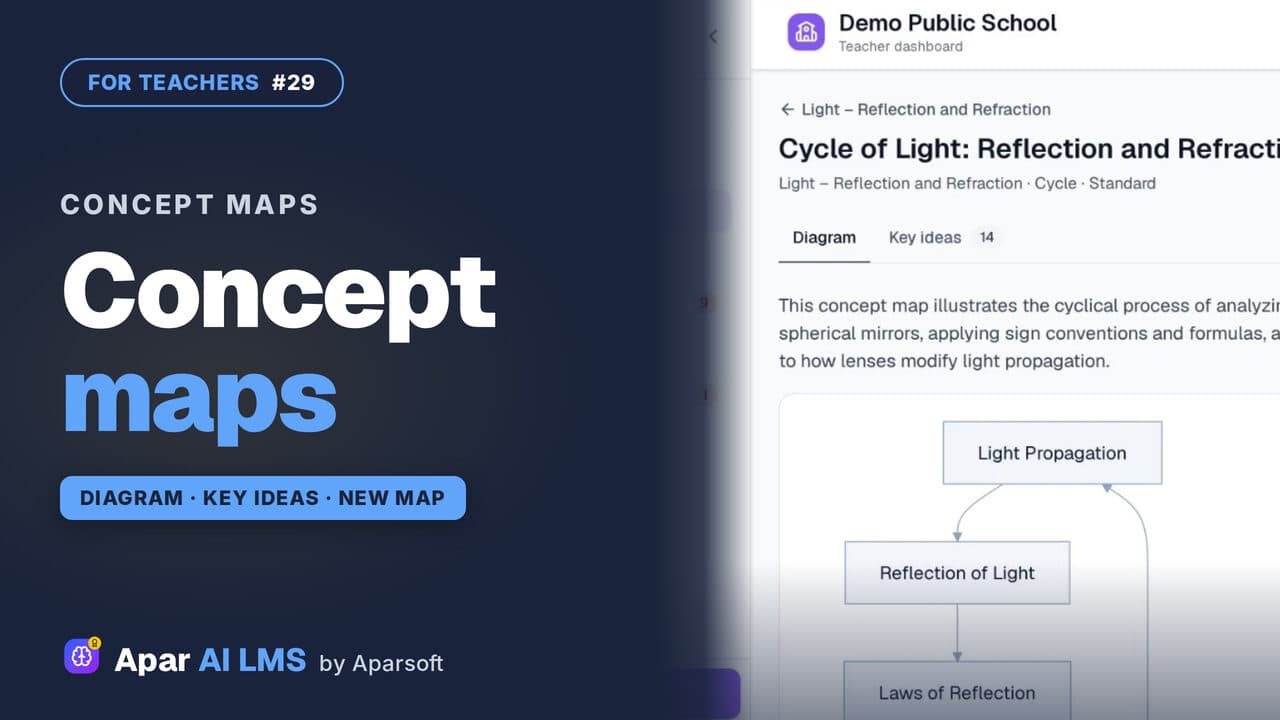 Length1:24#29 · Teachers
Concept Maps: Open One or Make Your Own
Each chapter has a concept map of how its ideas connect. Make your own for a topic: pick the detail and the shape, and AI draws it.
Try it on your own school
Start the 2-month free trial. No payment.
- No payment
- No commitment
- Onboarding included