Find your teachers' notes and practice questions, subject by subject, chapter by chapter
Subjects shows what your teachers shared in each chapter: notes, summaries and concept maps to learn, questions to practise, and smaller topics.
Every screen in the films is the real product, shown on a demo school made for them.
Before a test, the hardest part is often knowing where everything is. Under Subjects in Apar AI LMS, every subject and every chapter says what your teachers have shared in it, so you can go straight to the notes, summaries, concept map or practice questions you need.
The film opens Science, then the chapter Acids, Bases and Salts, shows its two lists, Learn and Practise, and then the same chapter split into smaller topics.
Step by step
Open Subjects
Press Subjects on the left. Each subject card says what is inside it: chapters, question sets and notes.
Watch from 0:00Open a subject
Press a subject. It tells you how many of its chapters your teachers have shared, and each chapter lists what it holds: notes, questions, a summary and a concept map.
Watch from 0:18Learn the chapter
Press a chapter. The first list, Learn, has the revision notes, the summaries and the concept map. Start here to read the chapter.
Watch from 0:34Practise it
The second list, Practise, has the questions sorted by type, with how many there are of each, so you can pick the kind you need.
Watch from 0:34Go topic by topic
At the end of the chapter, press Topic by topic. The chapter is split into smaller topics, each with its own notes, maps and questions.
Watch from 0:50Read the topic cards
Each topic card says what it holds, how long it takes to read, and its level, so you can plan a study session.
Watch from 0:50Find one topic quickly
Looking for one topic? Search for it by name, or pick a level to see only those topics.
Watch from 0:50
Good to know
Learn first, then practise
A chapter is two lists in that order: read with Learn, then check yourself with Practise.
What you see depends on your teachers
A subject shows how many of its chapters your teachers have shared, and each chapter shows what is in it.
What was on screen
A demo school and its demo student, with topics shared for the demo.
Questions
- Where can I find revision notes for a chapter?
- Press Subjects, the subject, then the chapter. Revision notes are under Learn, with the summaries and the concept map.
- What is Topic by topic?
- The chapter split into smaller topics, each with its own notes, maps and questions. You find it at the end of a chapter.
What the film saysThe narration, scene by scene.
Subjects. This is the student dashboard. Everything your teachers shared with you is under Subjects.
Your subjects. On the left, press Subjects. Each subject says what is in it: chapters, question sets, and notes.
A subject. Press a subject. It says how many of its chapters your teachers have shared.
Its chapters. Each chapter says what is in it: notes, questions, a summary, and a concept map.
Learn. Press a chapter. First, learn it: revision notes, summaries, and the concept map.
Practise. Then practise: questions by type, and how many there are of each.
Topic by topic. At the end, Topic by topic: the chapter in smaller parts, each with its own notes, maps, and questions.
The topics. Press it. Each topic says what it holds, how long it takes to read, and its level.
Find one. Looking for one? Search by its name, or pick a level.
Coming up. Next: A topic: notes, concept maps and questions.
Watch next
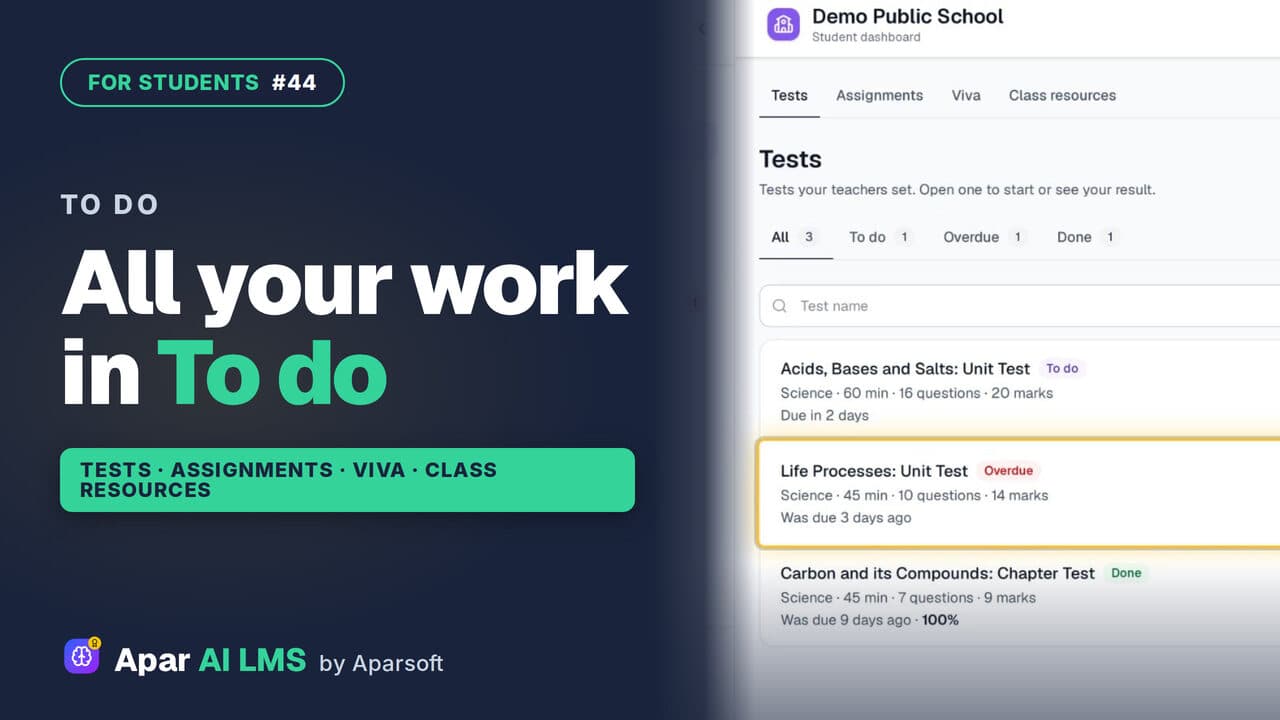 Length1:39#44 · Students
Student To Do: Tests, Assignments, Vivas
To do holds all the work your teachers set, in four tabs: tests, assignments, vivas and class resources, with what is late clearly marked.
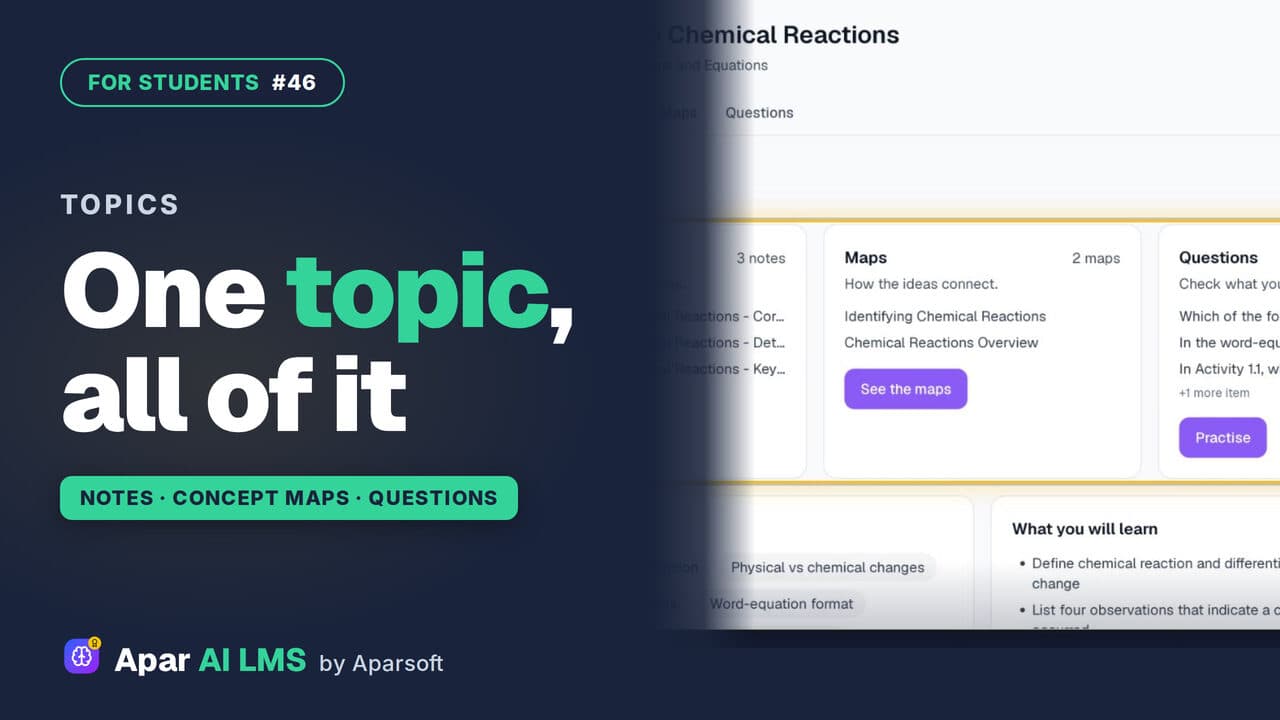 Length1:13#46 · Students
Topic Notes, Concept Maps and Practice
One topic at a time: short notes, concept maps of how the ideas connect, and practice questions that show at once if you got it right.
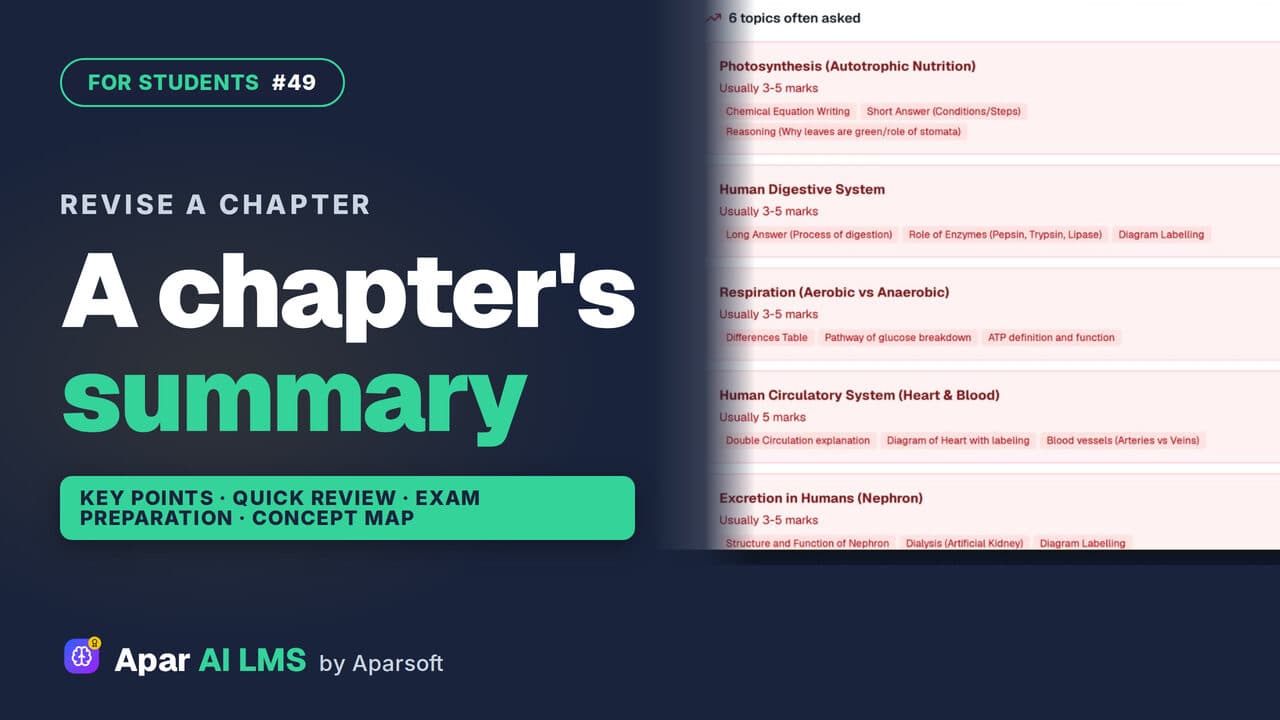 Length1:25#49 · Students
Chapter Summary and Concept Map for Revision
Revise a chapter kind by kind: key points, a quick review, exam preparation, the main concepts, and a concept map of how its ideas connect.
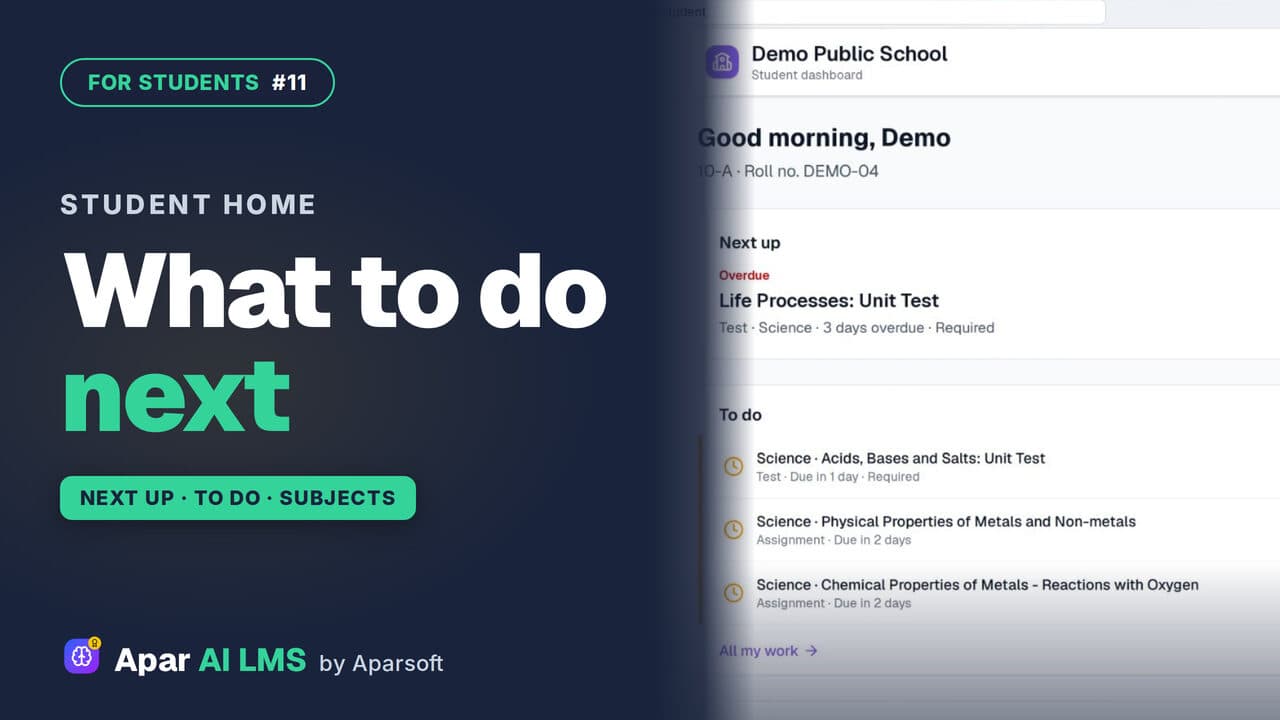 Length1:36#11 · Students
Student Dashboard: What to Do Next
Next up names the one thing to do now, To do lists the rest with due dates, and My subjects shows how each subject is going.
Try it on your own school
Start the 2-month free trial. No payment.
- No payment
- No commitment
- Onboarding included