The visual encyclopedia: labelled picture books to read and hear with your class
Picture books by subject, each page a big labelled picture. Read it with your class, or press Listen to hear the page read aloud.
Every screen in the films is the real product, shown on a demo school made for them.
Sometimes a class needs to see a thing before the words make sense: the lungs, a leaf, a machine. The visual encyclopedia in Apar AI LMS is a set of picture books on science, history and more. Each page is a big picture with its parts labelled, and the app can read each page aloud, which helps when the whole class is looking at it together.
The film opens the encyclopedia from the Library, picks Biology, opens the book on respiration, and then reads and listens to it.
Step by step
Open the encyclopedia
Press Library on the left, then Encyclopedia. The picture books are grouped by subject.
Watch from 0:00Pick a subject
Choose a subject; the film picks Biology. Each book's card shows how many pages it has and which classes it suits, so you can tell quickly whether it fits your class.
Watch from 0:15Open a book's page
Open a book; the film opens Respiration — How We Breathe. Its page gives the name in English and Hindi, a short overview and some fun facts, useful for opening a lesson.
Watch from 0:15Read the book
Press Read and listen. Each page is one big picture, with labels sitting on the parts they name.
Watch from 0:32Hear it read aloud
Press Listen at the top and the page is read out. Students who find reading hard can follow along by ear.
Watch from 0:32
Good to know
English and Hindi
A book's own page gives its name in both English and Hindi. In the film, the page is read aloud in English.
Check the classes on the card
Each book says which classes it suits, so look at the card before you choose one for your class.
What was on screen
The demo school's teacher account. The film only reads; nothing is changed or shared.
Questions
- Which classes is each encyclopedia book for?
- Each book's card says the classes it suits, and how many pages it has.
- Can the encyclopedia read pages aloud?
- Yes. Open a book with Read and listen, then press Listen at the top, and the page is read aloud.
- What is on an encyclopedia book's page?
- Its name in English and Hindi, a short overview and fun facts. Read and listen then opens the book itself.
What the film saysThe narration, scene by scene.
The visual encyclopedia. This is the teacher dashboard. Here is the encyclopedia: picture books on science, history and more, to read and hear.
Library, Encyclopedia. Press Library, then Encyclopedia.
Pick a subject. Pick a subject. Each book shows how many pages it has, and the classes it suits.
Its own page. Open Respiration. Its name is in English and Hindi, with an overview and fun facts.
Read and listen. Press Read and listen. Each page is a big picture, with labels on it.
Hear it read aloud. The Listen button, at the top, reads each page aloud.
Coming up. Next: Reports.
Watch next
 Length1:15#40 · Teachers
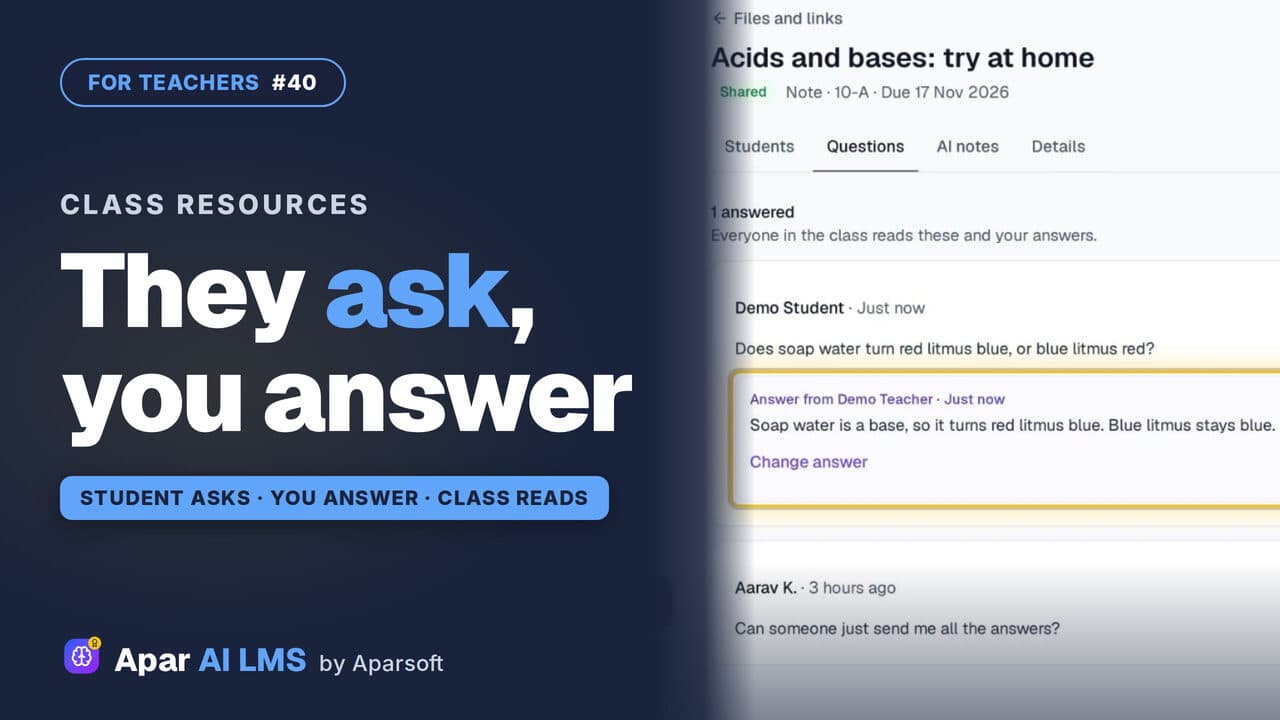
Answer Student Questions on Shared Notes
Students ask under the notes you share. Your Home tells you a question is waiting, and your answer is there for the whole class.
 Length1:22#42 · Teachers
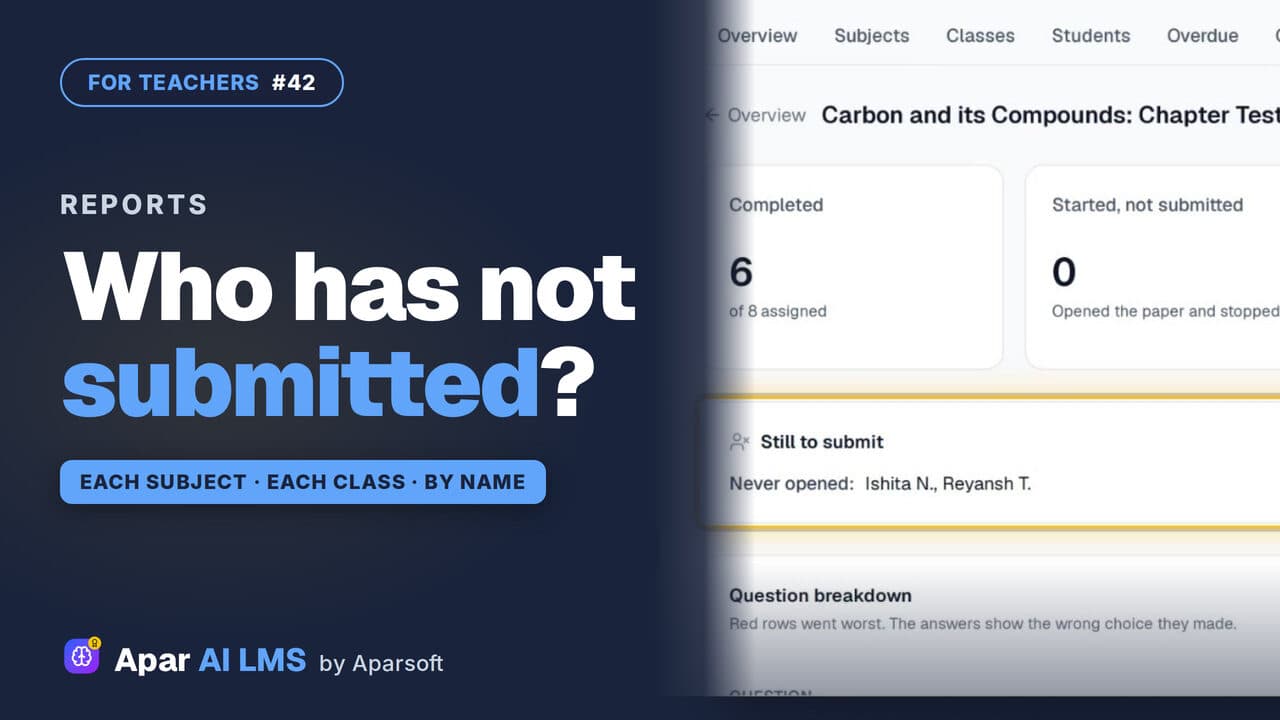
Teacher Reports: Who Has Not Submitted
Reports scores each subject and class apart, names the students still to submit, and shows how the class did on every question.
 Length1:24#29 · Teachers
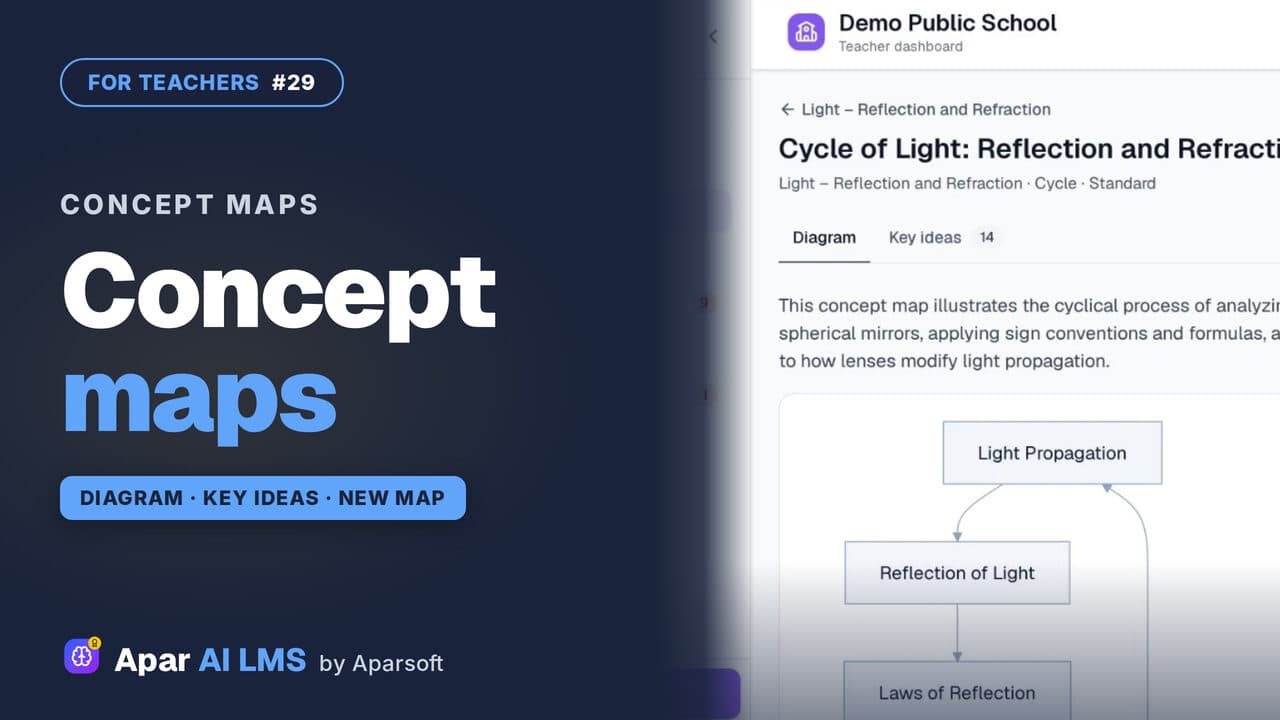
Concept Maps: Open One or Make Your Own
Each chapter has a concept map of how its ideas connect. Make your own for a topic: pick the detail and the shape, and AI draws it.
Try it on your own school
Start the 2-month free trial. No payment.
- No payment
- No commitment
- Onboarding included