Apar AI LMS in under three minutes: a school LMS with AI built in
The whole product in under three minutes: the office's Home, a full chapter, a test paper, AI help for students and marking.
Every screen in the films is the real product, shown on a demo school made for them.
If you have three minutes to decide whether Apar AI LMS is worth a closer look, start here. The film shows what changes for each role in a school: the office sees what needs doing today, teachers find every chapter ready to teach, and students get help from AI when they are stuck.
It moves quickly, so this guide sets out each part, what it means for your school, and which detailed guide to read next.
Step by step
One Home for each role
The office, each teacher and each student sign in to their own Home. Each Home lists what needs that role today, the most urgent first.
Watch from 0:00The office sees the problems first
For the school office, Home shows overdue fees, fee proofs to check and students who need attention. Each row opens the work behind it.
Watch from 0:30Every chapter arrives full
Teachers find concept maps, lesson plans, notes and questions built from the NCERT chapter itself and checked for accuracy. The film opens a concept map and a lesson plan, step by step with minutes for each part of the period.
Watch from 0:40Share it with a class
A chapter's notes go to a class with Share with classes, a tick on the class and Share.
Watch from 0:40A test paper from several chapters
Choose which chapters a paper covers and how many marks each one gets. The paper is made with an answer for every question.
Watch from 1:15AI help when a student is stuck
The student's Home says what to do next. AI Explain goes over a hard part again in simple steps; practice gives feedback on a written answer, what is right and what is missing; case-study games teach the chapter through a role; and in a viva, currently in beta, a virtual teacher asks out loud and the student answers by speaking.
Watch from 1:29Marking stays with the teacher
Answers to mark wait on the teacher's Home. For a written answer the AI suggests a mark and a remark; the teacher checks it and decides. Home also shows who needs help while there is still time before the exam.
Watch from 1:59Getting started
A new school begins with one checklist: details and logo, classes, teachers and students.
Watch from 2:21
Good to know
Three roles only
Apar AI LMS has three dashboards: the school office, teachers and students. Parents do not get a login of their own.
Technology in education, not education on technology
The AI drafts and explains; the teacher reviews, decides and teaches. MCQs are marked automatically, and written answers always end with the teacher.
Every screen is real
The film is made on a demo school. AI Explain, the practice feedback, the viva's question and the suggested mark are real replies, made while filming.
Questions
- What is Apar AI LMS?
- A learning management system for NCERT-aligned schools, Classes 1 to 12, with each chapter's teaching material ready on day one, AI help for students and a Home for the office, each teacher and each student.
- Does the AI mark students' answers?
- MCQs are marked automatically. For written answers, the AI suggests a mark and a remark, and the teacher decides.
- Which boards is it for?
- CBSE and State Boards that use NCERT textbooks, for Classes 1 to 12.
What the film saysThe narration, scene by scene.
A school LMS with AI built in. A school LMS, with AI built in. Teachers get every chapter ready to teach. Students get AI help when they are stuck. And the office sees what needs doing today.
One Home for each role. Apar AI LMS gives every role its own Home. One for the office. One for each teacher. One for each student. Each Home says what needs them today, most urgent first.
The office. For the office: fees overdue, fee proofs to check, students who need attention. Each row opens the work.
Every chapter arrives full. For teachers, every chapter arrives full. Concept maps, lesson plans, notes and questions, built from the NCERT chapter itself, and checked for accuracy.
A concept map and a lesson plan. Open the concept map: how the chapter's ideas connect. Back in the chapter, open the lesson plans, and pick one: each step of the period, with its minutes.
Share it with the class. Share it with a class in a few clicks. Press Share with classes, tick 10-A, and press Share.
A test paper from three chapters. Need a test paper? Pick the chapters and their marks, and the paper is ready, every question with its answer.
The student. The student's Home says what to do next.
AI Explain, when stuck. Stuck on a hard part? AI Explain goes through it again, in simple steps.
Practice, with feedback. Writing an answer? Practise it, and get feedback at once: what is right, and what is missing.
Case-study games. Or learn the chapter by playing a role: missions to finish, and points to earn.
A viva, out loud. In a viva, a virtual teacher asks out loud, and the student answers by speaking.
The AI suggests, the teacher decides. Answers to mark wait on the teacher's Home. Press Mark now, and open an answer. For a written answer, the AI suggests a mark and a remark. The teacher checks it, and decides.
Who needs help. And Home shows who needs help, while there is still time before the exam.
A new school's checklist. A new school starts with one checklist: details and logo, classes, teachers, and students.
Book a free demo. Apar AI LMS. Three dashboards, one school, ready on day one. Book a free demo for your school, at aparailms.com.
Watch next
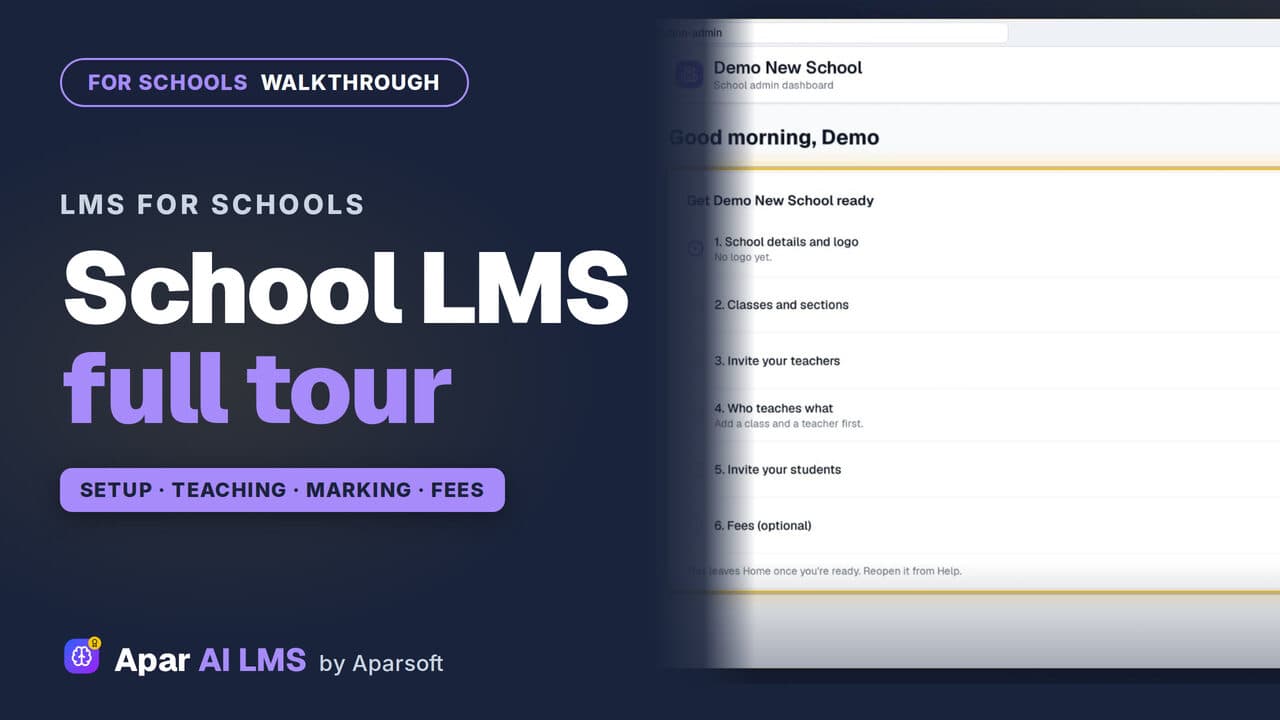 Length2:56Tour
Apar AI LMS Walkthrough: A School's Year
From the first sign-in to the fees: the order a school actually uses Apar AI LMS in, in under three minutes.
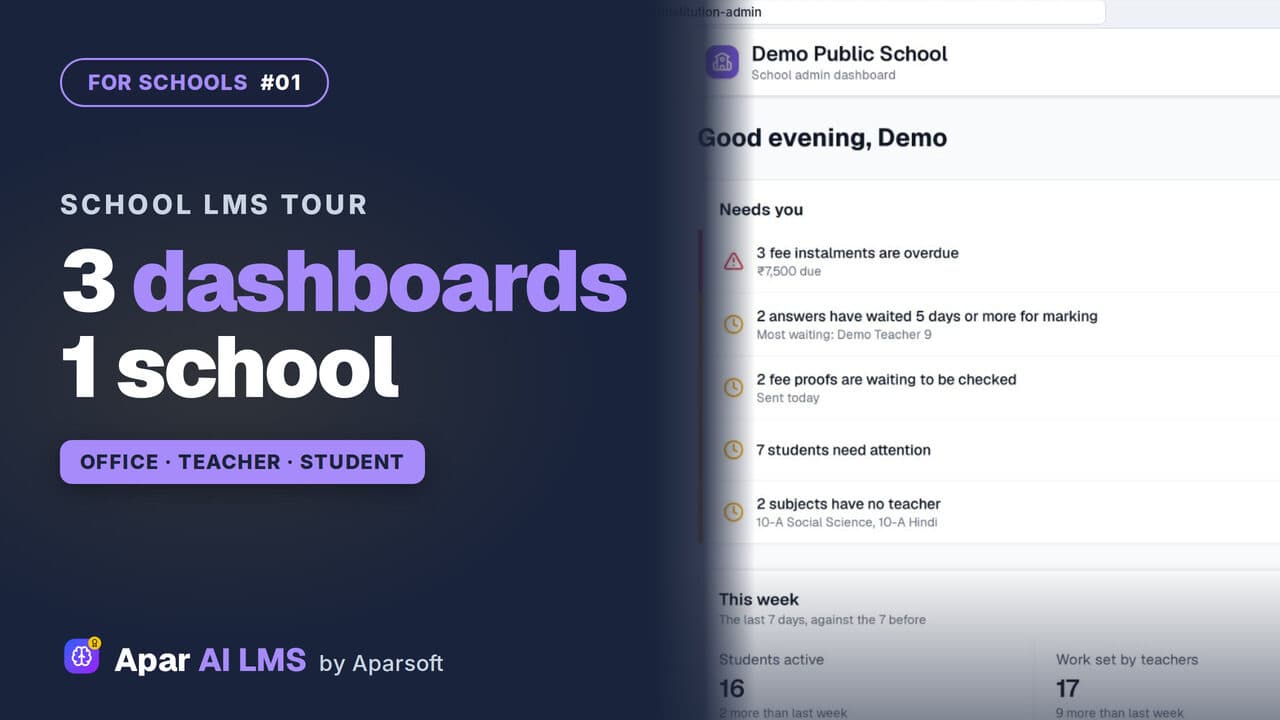 Length3:44#01 · School office
School LMS Tour: Office, Teacher and Student
One school, three roles. Follow a chapter from the teacher who shares it to the student who studies it, then the marking and the reports.
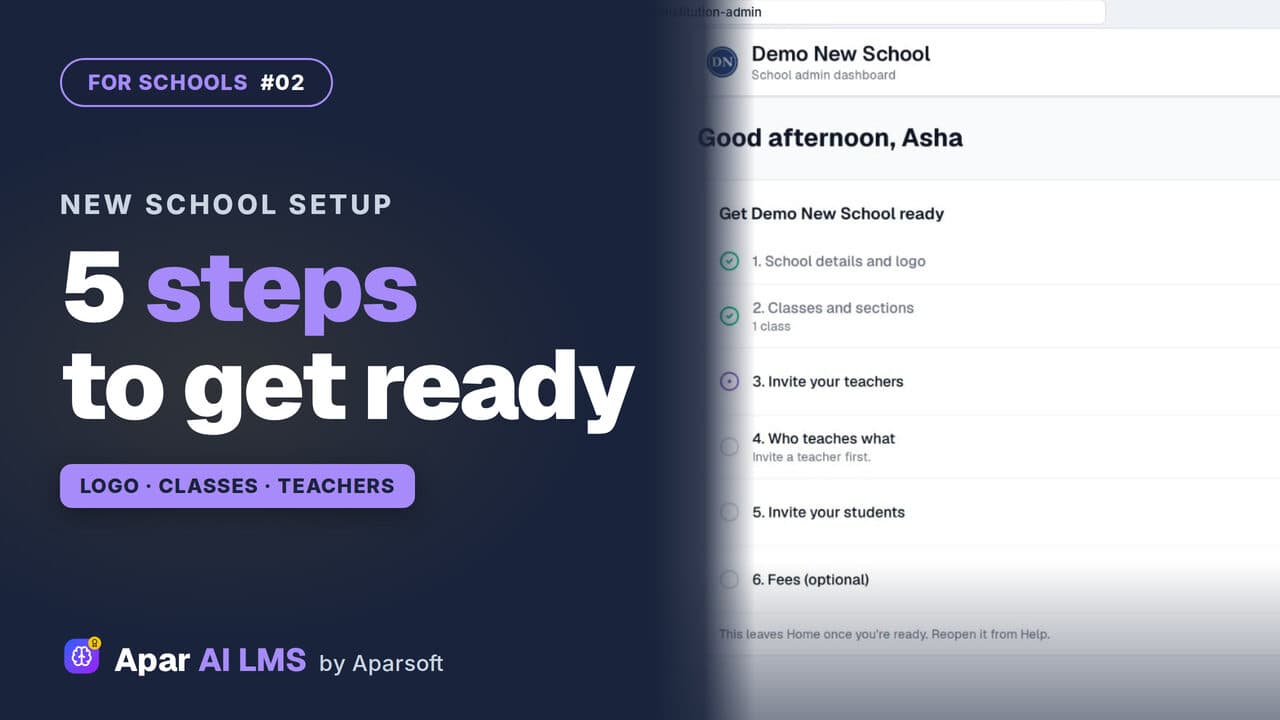 Length2:55#02 · School office
New School Setup Checklist in Apar AI LMS
A new school's first sign-in opens on one checklist. Add the logo and a class, invite a teacher and a student, and watch the list move on by itself.
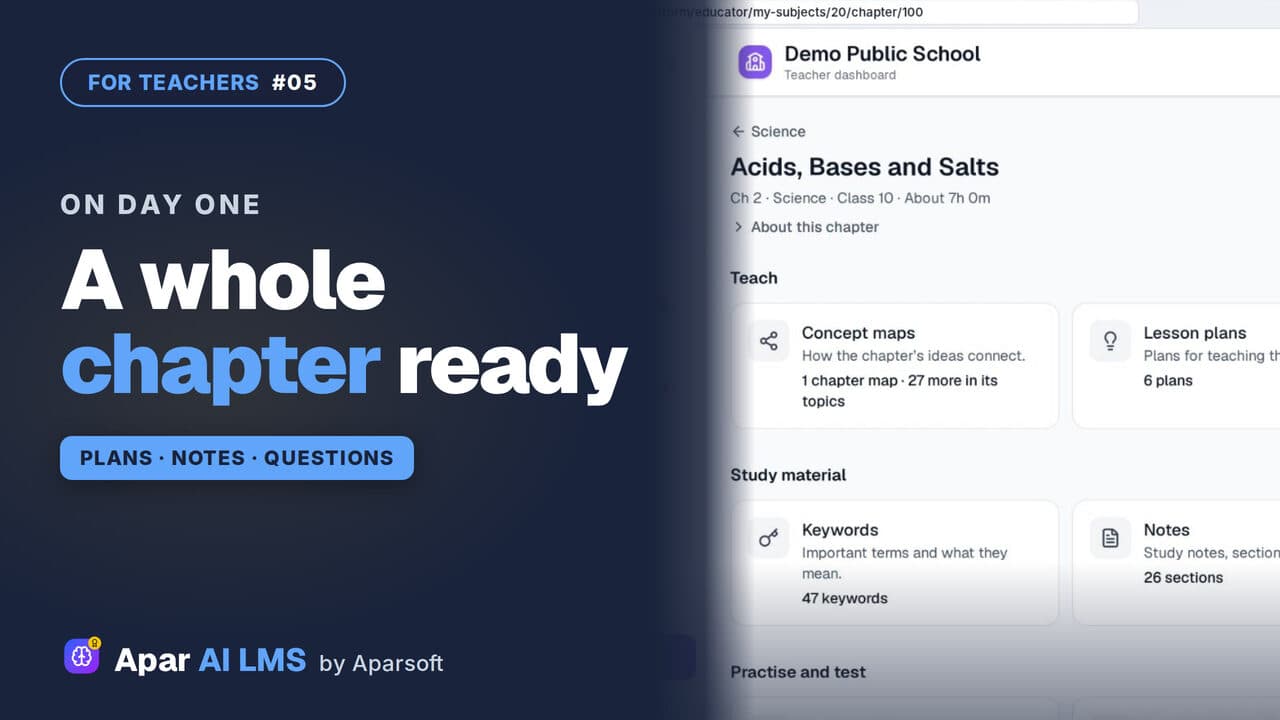 Length2:03#05 · Teachers
NCERT Chapter Ready to Teach on Day One
Open one chapter and see everything that is ready for you: maps, plans and summaries to teach, notes to study, and questions to practise and test.
Try it on your own school
Start the 2-month free trial. No payment.
- No payment
- No commitment
- Onboarding included