Find a ready lesson plan for a chapter and read it, from aims to homework
Each chapter has lesson plans that teach it different ways. Read one: aims, what you need, timed steps, checks, homework and help for every learner.
Every screen in the films is the real product, shown on a demo school made for them.
Writing a lesson plan by hand for every chapter and every section takes time a teacher rarely has. In the Library, each chapter already has lesson plans, each teaching it a different way, such as blended learning, a flipped classroom or a project. Pick the one that suits your class, read it before the period, and teach from it.
The film opens Class 10 Science, the chapter Metals and Non-metals, and reads its blended learning plan from start to finish.
Step by step
Open the Library
On the teacher dashboard, press Library. Your subjects are listed, each with the classes you teach it.
Watch from 0:10Pick the subject and the chapter
Press the subject, here Class 10 Science. Each chapter in the list shows what it has: keywords, notes, lesson plans and more. Press the chapter, Metals and Non-metals.
Watch from 0:10Open Lesson plans
The chapter's page groups what you teach with, the study material and the practice. Press Lesson plans: each plan teaches the chapter its own way, such as blended learning, a flipped classroom or a project.
Watch from 0:44Read the aims and what you need
Open the blended learning plan. It starts with what students will learn, each at their own level, and what you need to have ready for the lesson.
Watch from 0:57Follow the steps and their minutes
Under Steps, each part of the lesson has its minutes, so you can see how the period is divided before you walk in.
Watch from 0:57Check learning and set homework
Under Checking, the plan says how to see that students have learnt it, and gives the homework to set.
Watch from 0:57Plan for every learner
Under Learners, the plan says what to do for students who need more help, and for students who are ready for more.
Watch from 1:24
Good to know
Already in the chapter
The lesson plans come with the chapter; nobody has to upload or type them. The teacher chooses which plan suits the class.
One chapter, every section
Every section studying the chapter opens the same lesson plans, so teachers of different sections can plan from the same material.
Nothing changed on camera
The film reads the library's own lesson plans for Class 10 Science on a demo school made for these videos.
Questions
- Does Apar AI LMS have lesson plans for NCERT chapters?
- Yes. Under Library, each chapter has its lesson plans, ready to read. The film shows Class 10 Science, Metals and Non-metals.
- What is in a lesson plan?
- What students learn and at what level, what you need, the steps with their minutes, how to check learning, the homework, and what to do for students who need more help or are ready for more.
- What kinds of lesson plans are there?
- Each plan teaches the chapter a different way: blended learning, a flipped classroom, a project and more.
What the film saysThe narration, scene by scene.
Lesson plans. This is the teacher dashboard. Here is how to find a lesson plan for a chapter, and read it.
Library. On the left, press Library. Your subjects are here, with the classes you teach them.
A subject's chapters. Press Class 10 Science. Each chapter shows what it has: keywords, notes, lesson plans, and more.
The chapter's page. Press Metals and Non-metals. Its page has what you teach with, study material, and practice.
Lesson plans. Press Lesson plans. Each plan teaches the chapter a different way: blended learning, a flipped classroom, a project, and more.
One plan. Press the blended learning plan. It says what students learn, each at its level, and what you need for the lesson.
Steps. Steps: each part of the lesson, with its minutes.
Checking. Checking: how to see that students have learnt it, and the homework.
Learners. Learners: what to do for students who need more help, and for students ready for more.
Coming up. Next: Notes, keywords and the chapter summary.
Watch next
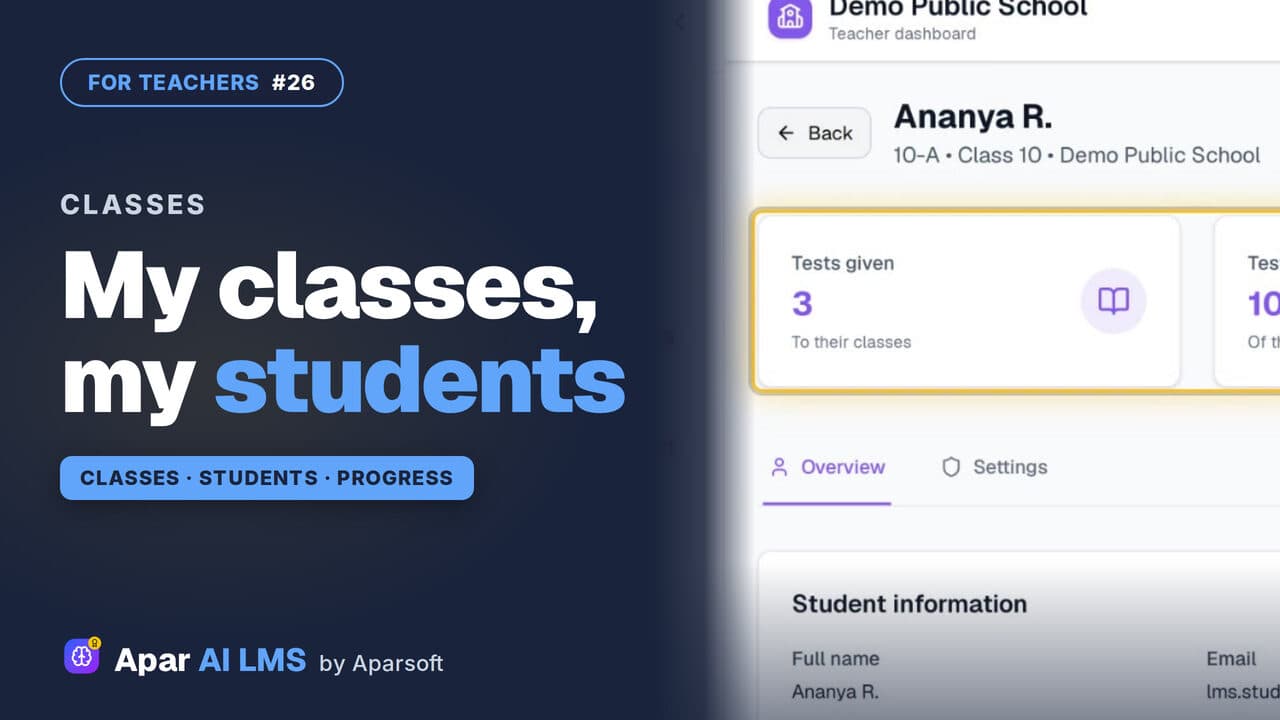 Length1:33#26 · Teachers
See Your Classes and Students as a Teacher
Your classes and subjects, your students class by class, and each student's page with tests done, a parent's contact and progress.
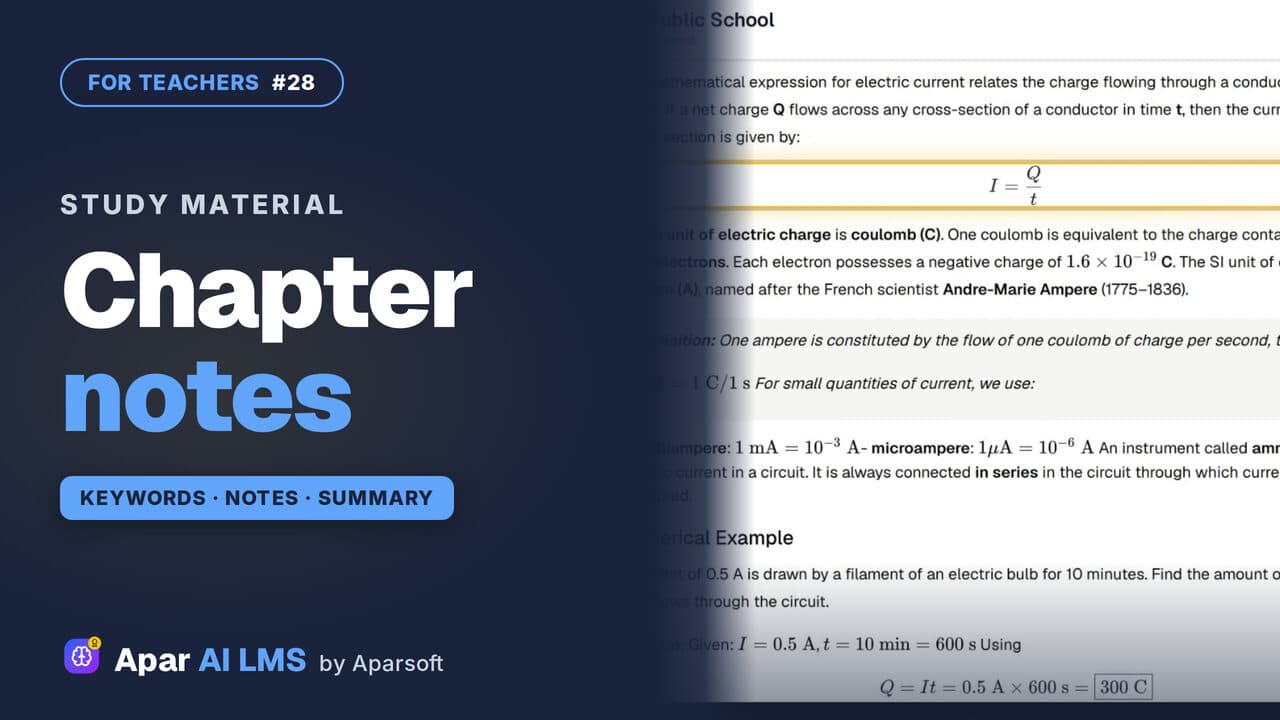 Length1:31#28 · Teachers
Chapter Notes, Keywords and Summary
Keywords one kind at a time, notes with their equations, and a summary with key points, formulas, a quick review and exam preparation.
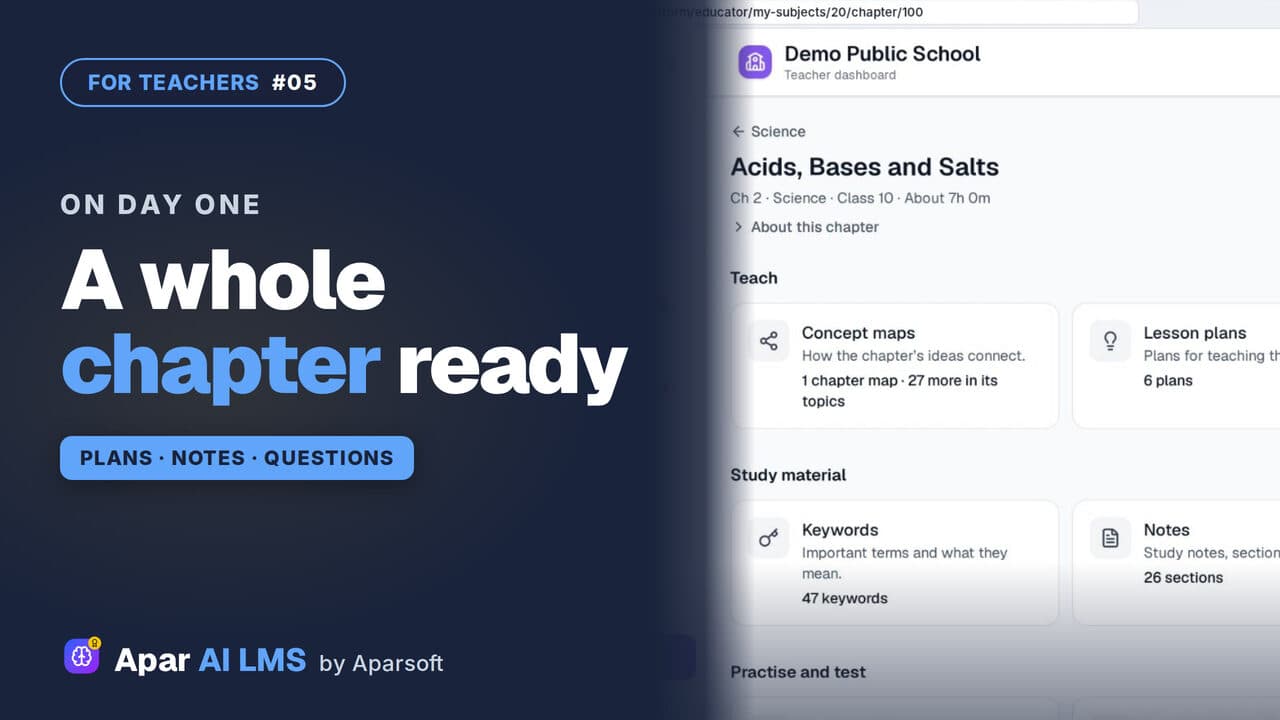 Length2:03#05 · Teachers
NCERT Chapter Ready to Teach on Day One
Open one chapter and see everything that is ready for you: maps, plans and summaries to teach, notes to study, and questions to practise and test.
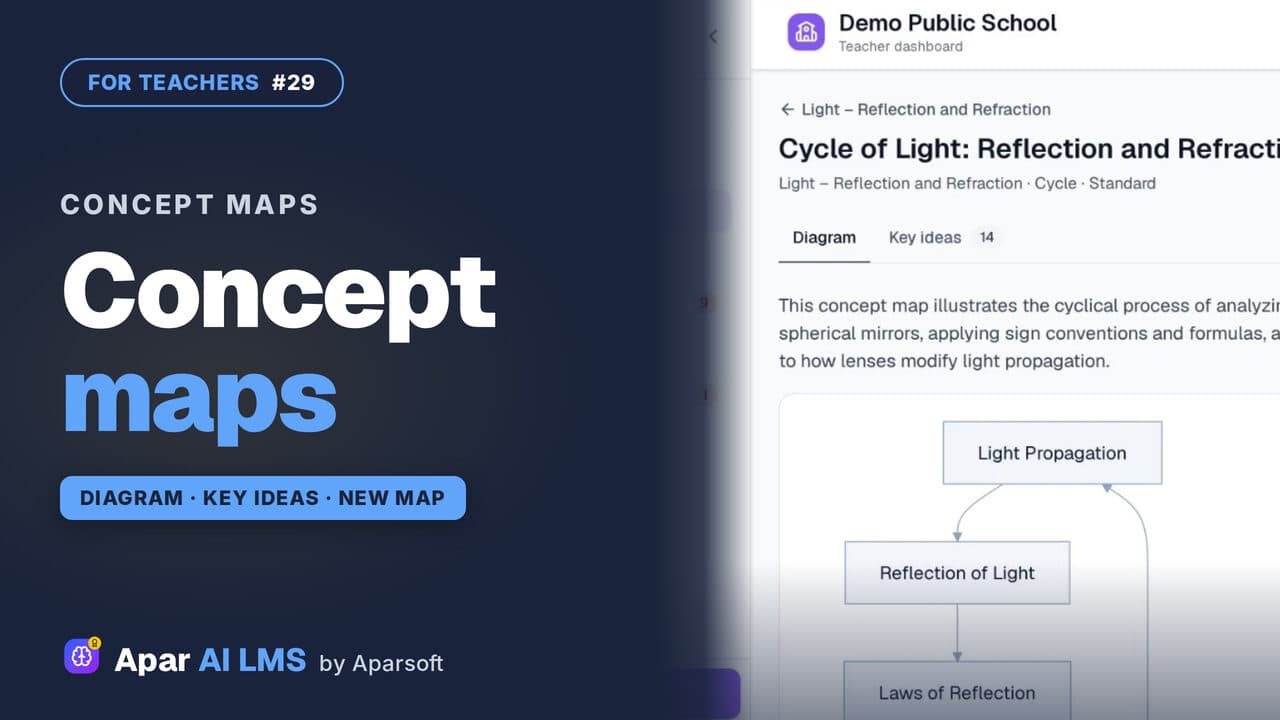 Length1:24#29 · Teachers
Concept Maps: Open One or Make Your Own
Each chapter has a concept map of how its ideas connect. Make your own for a topic: pick the detail and the shape, and AI draws it.
Try it on your own school
Start the 2-month free trial. No payment.
- No payment
- No commitment
- Onboarding included