Take an online test: start it, answer against the clock, submit and see the solutions
From To do to the solutions: read the rules, answer against the clock, get marked as soon as you submit, and see the right answers after the due date.
Every screen in the films is the real product, shown on a demo school made for them.
An online test in Apar AI LMS works much like a test in class: you know the time and the marks before you start, the clock counts down, and once you submit you see your marks straight away. While the test is open, the app won't show its answers, not even when the same question turns up in your chapter practice.
The film shows that, then takes a short test on Class 10 Science from To do all the way to the solutions.
Step by step
Answers wait while a test is open
In a chapter's practice questions, a question that is on a test you have open keeps its answer back until after the test. Questions on no open test still show their answer as usual.
Watch from 0:00Find your test
Press To do on the left. Your tests are listed with when each one is due. Press the test.
Watch from 0:18Read the time, marks and rules
The test's page shows how long it lasts, its marks and its rules, including when the answers open. In the film, they open after the due date.
Watch from 0:18Start the test
Press I have read this. Start the test. The questions come one at a time while the clock counts down.
Watch from 0:37Answer each question
Pick your answer, then press Next. Go through every question the same way.
Watch from 0:37See your marks
The test is marked at once: your marks, and how many you got right. Open a question to see the answer you gave; the right answers wait until the due date.
Watch from 0:59See the solutions
Once the due date has passed, press See solutions for the right answer to each question and the reason.
Watch from 1:20
Good to know
When answers open
The test's page says when its answers open. In the film that is after the due date, so the solutions appear only then.
Marked as soon as you submit
The questions in the film are choice questions, marked automatically the moment you submit.
What was on screen
A demo school and its demo student, with a test made for the film. To show the solutions, the film moved the test's due date to the day before.
Questions
- When can I see the answers to an online test?
- The test's page tells you. In the film the right answers open after the due date, under See solutions.
- Why does a practice question say its answer comes after the test?
- Because that question is on a test you have open. Its answer is kept back until after the test.
What the film saysThe narration, scene by scene.
Answers wait. This is the student dashboard, on a chapter's questions. While a test is open, its questions keep their answers until after the test.
Others still open. Questions on no open test still show their answer.
Your tests. On the left, press To do. Your tests are here, with when each is due.
Open the test. Press the test.
Time, marks, rules. Read how long it is, its marks, and the rules. Here, the answers open after the due date.
Start. Then press: I have read this. Start the test.
One at a time. One question at a time. The clock counts down.
Answer. Pick your answer, then press Next.
Every question. Answer every question the same way.
Submit. Then press Submit. Press Submit again to be sure.
Marked at once. It is marked at once: your marks, and how many you got right.
Your own answers. Open a question to see your own answer. The right answers open after the due date.
After the due date. Once the due date has passed, press See solutions: the right answer, and why.
Coming up. Next: AI viva: answer out loud.
Watch next
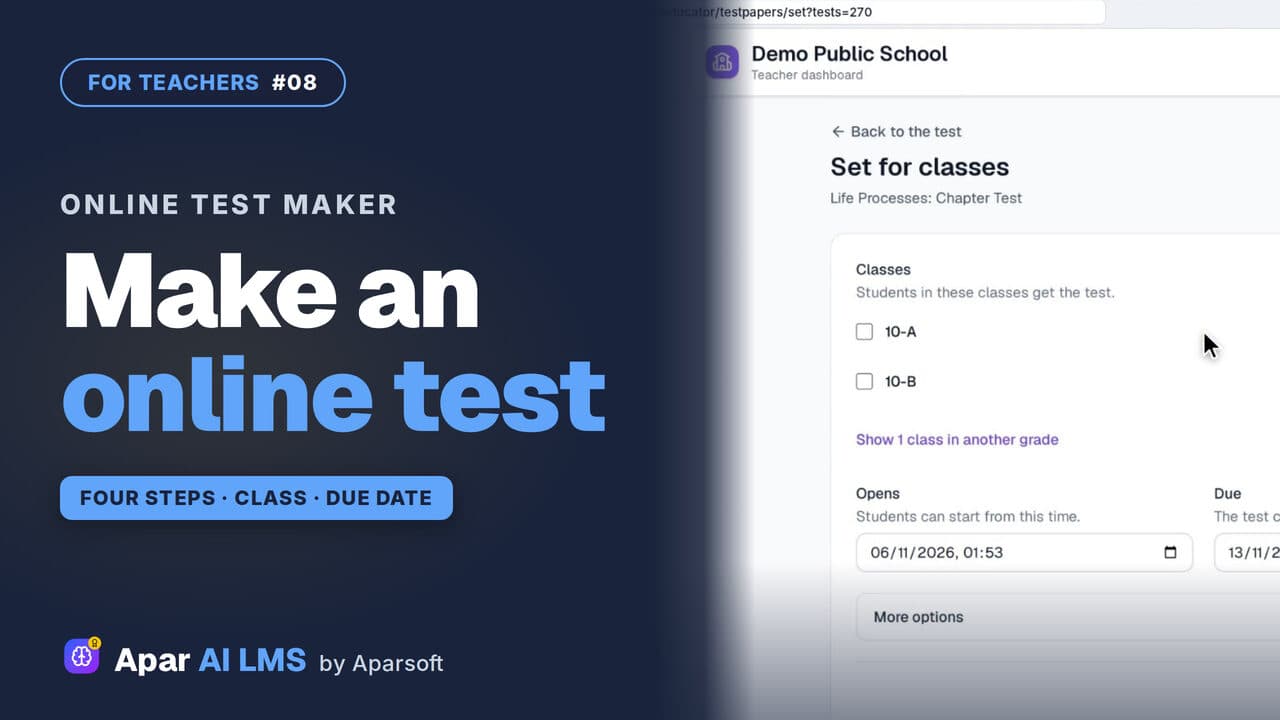 Length2:45#08 · Teachers
Make an Online Test and Set It for a Class
Four steps make a chapter test. Choose when students see the answers, set it for a class, and it appears on their To do list.
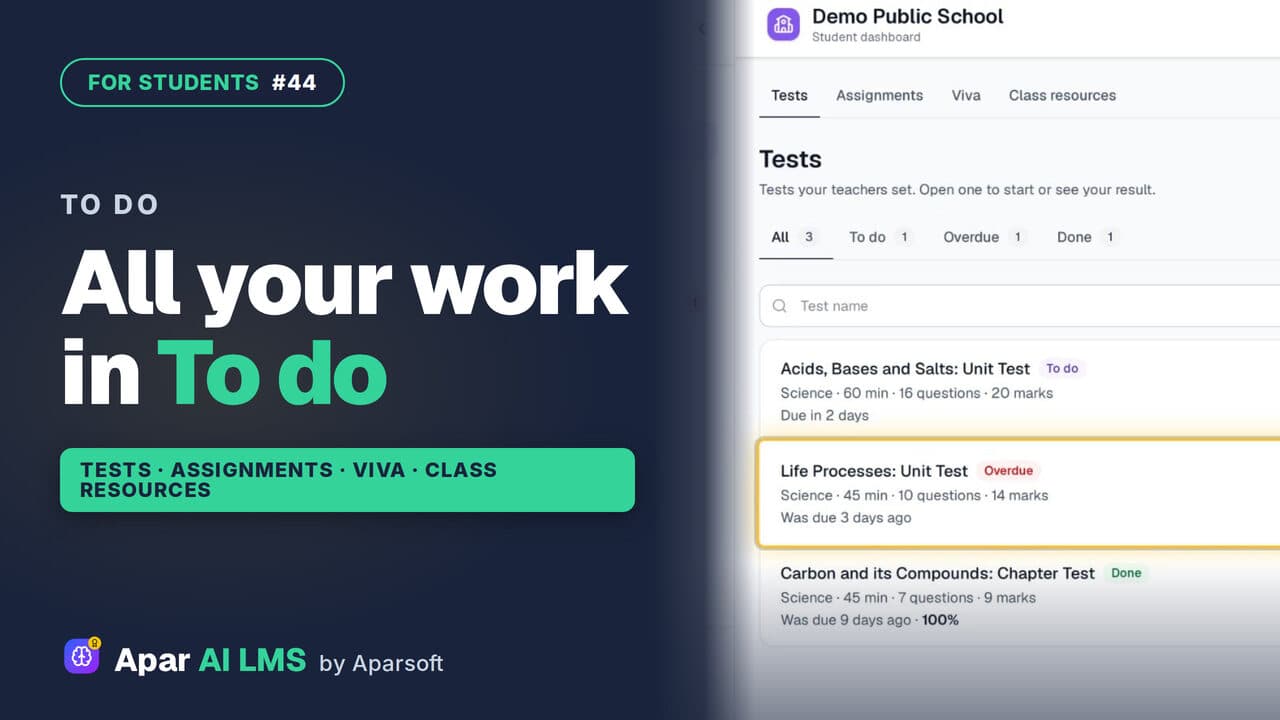 Length1:39#44 · Students
Student To Do: Tests, Assignments, Vivas
To do holds all the work your teachers set, in four tabs: tests, assignments, vivas and class resources, with what is late clearly marked.
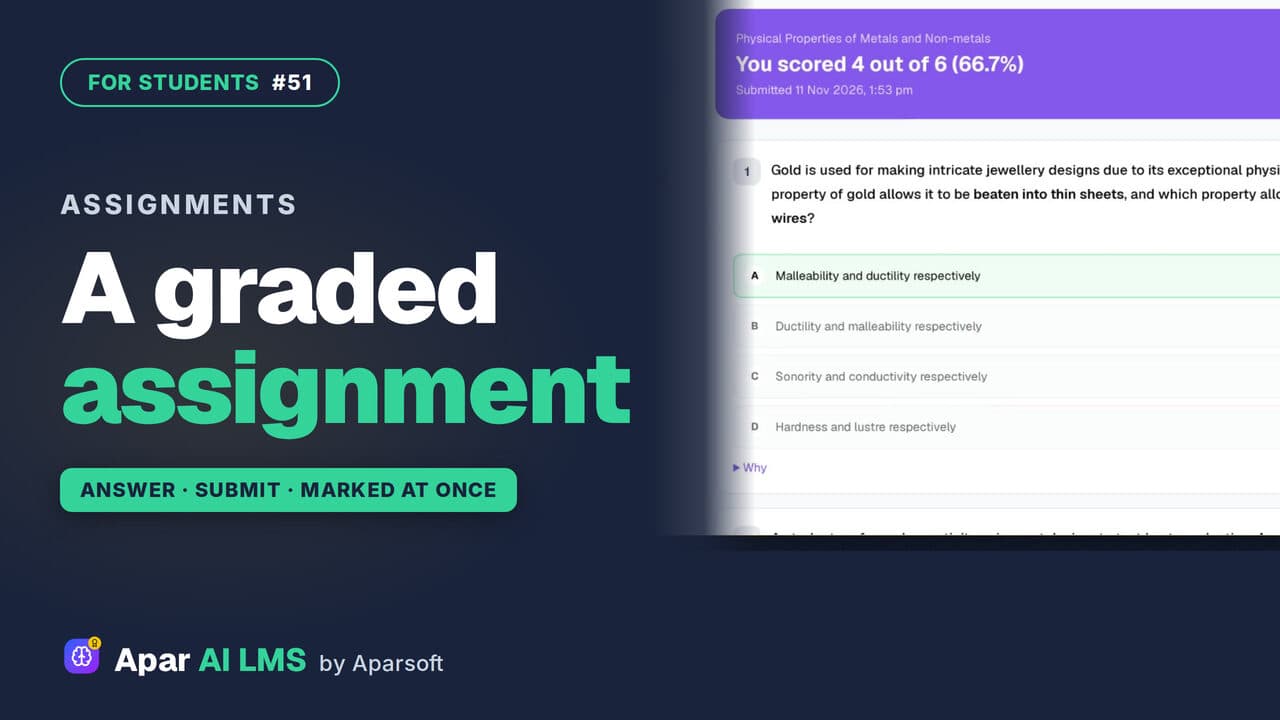 Length1:33#51 · Students
Graded Assignment: Answer, Submit, See Marks
Graded work your teacher set: one attempt, answers saved as you go, marked as soon as you submit, with the reason for every wrong answer.
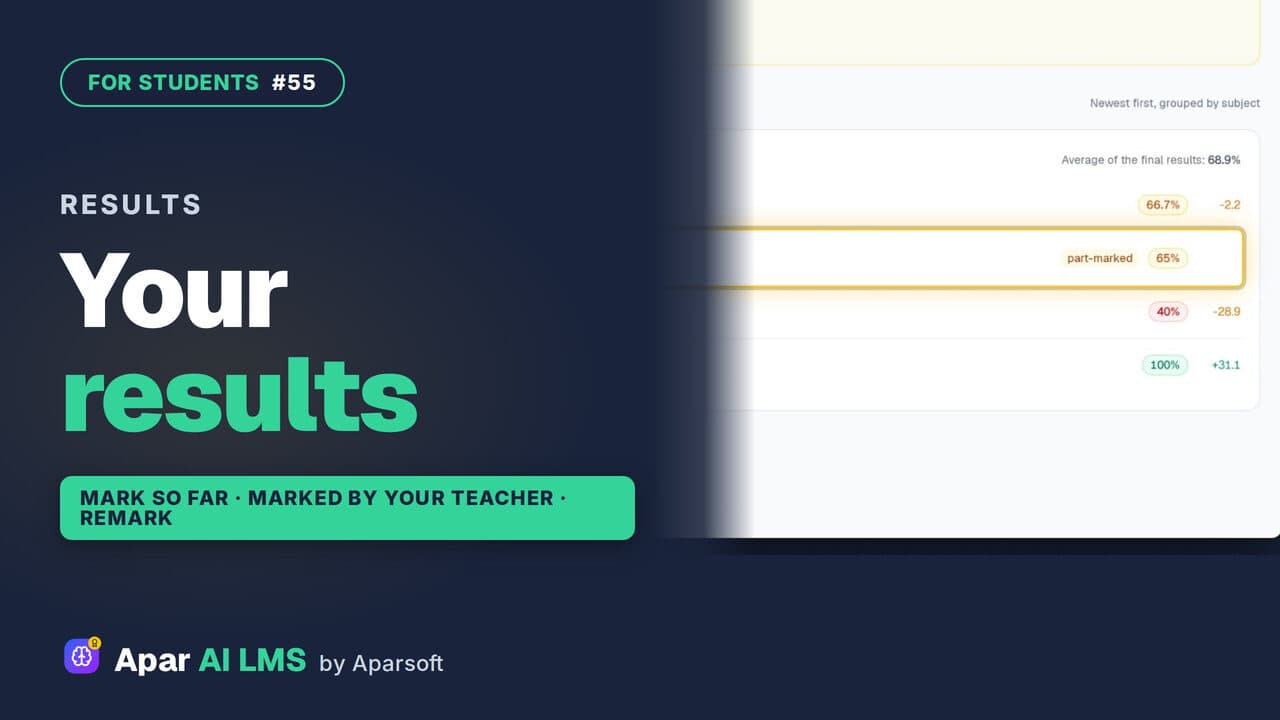 Length2:04#55 · Students
See Your Test Results and Teacher's Marks
Every result in one list, with work still with your teacher clearly shown. Follow a part-marked test until the teacher's marks make it final.
Try it on your own school
Start the 2-month free trial. No payment.
- No payment
- No commitment
- Onboarding included