Translate your notes, questions and summaries into Hindi or another Indian language
Notes, practice questions and chapter summaries each have Translate. Pick your language and read it there, through Bhashini, the Government of India's language service.
Every screen in the films is the real product, shown on a demo school made for them.
Many students understand an idea faster in the language they speak at home. In Apar AI LMS, note sections, practice questions and chapter summaries each have a Translate button. Pick an Indian language and the text appears in it, through Bhashini, the Government of India's language service.
The film translates a topic's note, a practice question with its options and solution steps, and a chapter summary, all into Hindi.
Step by step
Press Translate on a note
Open a topic's notes and press Translate on a section. A panel opens on the right.
Watch from 0:00Pick your language
Choose your language from the list (the film uses Hindi) and press Go. The note's title and text appear in Hindi.
Watch from 0:14Read to the end
Scroll down to read the whole section, then press the cross to close the panel.
Watch from 0:14Translate a question
Press Questions, then Translate under a question. Pick Hindi again and press Go. You get the question, its options and the steps to solve it, all in Hindi.
Watch from 0:35Translate a summary
Close the panel and go back to the chapter. Press Summaries, then the three dots, then Translate. Pick Hindi and press Go, and the summary appears in Hindi.
Watch from 0:52
Good to know
Bhashini does the translating
Translations come live from Bhashini, the Government of India's language service. If a sentence reads oddly, compare it with the English.
More than Hindi
The list has other Indian languages too. The film uses Hindi each time.
Questions keep their working
Translate on a practice question gives its options and the steps to solve it as well, so you can follow the working in your language, not just the question.
What was on screen
A demo school and its demo student. Each translation in the film was a live call to Bhashini.
Questions
- Can I read my notes in Hindi?
- Yes. Press Translate on a note section, pick Hindi and press Go. The note's title and text are shown in Hindi.
- Does Translate work on practice questions too?
- Yes. Translate under a question gives the question, its options and the steps to solve it in your language.
- Can I translate a chapter summary?
- Yes. On Summaries, press the three dots, then Translate, and pick your language.
What the film saysThe narration, scene by scene.
Your language. This is the student dashboard, on a topic's notes. You can read each one in your own language.
Press Translate. Press Translate. It opens on the right.
Pick a language. Pick your language from the list. Here, Hindi. Then press Go.
In Hindi. The note is in Hindi: its title, then its text.
Read to the end. Scroll down to read it to the end. Then press the cross to close it.
A question. Questions have it too. Press Questions, then Translate under a question.
Its options too. Pick Hindi again, and press Go. Here are the question, its options, and the steps to solve it.
A summary. Summaries have it too. Close it, and go back: to the topics, then to the chapter. There, press Summaries.
Translate a summary. Press the three dots, then Translate. Pick Hindi once more, and press Go.
The summary in Hindi. The summary, in Hindi.
Coming up. Next: AI practice: feedback on your answer.
Watch next
 Length1:13#46 · Students
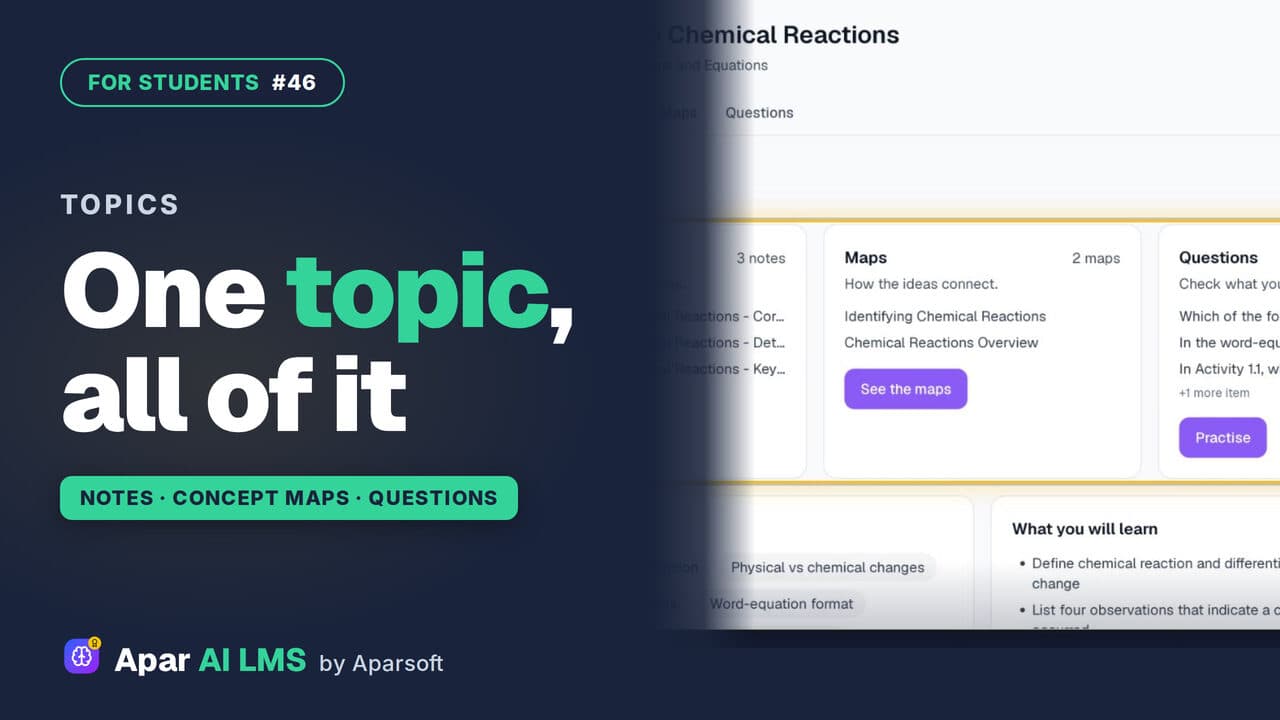
Topic Notes, Concept Maps and Practice
One topic at a time: short notes, concept maps of how the ideas connect, and practice questions that show at once if you got it right.
 Length1:24#48 · Students
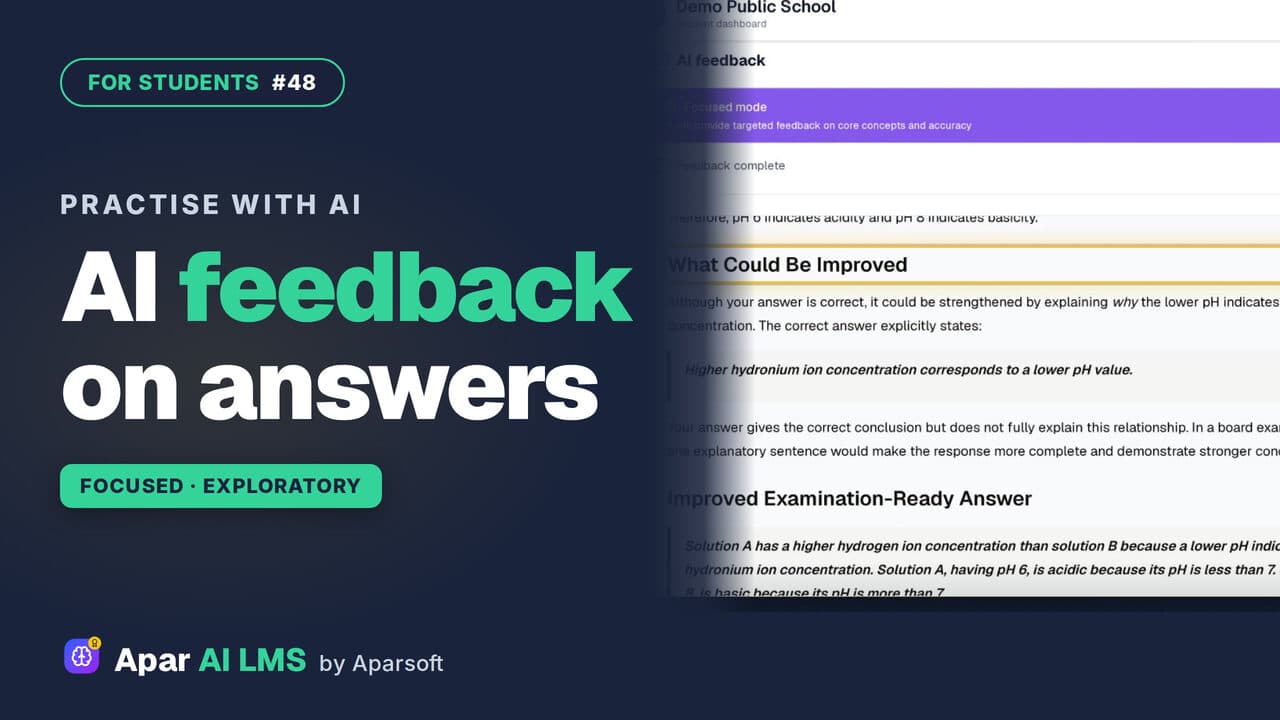
Answer Writing Practice With AI Feedback
Write an answer in your own words and get AI feedback in seconds: what you got right, what to improve, and ideas to take it further.
 Length1:40#12 · Students
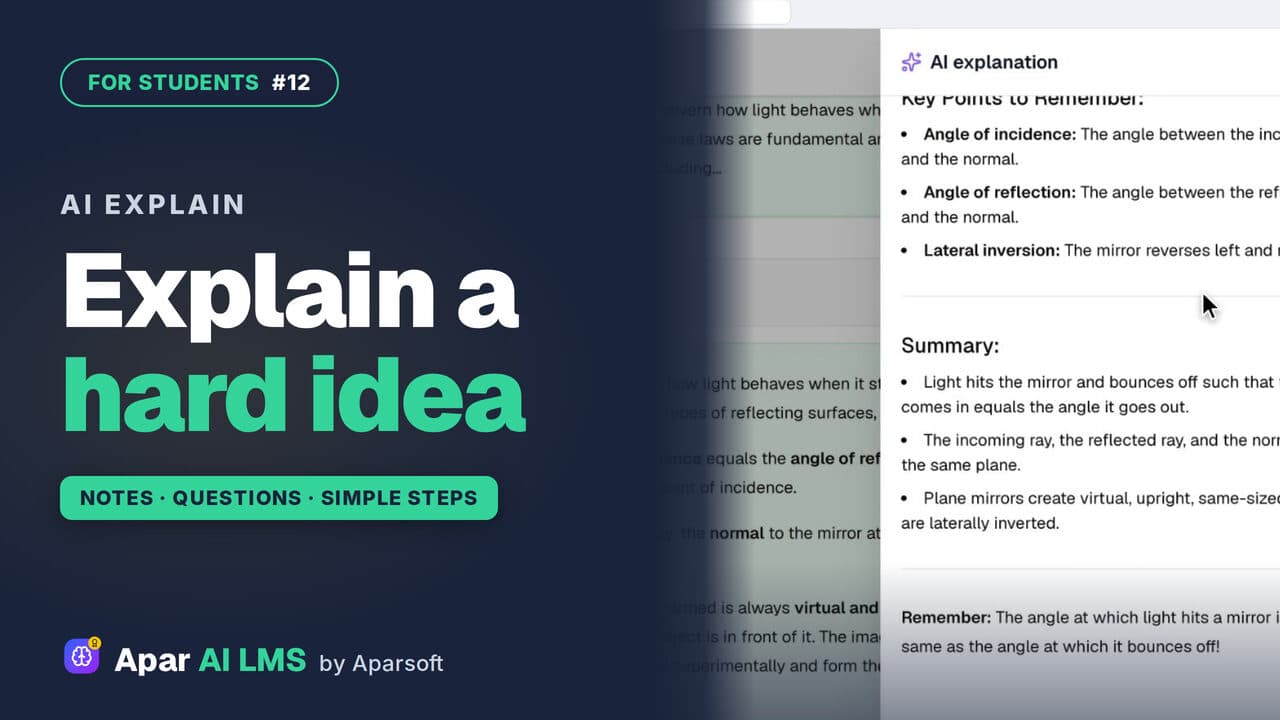
AI Explain: Help with Hard Ideas for Students
Stuck on a note? Press Explain with AI for the same idea in simple steps. Under an MCQ, it explains why the answer is right.
 Length1:25#49 · Students
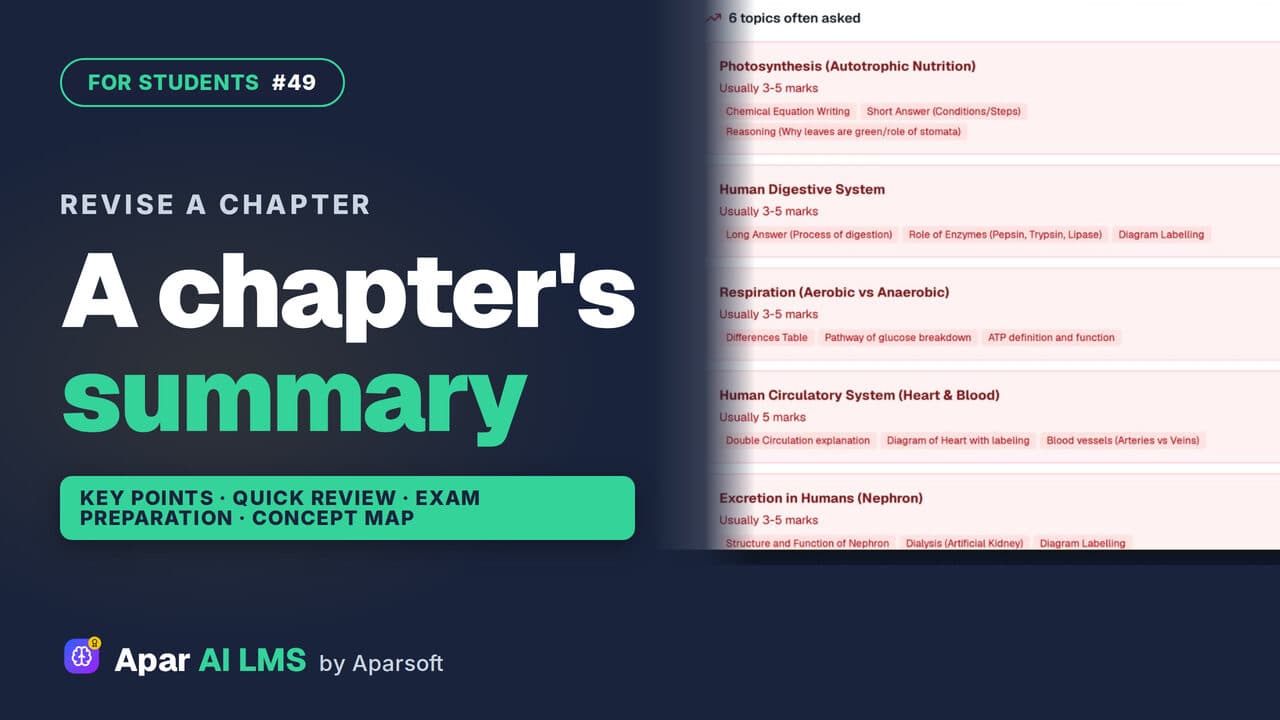
Chapter Summary and Concept Map for Revision
Revise a chapter kind by kind: key points, a quick review, exam preparation, the main concepts, and a concept map of how its ideas connect.
Try it on your own school
Start the 2-month free trial. No payment.
- No payment
- No commitment
- Onboarding included